3D website with React and Google Flow
Building a 3D website with React and Google Flow
This blog post will guide you through creating a 3D website with React and Google Flow. And we will use other google products like google stitch.
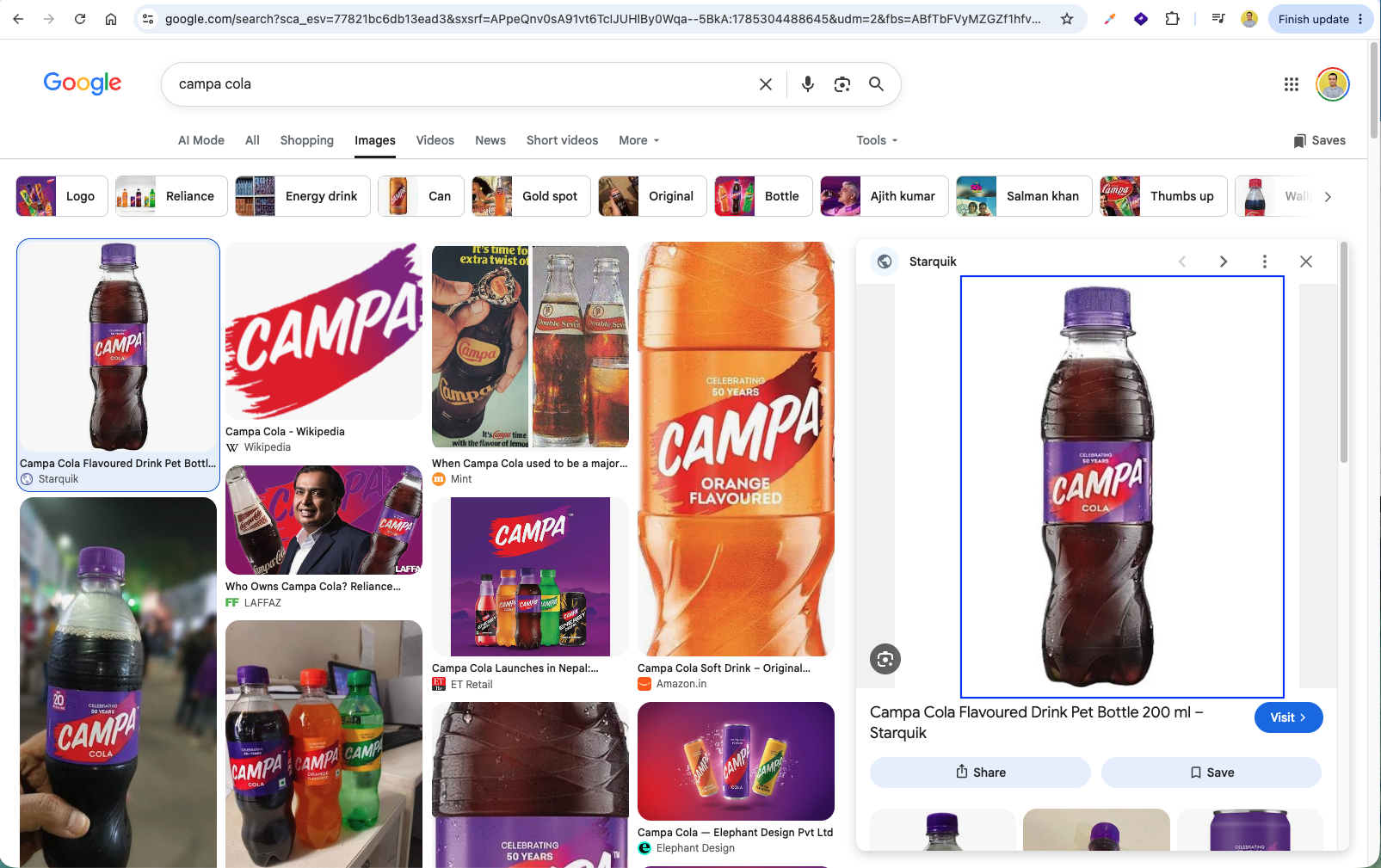
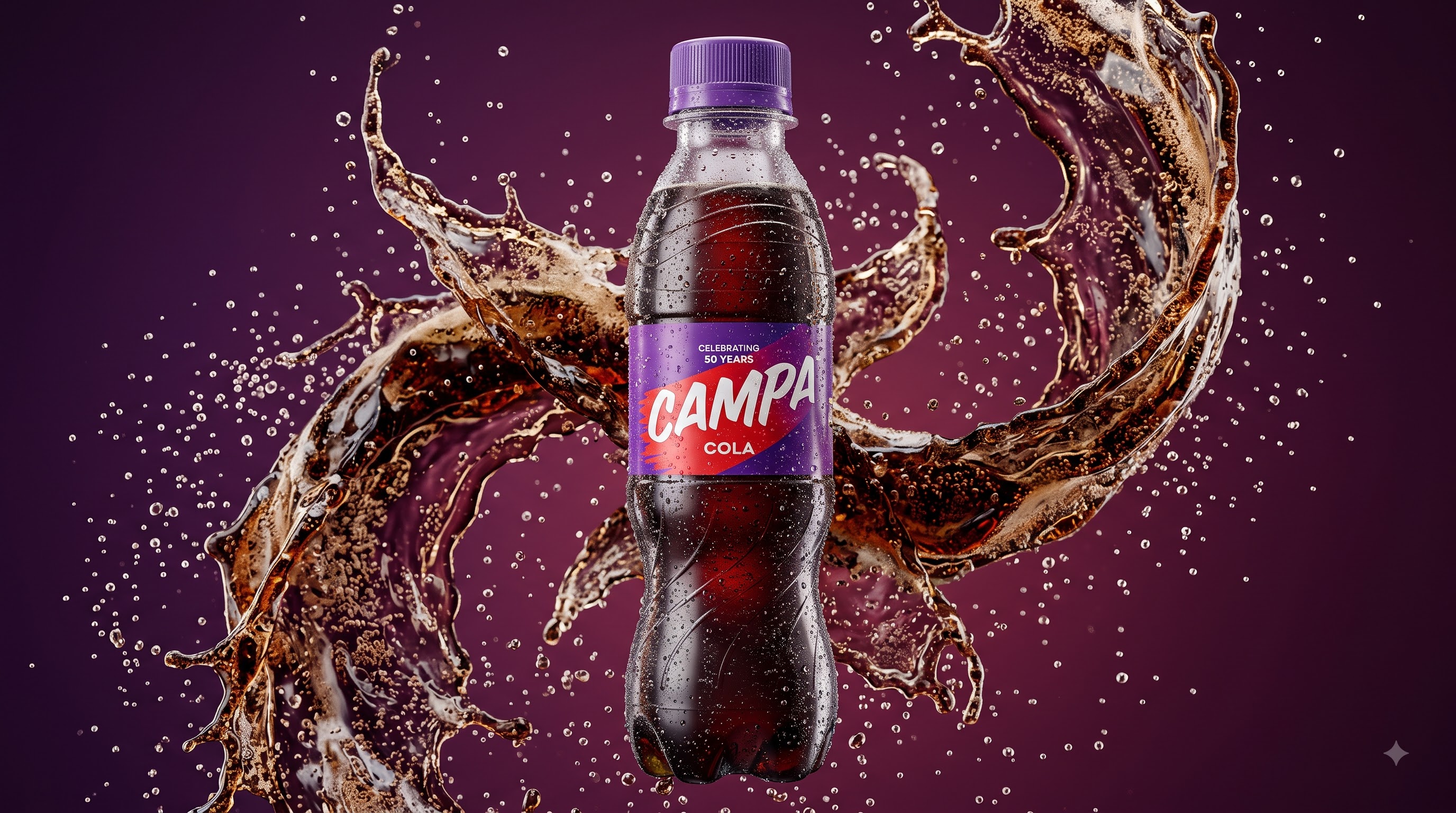
First, search for a clear reference image of a product bottle (such as Campa Cola) on Google Images.
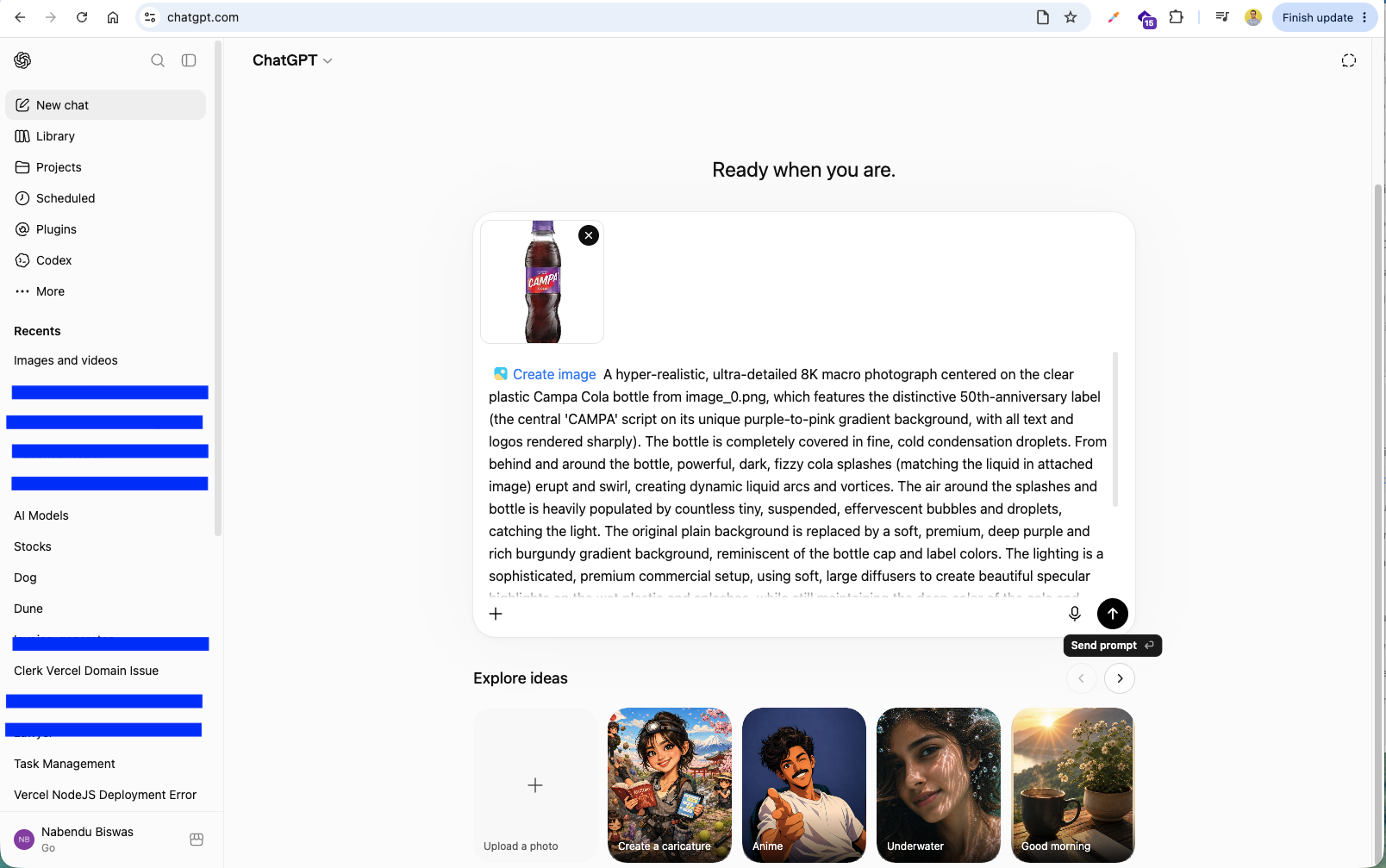
Next, open ChatGPT, upload the reference bottle image, and enter a detailed prompt to create a hyper-realistic 8K commercial product render with liquid splashes and condensation droplets.
Request ChatGPT to adjust the generated image aspect ratio to 16:9 widescreen format.
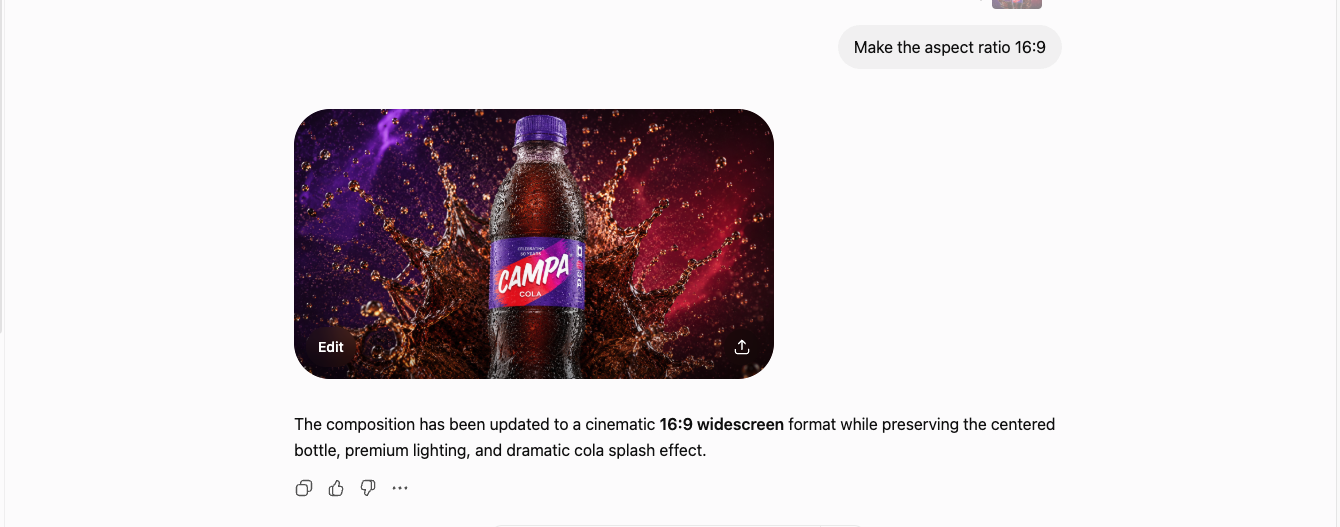
Review the generated 16:9 macro product render featuring dynamic cola splashes and specular highlights.
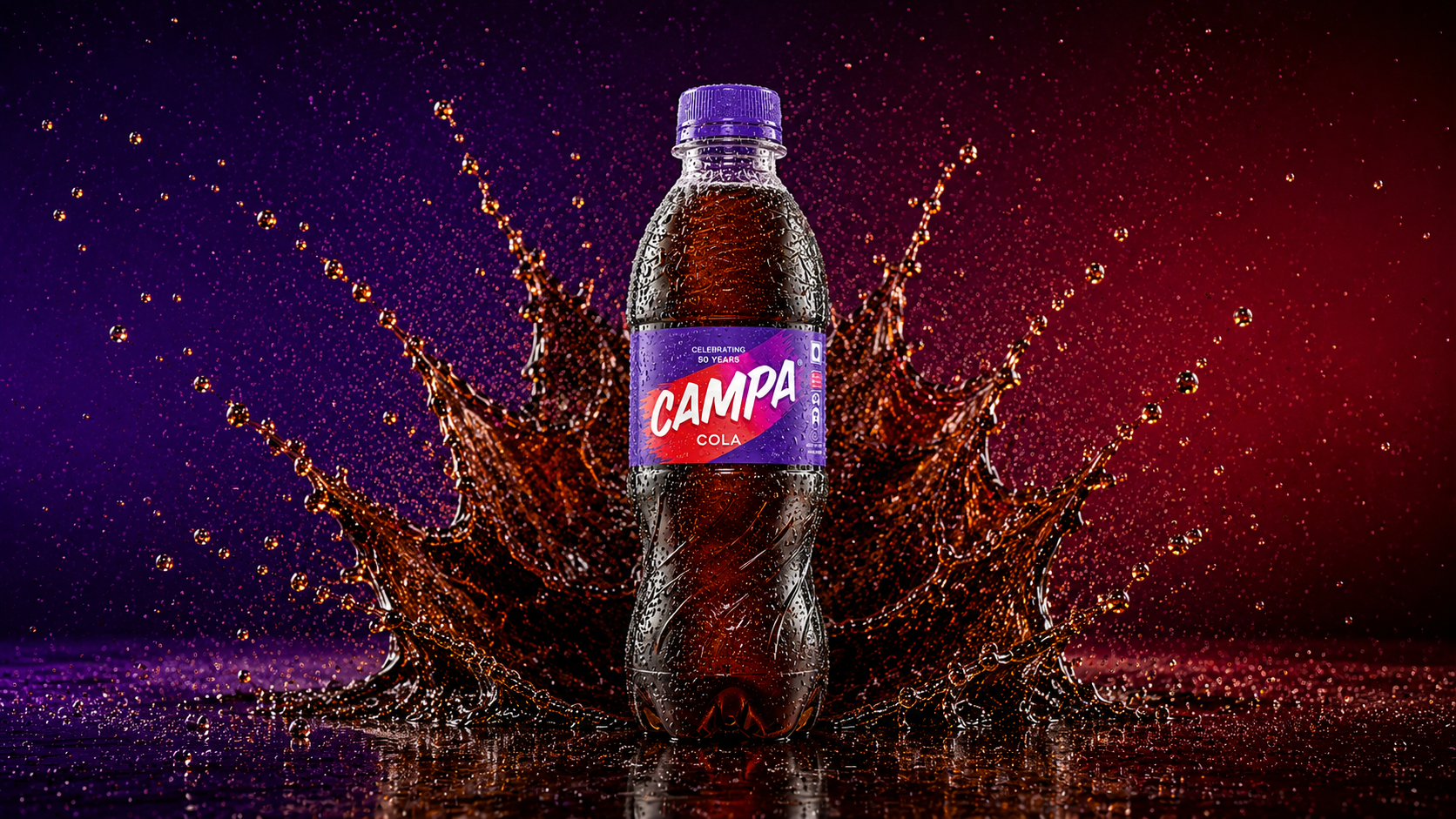
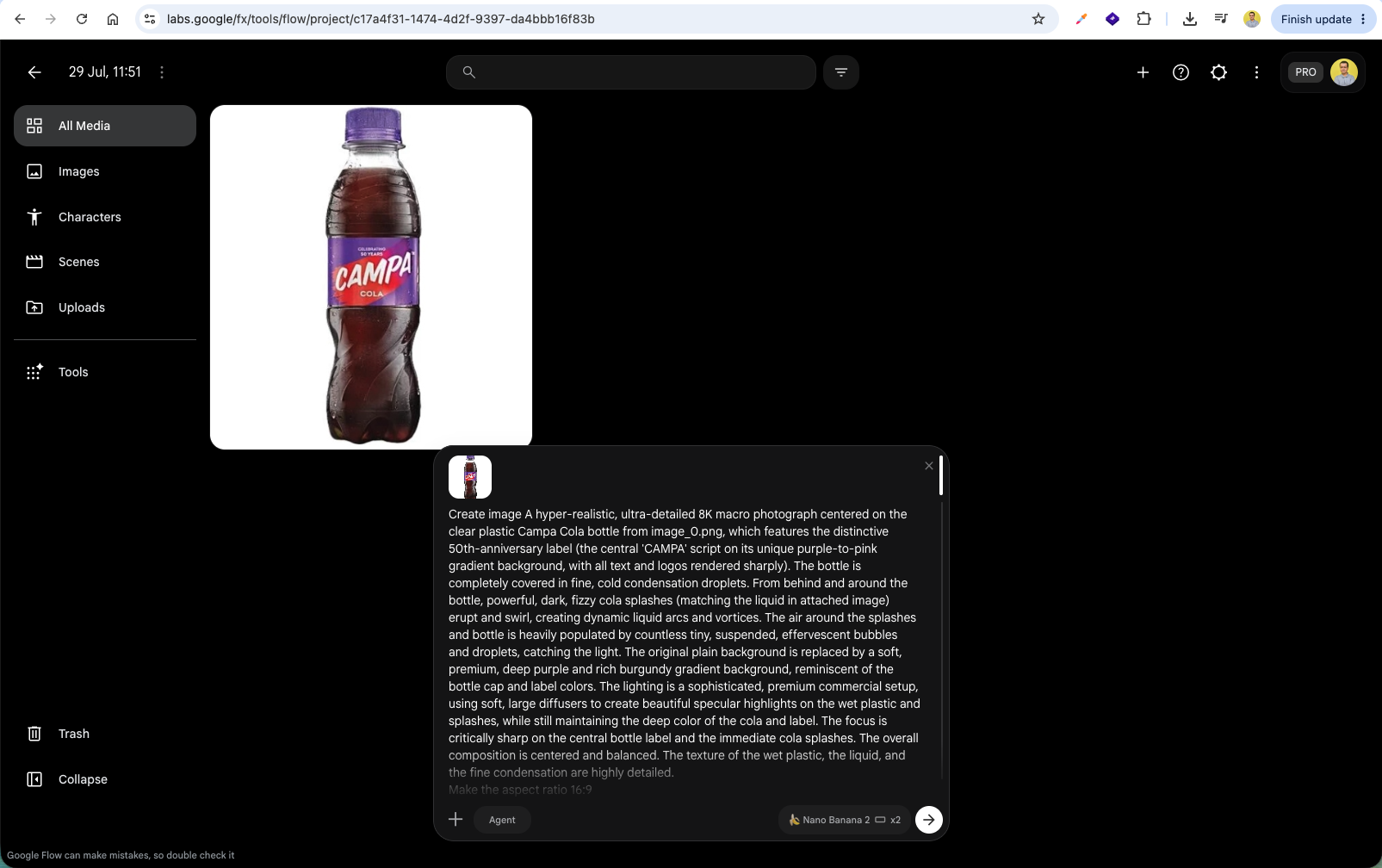
Now, open Google Flow (labs.google/fx/tools/flow), upload the bottle reference image, and paste the macro photograph generation prompt.
Google Flow generates a crisp high-resolution 3D commercial render of the Campa Cola bottle with dark fizzy liquid swirls.
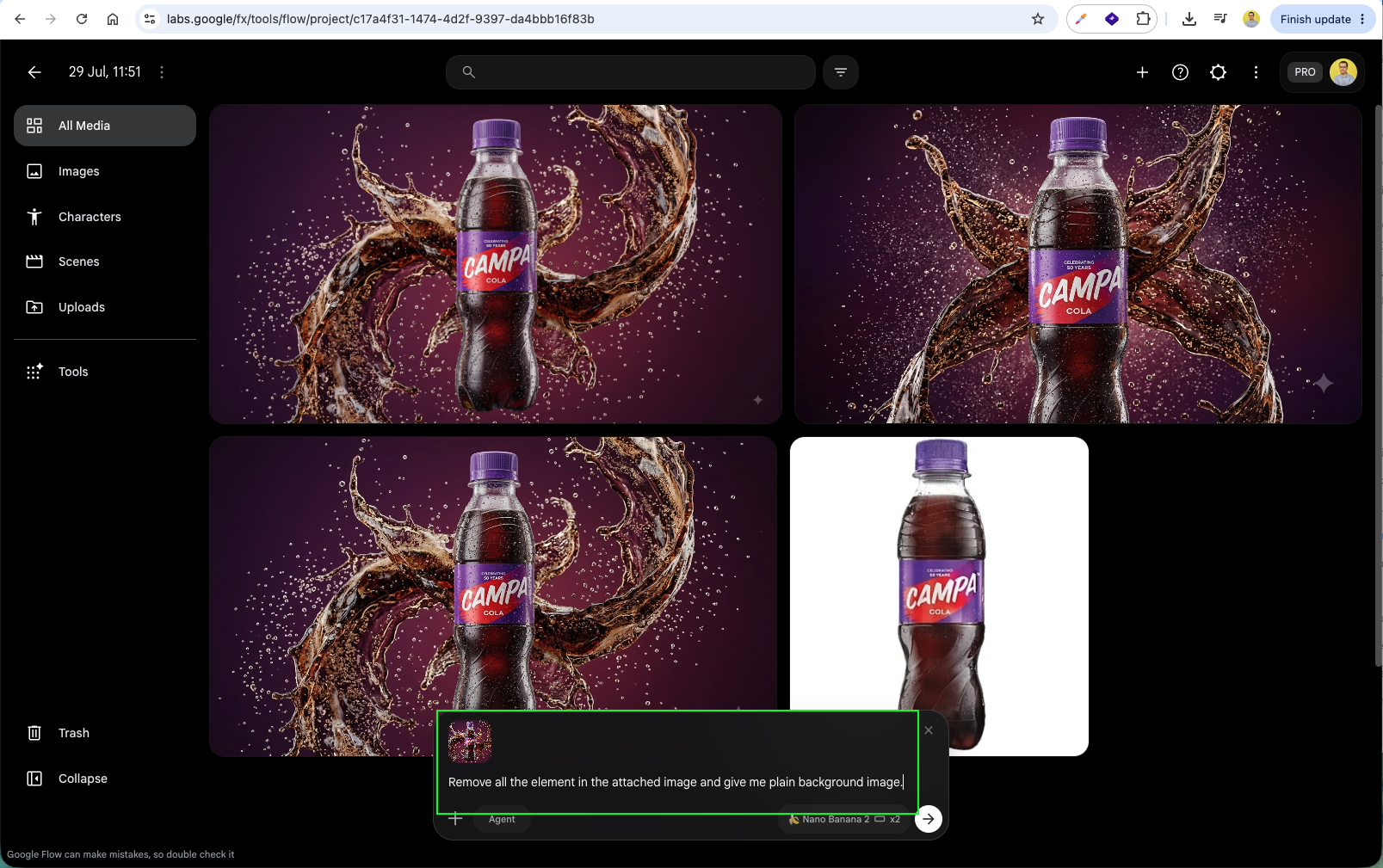
Prompt Google Flow to remove all foreground elements and bottle graphics to extract a clean, matching background image: 'Remove all the element in the attached image and give me plain background image.'
Select the generated background image in Google Flow and click Download to save a 2K upscaled version.
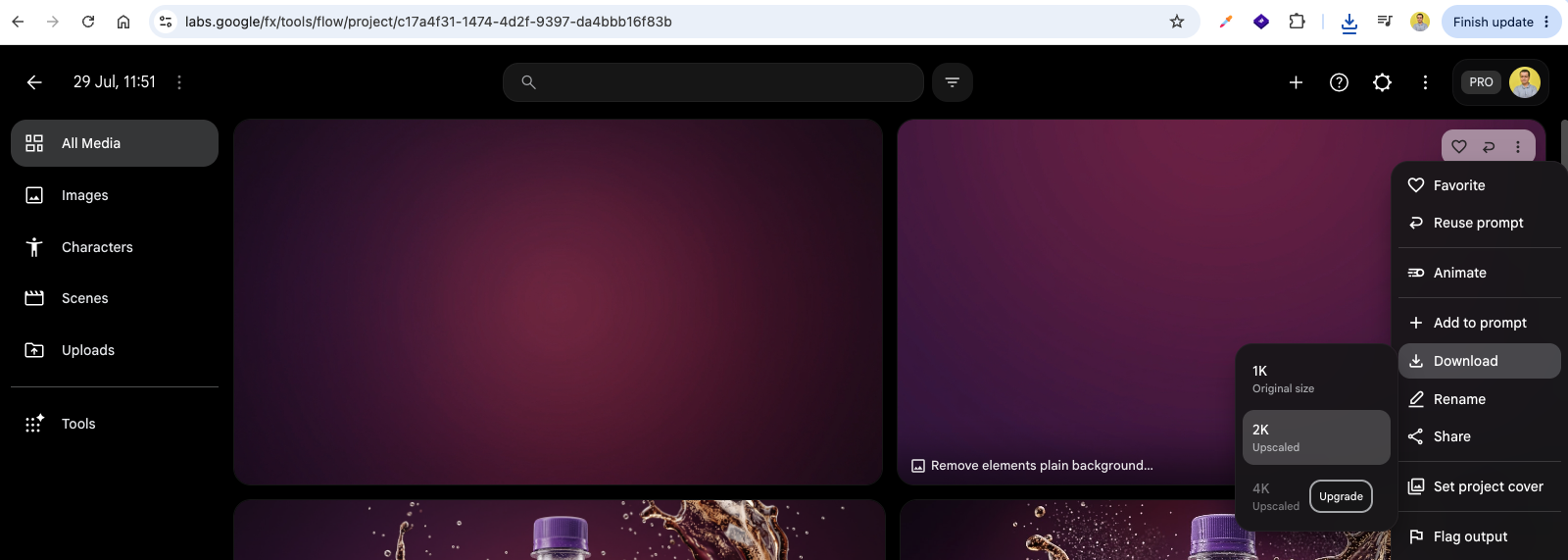
Verify the clean deep purple and burgundy gradient background asset.

Configure video generation mode in Google Flow, selecting 16:9 aspect ratio, 8-second duration, and Omni Flash settings.
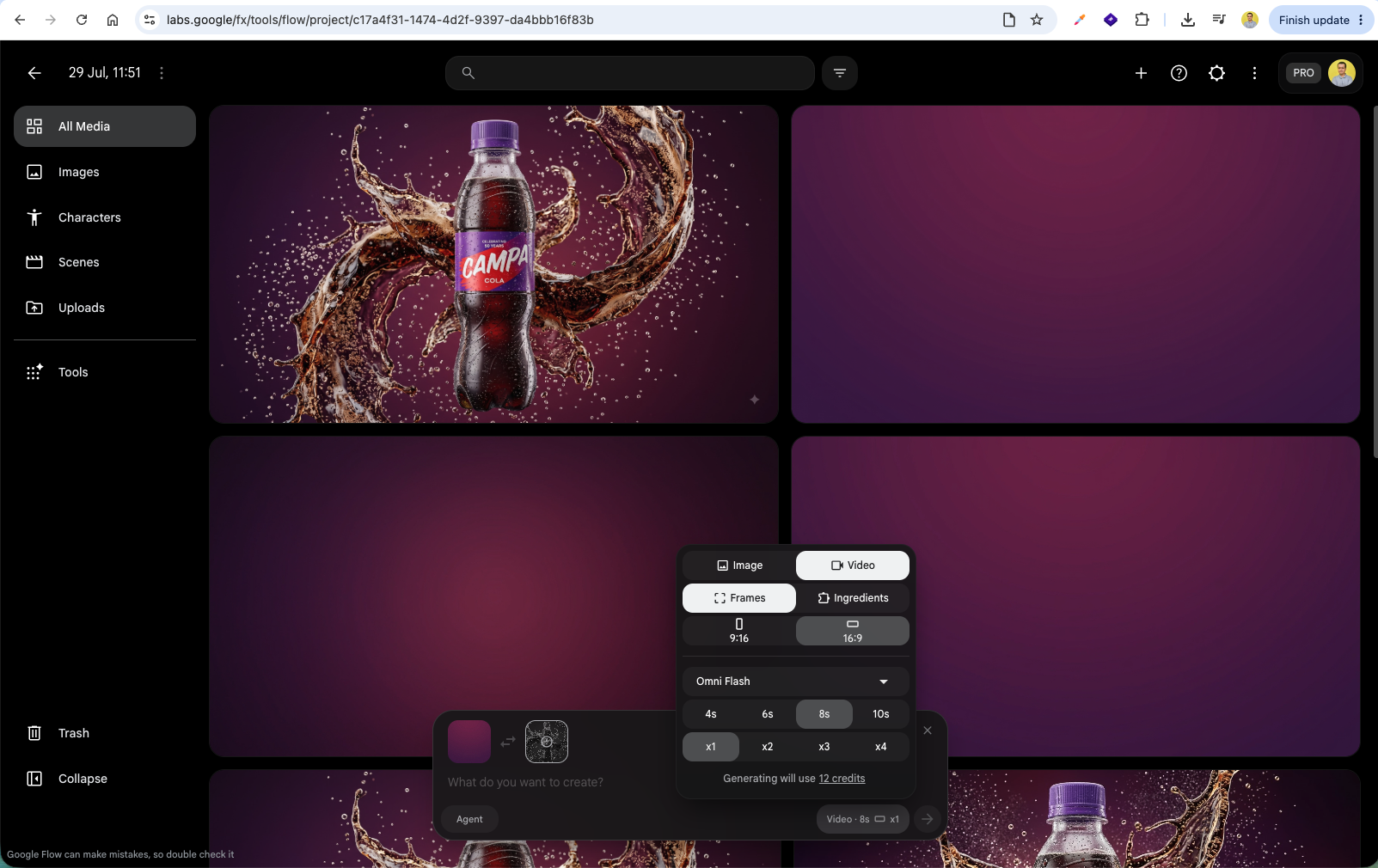
Enter the animation sequence prompt detailing how the background, liquid splashes, carbonated swirls, and product bottle transition into frame.
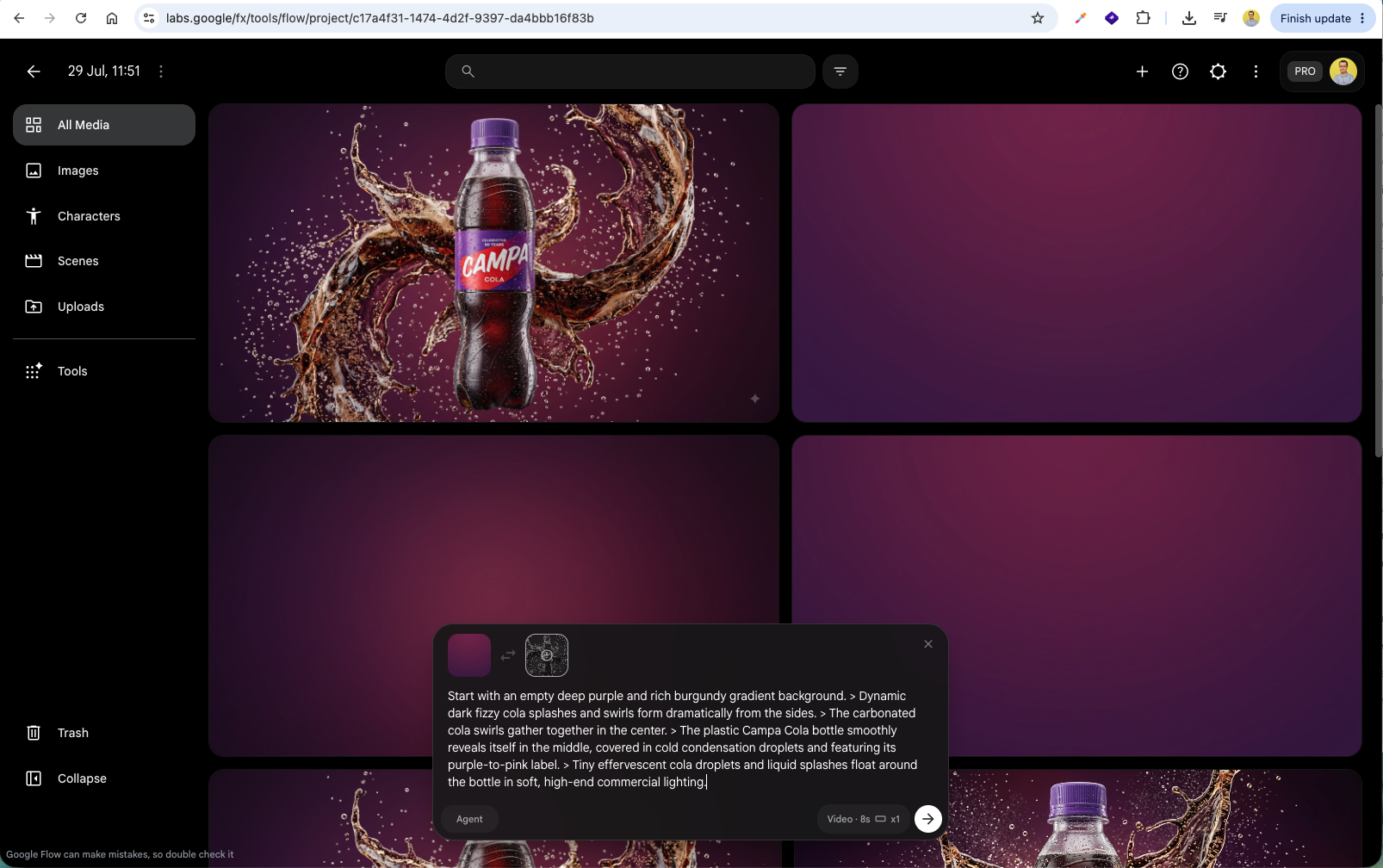
Preview the generated 8-second commercial animation timeline in the Google Flow video editor.
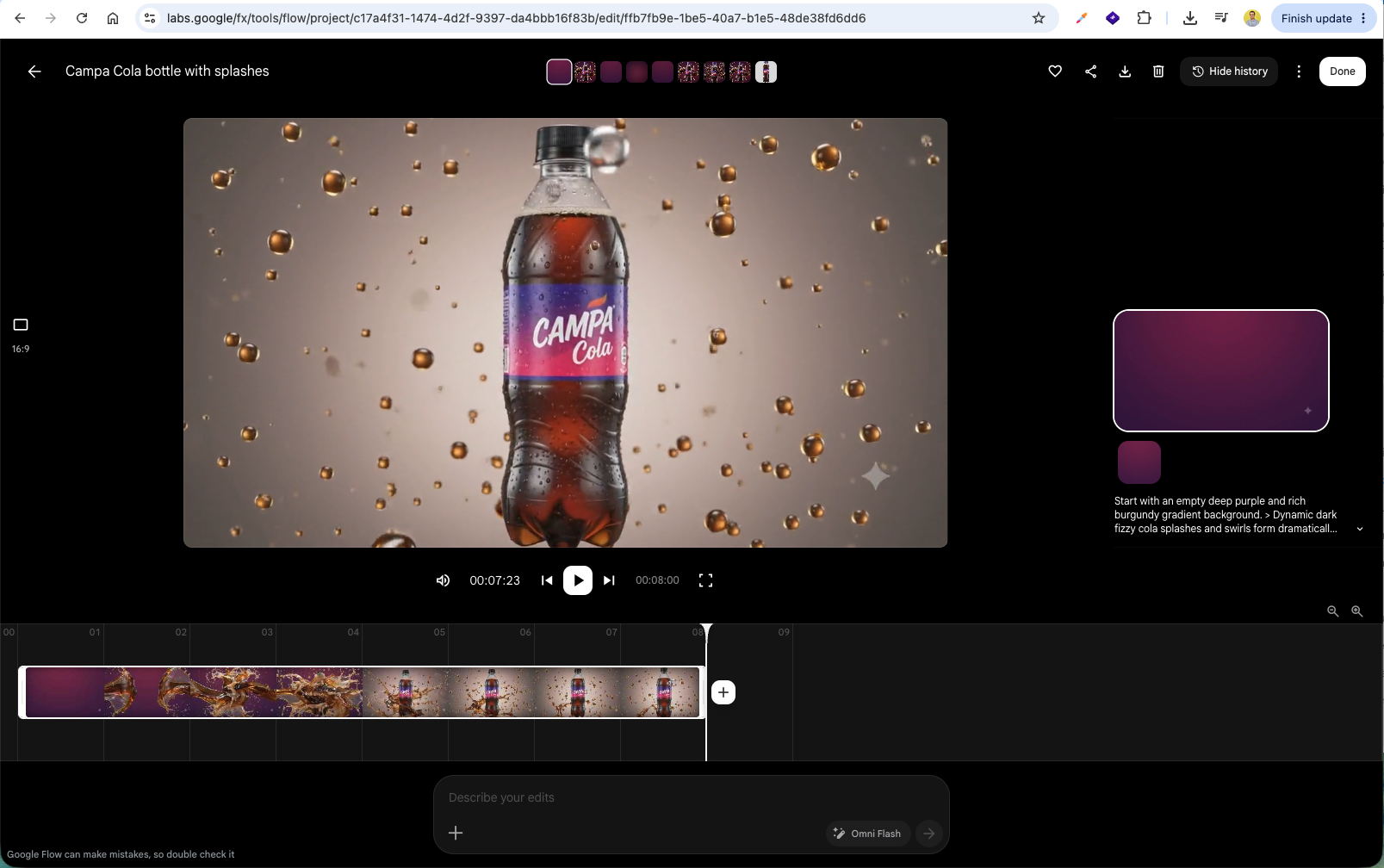
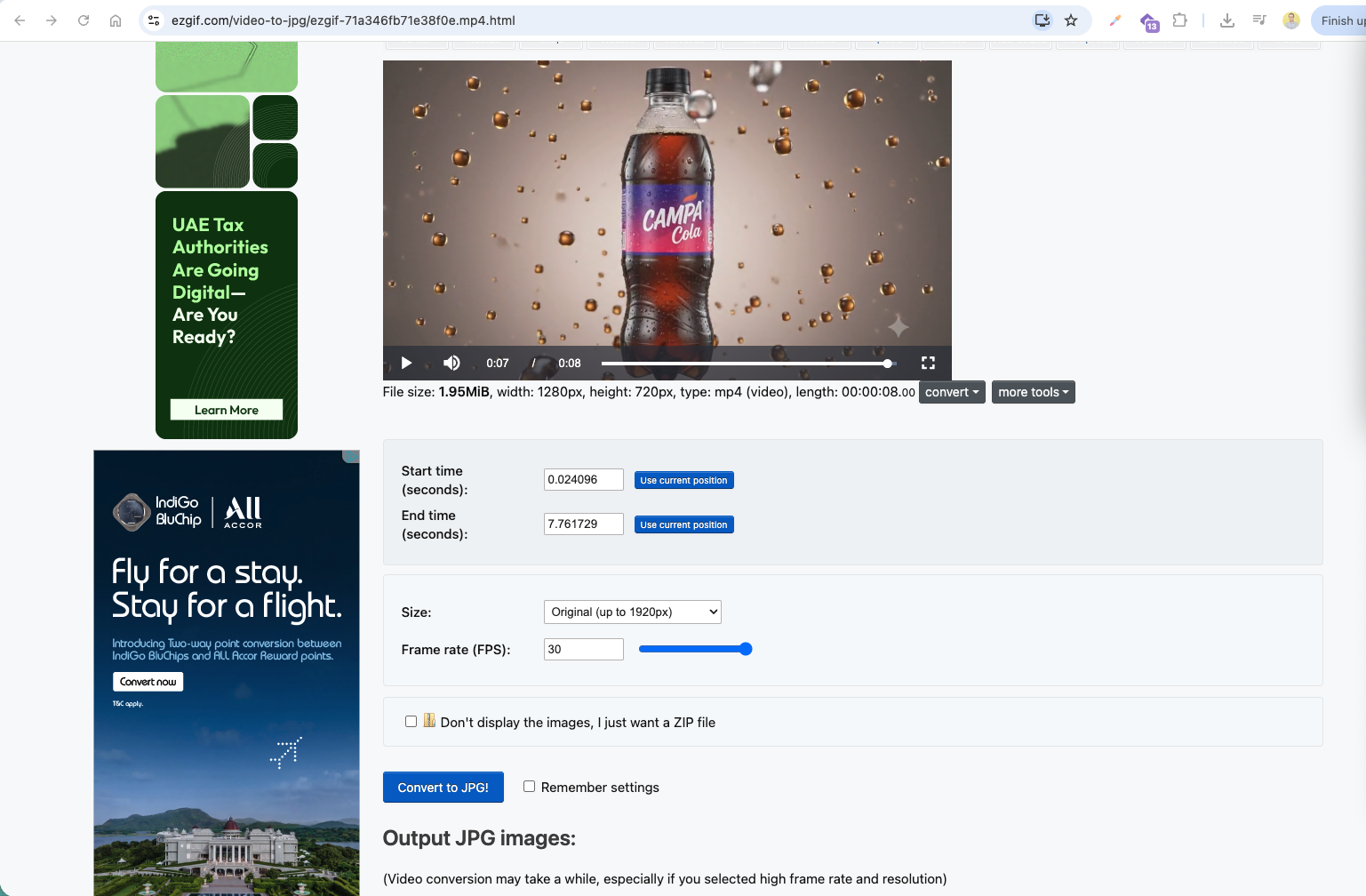
Export the video as an MP4 and upload it to EZGIF.com under the Video to JPG converter tool.
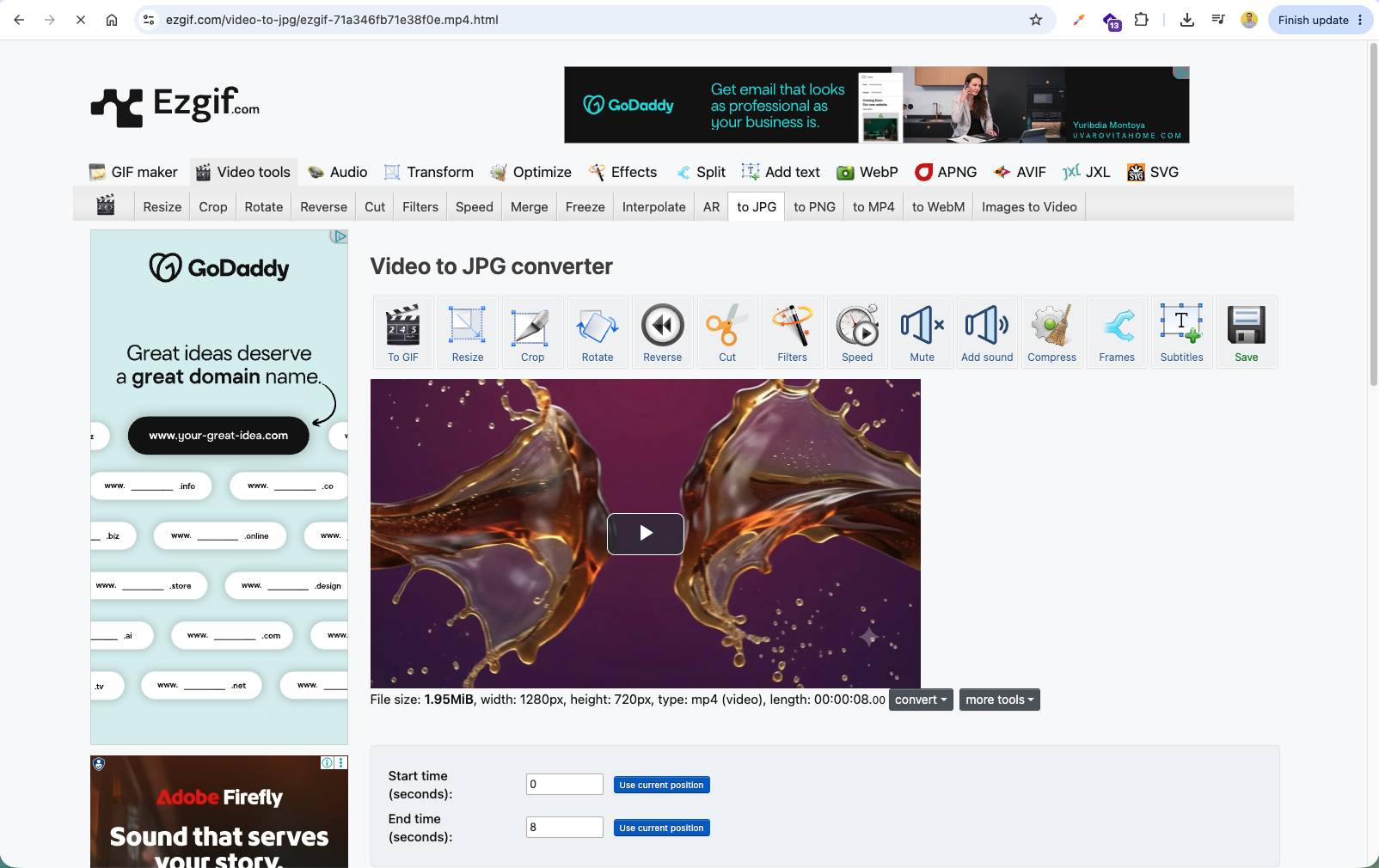
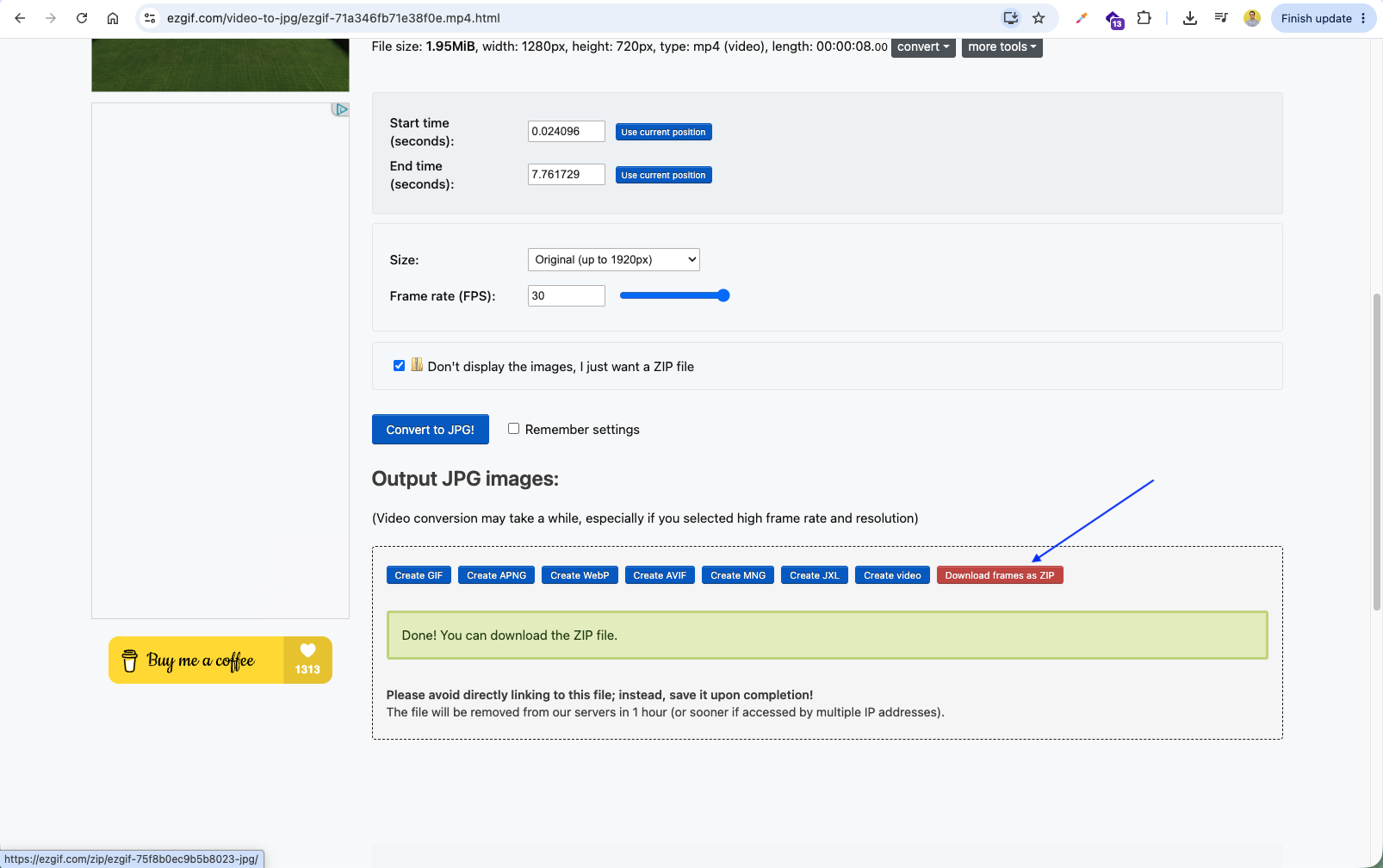
Set the frame rate to 30 FPS and click Convert to JPG! to extract every animation frame.
Click Download frames as ZIP to save the full frame sequence ready for interactive scroll-driven 3D web animations in React!
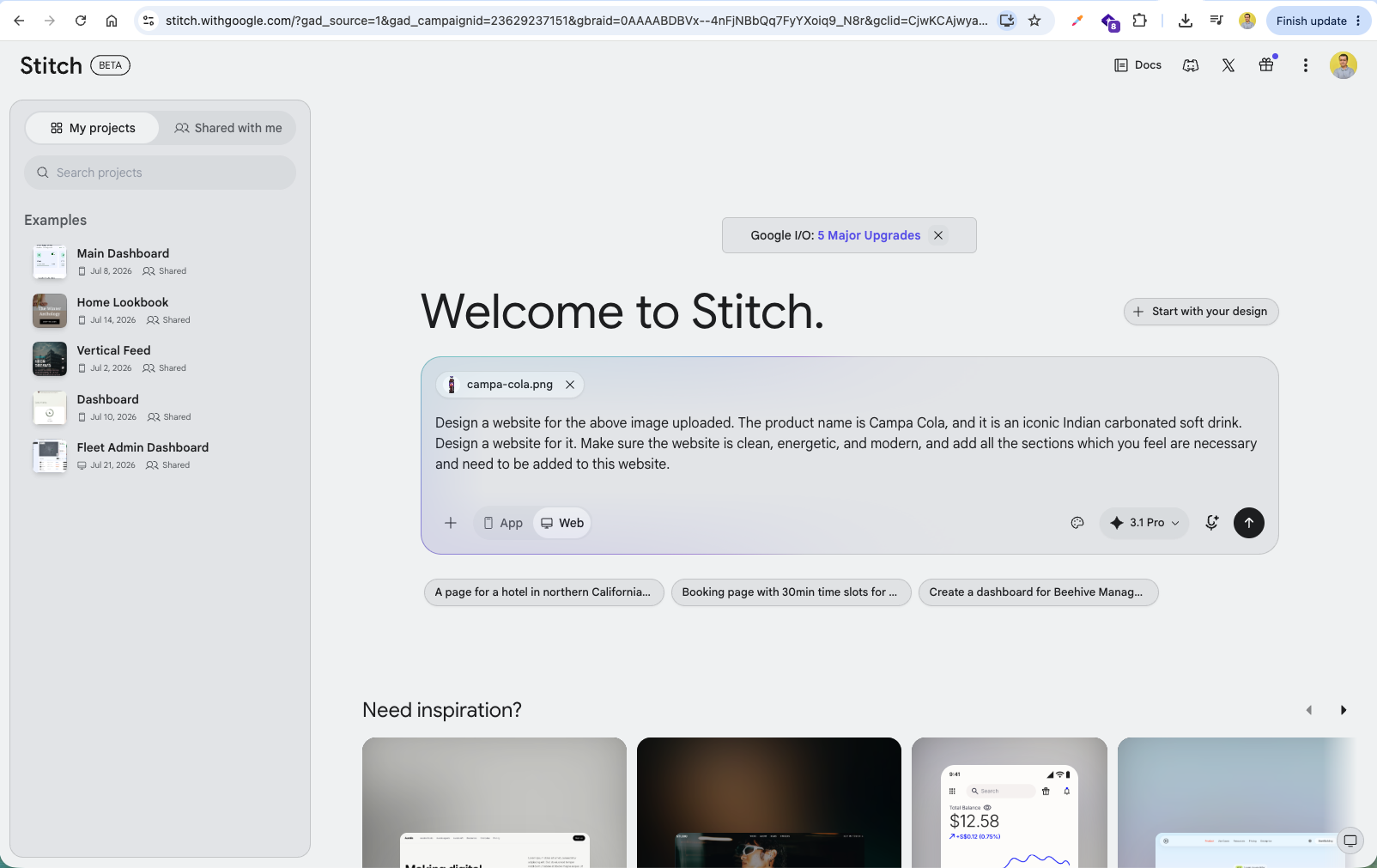
Open Google Stitch (stitch.withgoogle.com), upload campa-cola.png, and enter a prompt to generate a modern, energetic website design for the Campa Cola brand.
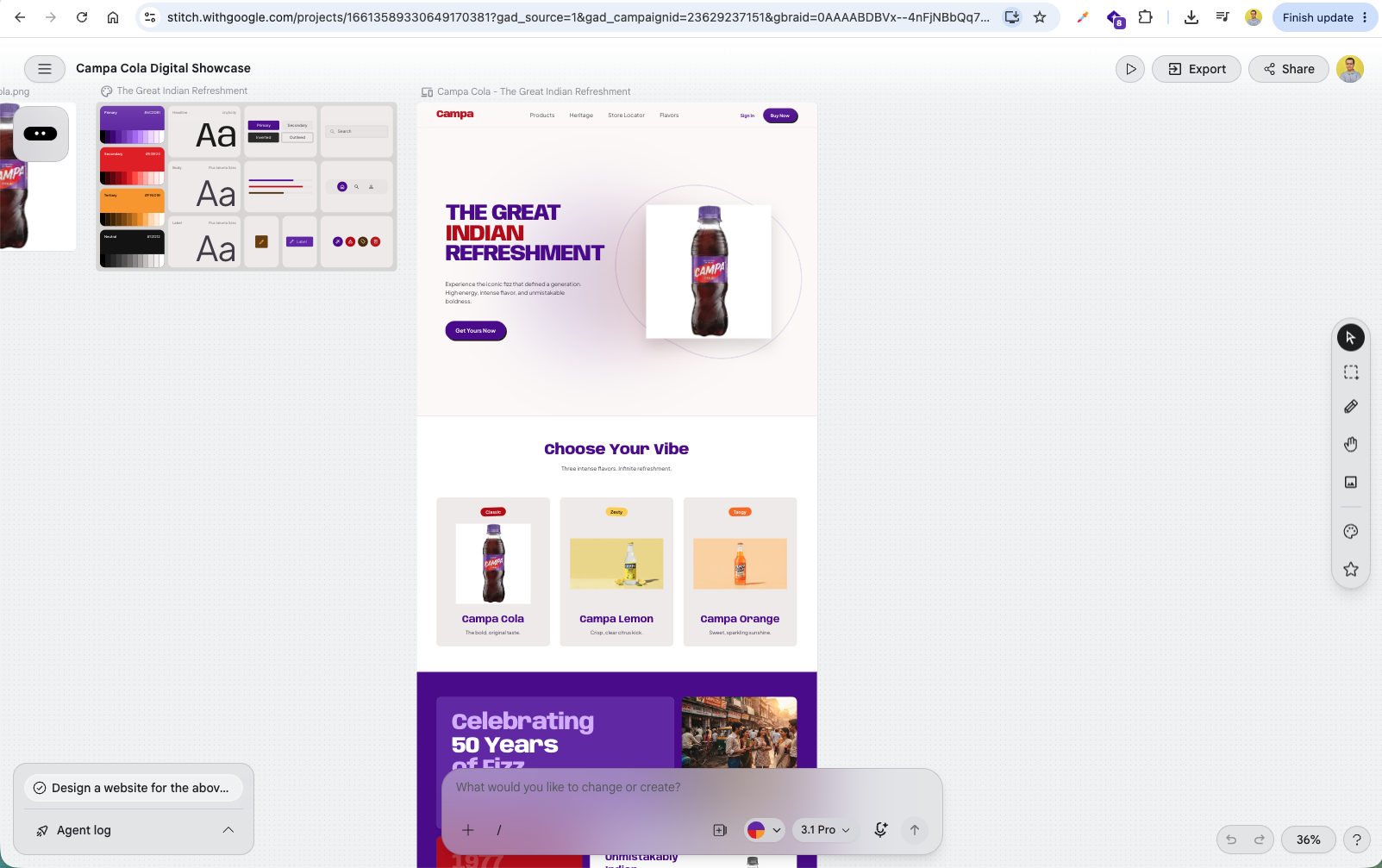
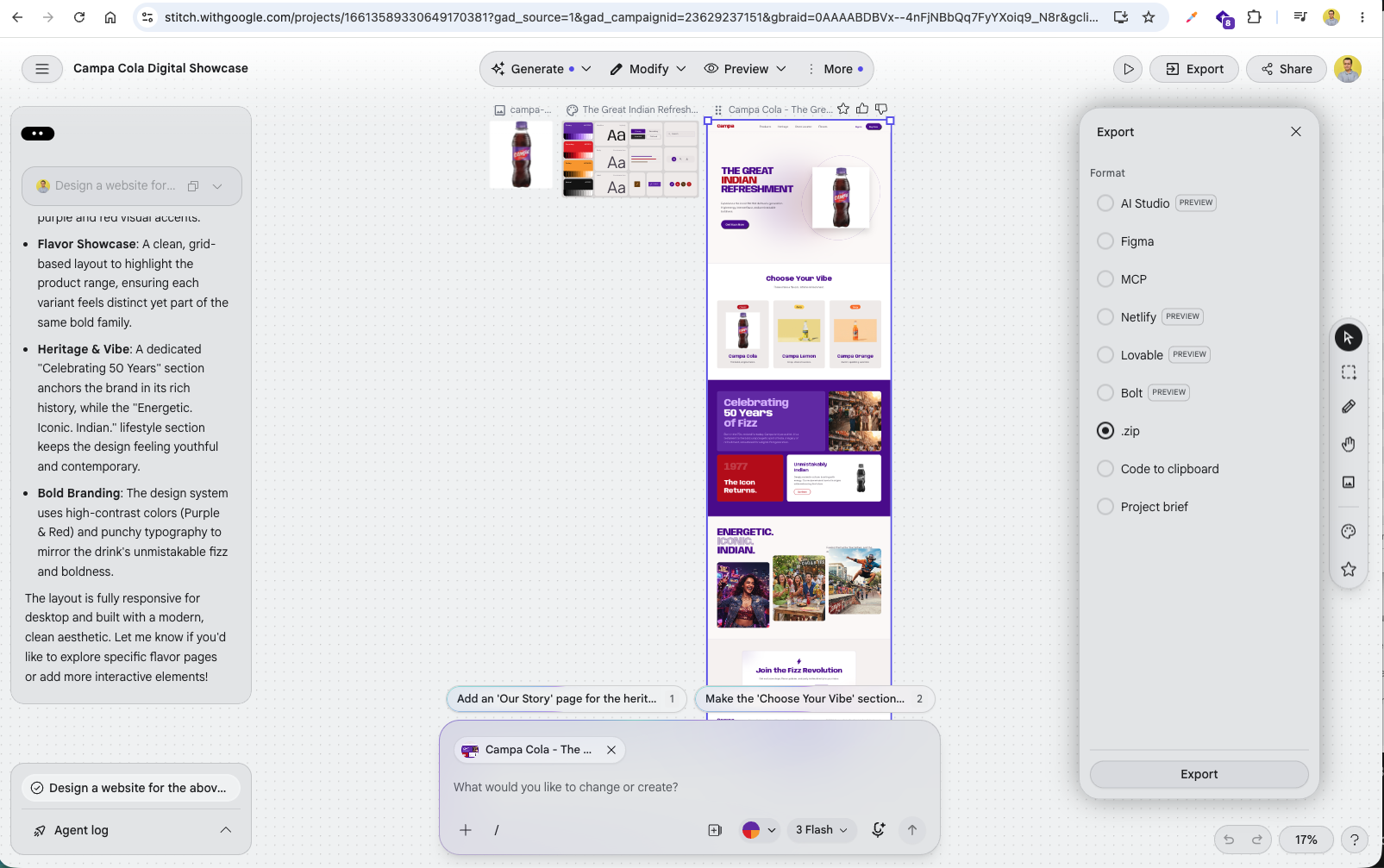
Google Stitch generates a complete responsive design system including color palettes, typography, and interactive page layouts for the website.
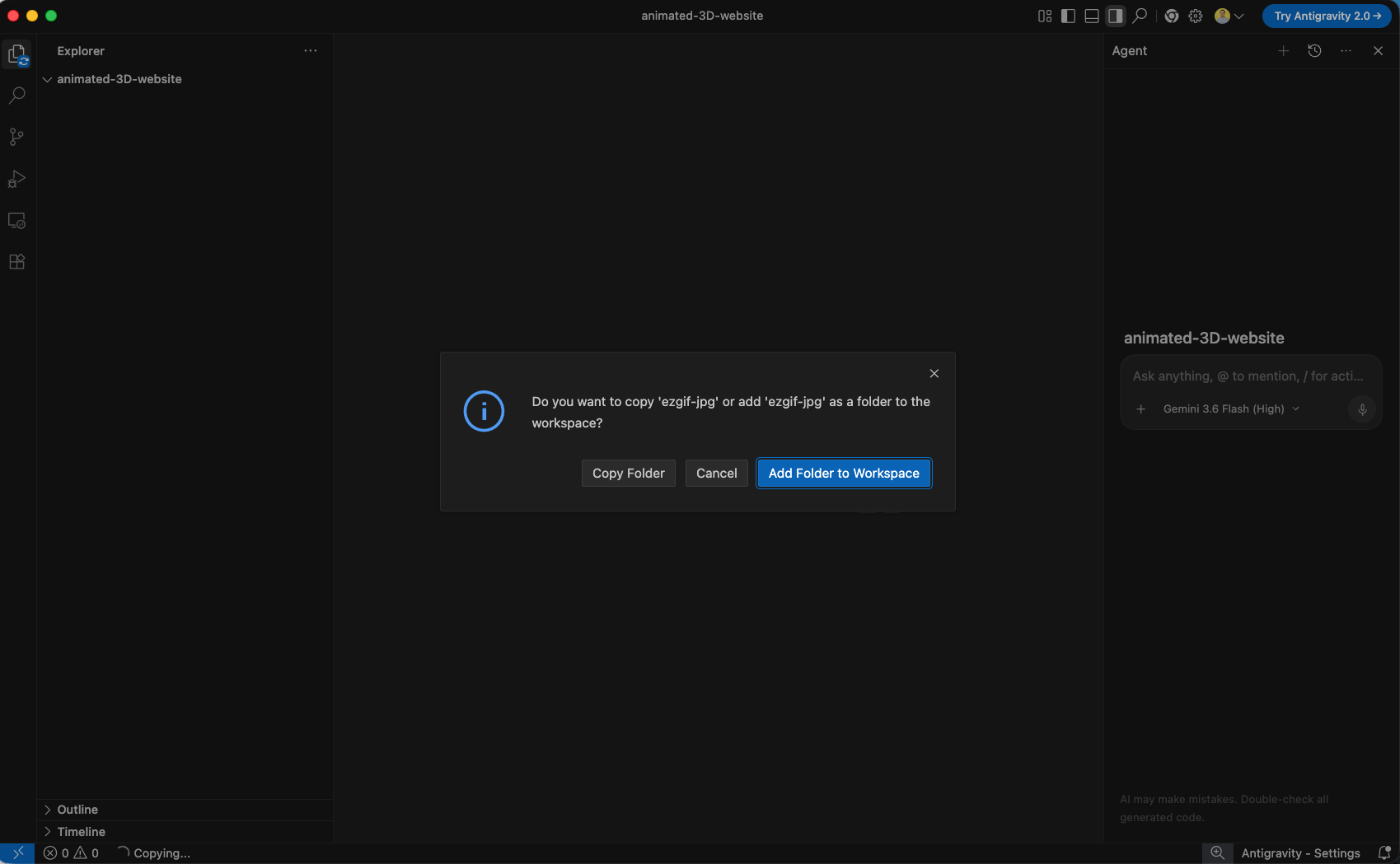
In your IDE, drag the extracted frame sequence folder (ezgif-jpg) into the project workspace and click Add Folder to Workspace.
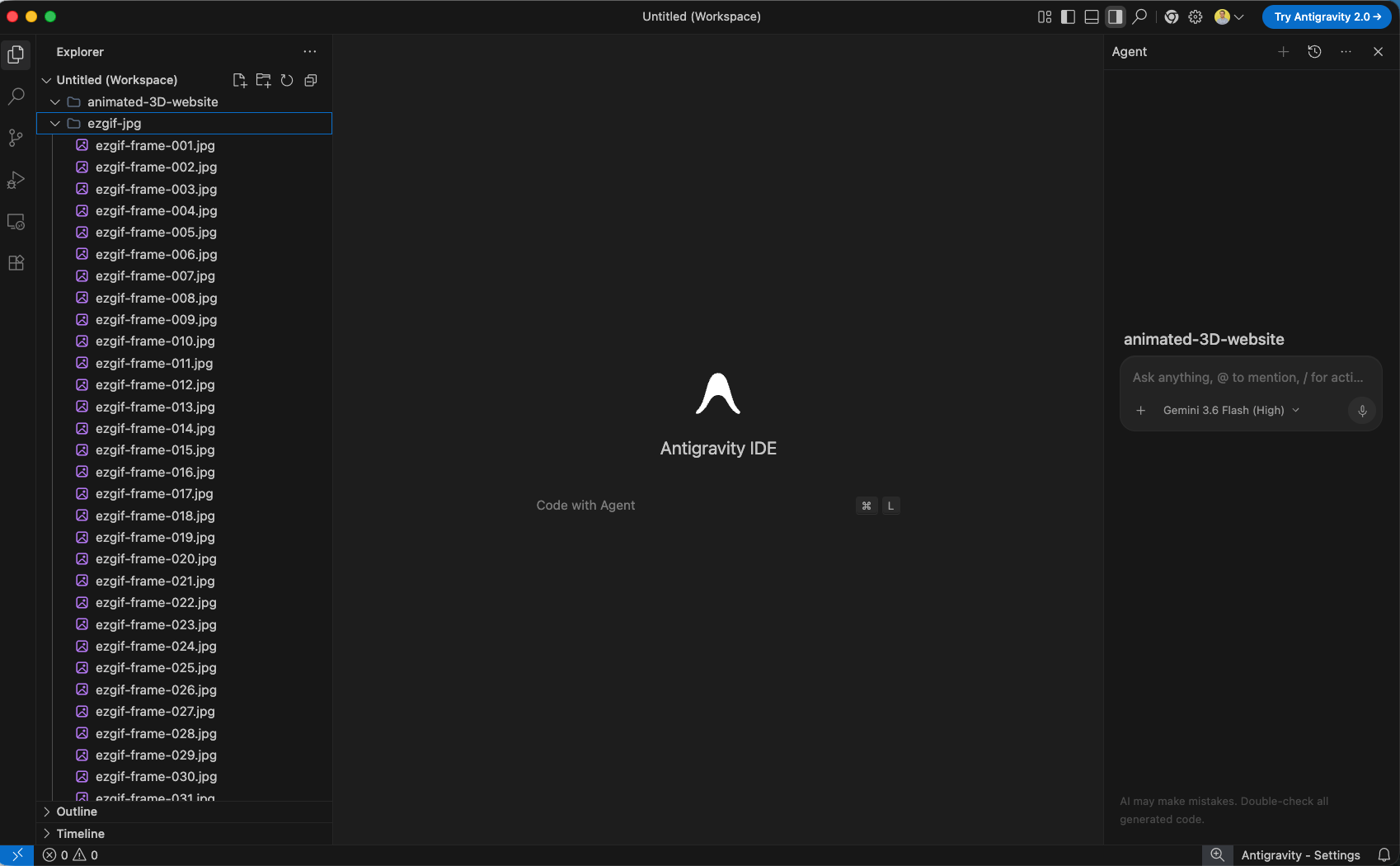
Verify that all frame image assets (ezgif-frame-001.jpg through ezgif-frame-233.jpg) are present in the project explorer.
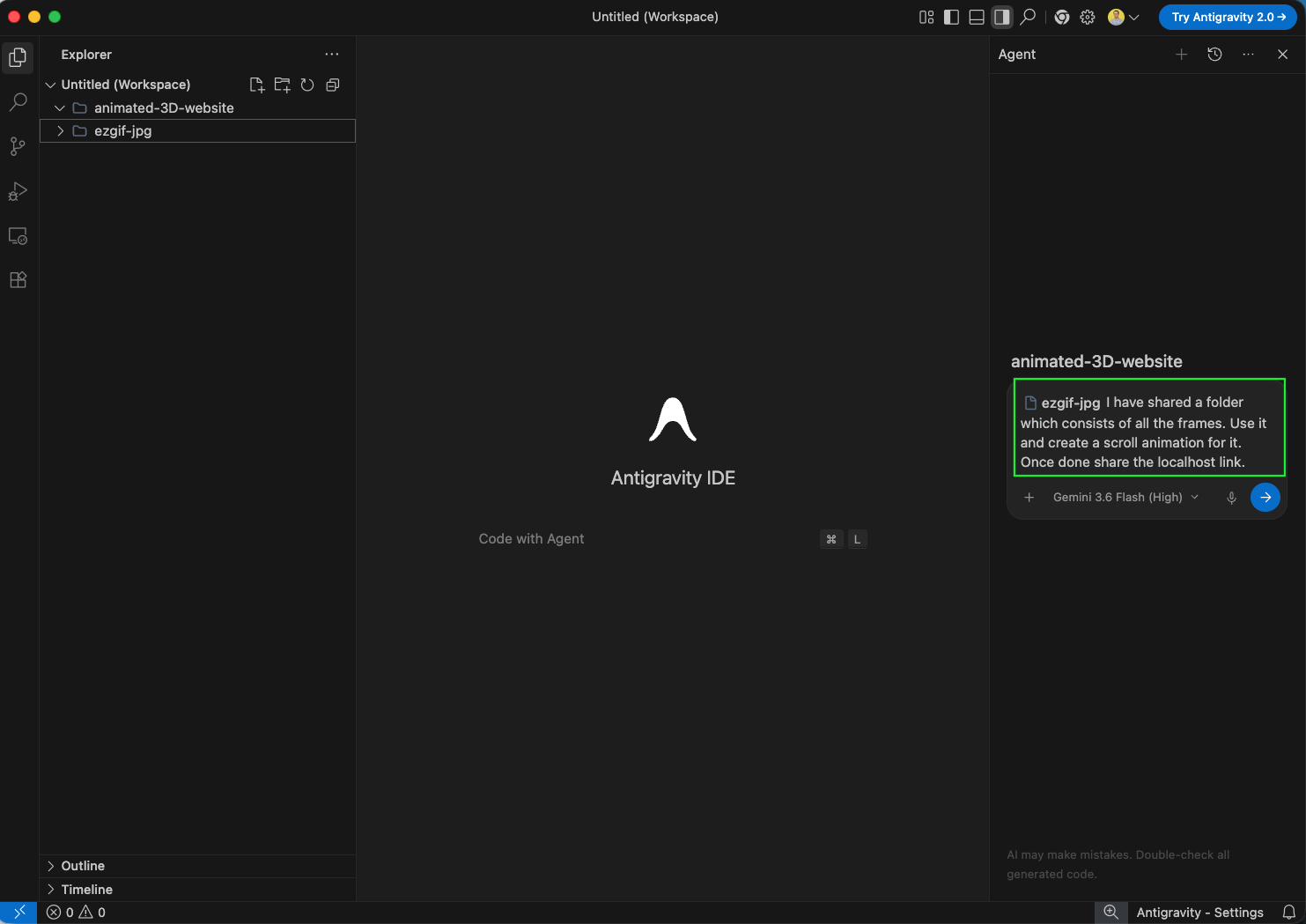
Prompt the AI Agent to build a React application using the frame sequence to create an interactive 3D scroll canvas animation: 'ezgif-jpg I have shared a folder which consists of all the frames. Use it and create a scroll animation for it. Once done share the localhost link.'
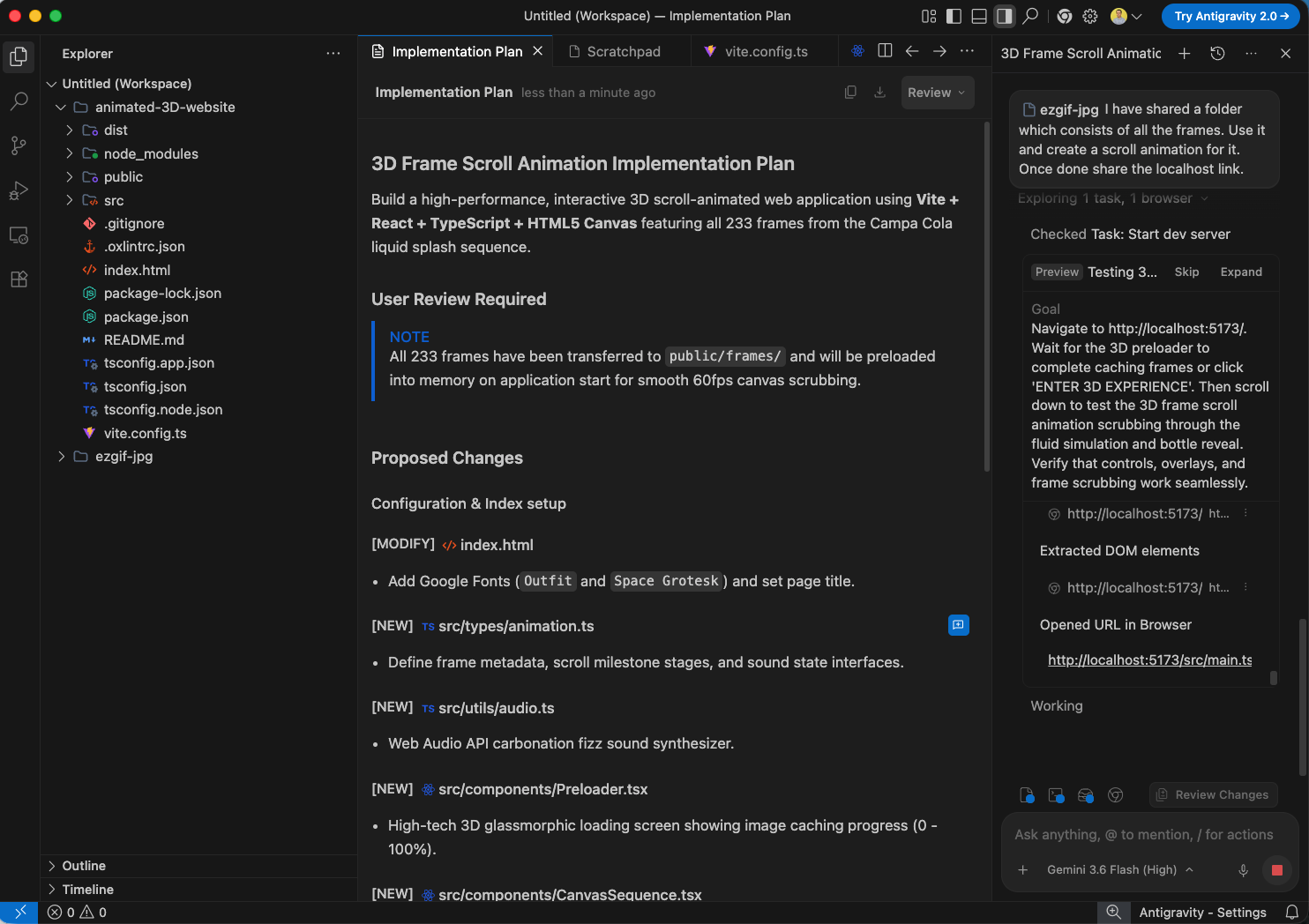
The AI Agent generates an Implementation Plan outlining the Vite + React + HTML5 Canvas setup with preloaded frames for 60fps scroll scrubbing.
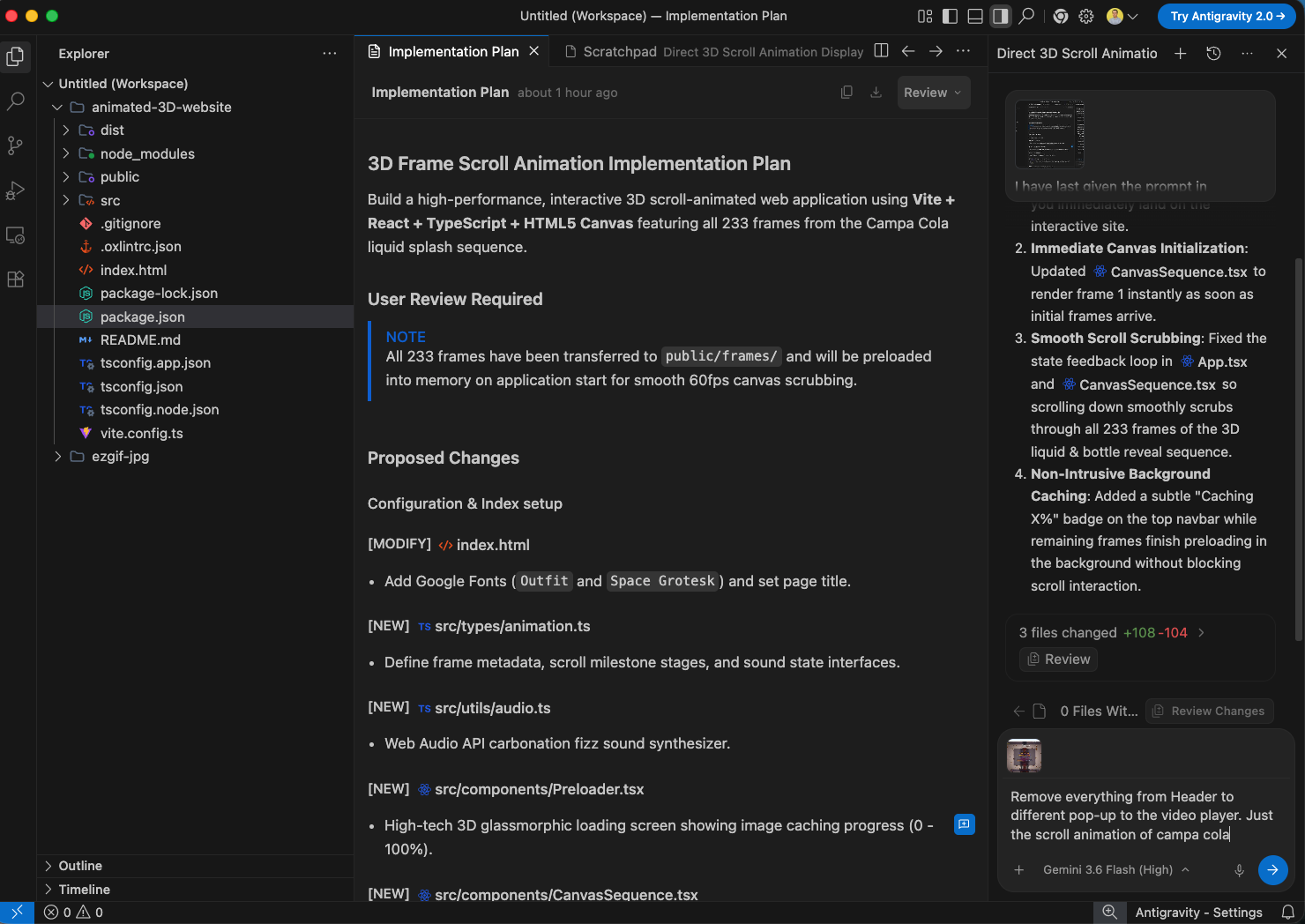
Refine the application by asking the agent to remove extra headers and pop-ups so only the pure 3D canvas scroll animation renders on start.
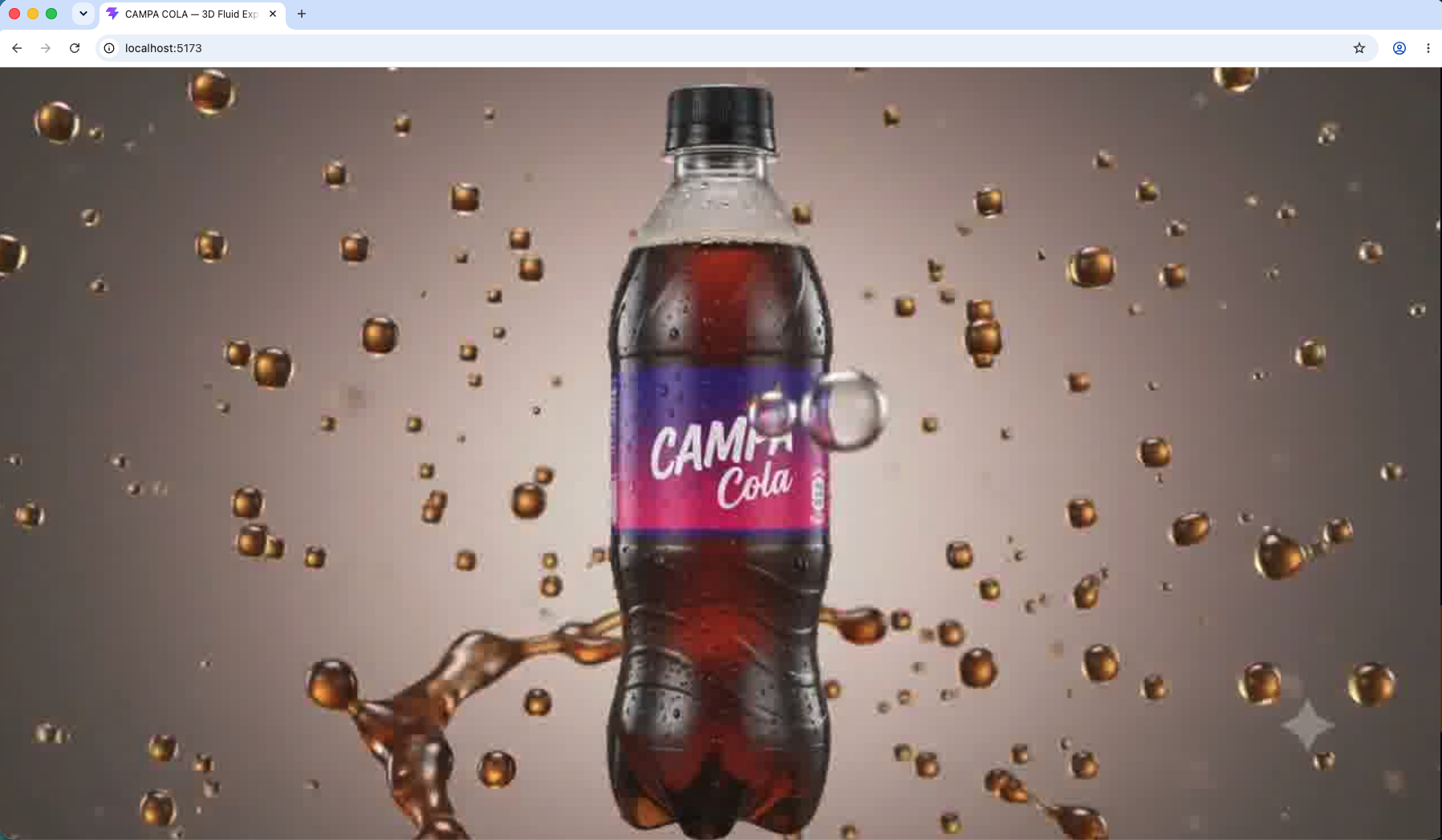
Open http://localhost:5173 in your browser to test the interactive 3D scroll animation scrubbing through the Campa Cola liquid splash sequence.
Return to Google Stitch, open the Export menu, select .zip, and export the project design files.
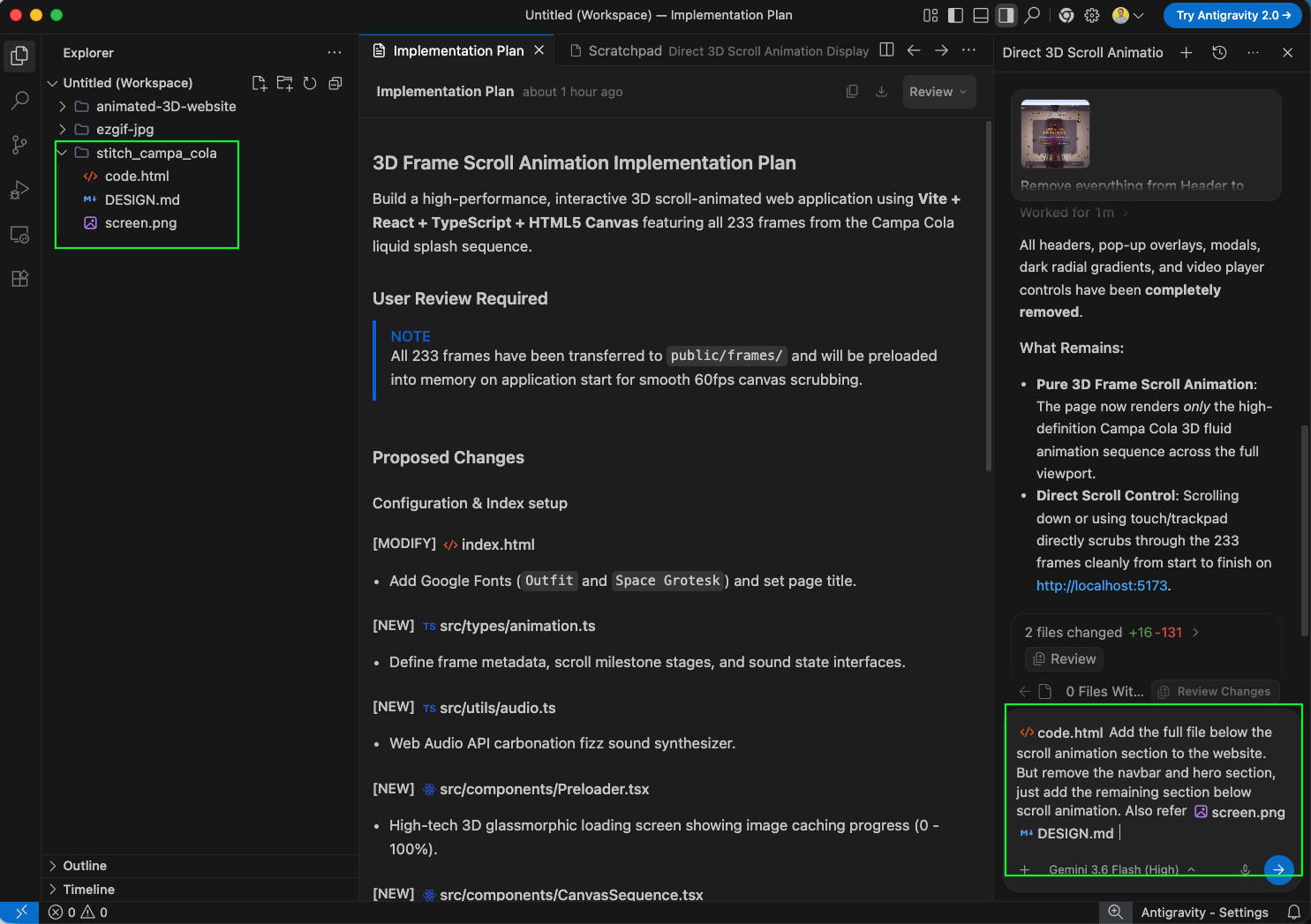
Unzip the Stitch export folder to access code.html, DESIGN.md, and screen.png.

Add the Stitch project folder to your workspace and prompt the agent: 'code.html Add the full file below the scroll animation section to the website. But remove the navbar and hero section, just add the remaining section below scroll animation. Also refer screen.png DESIGN.md'.
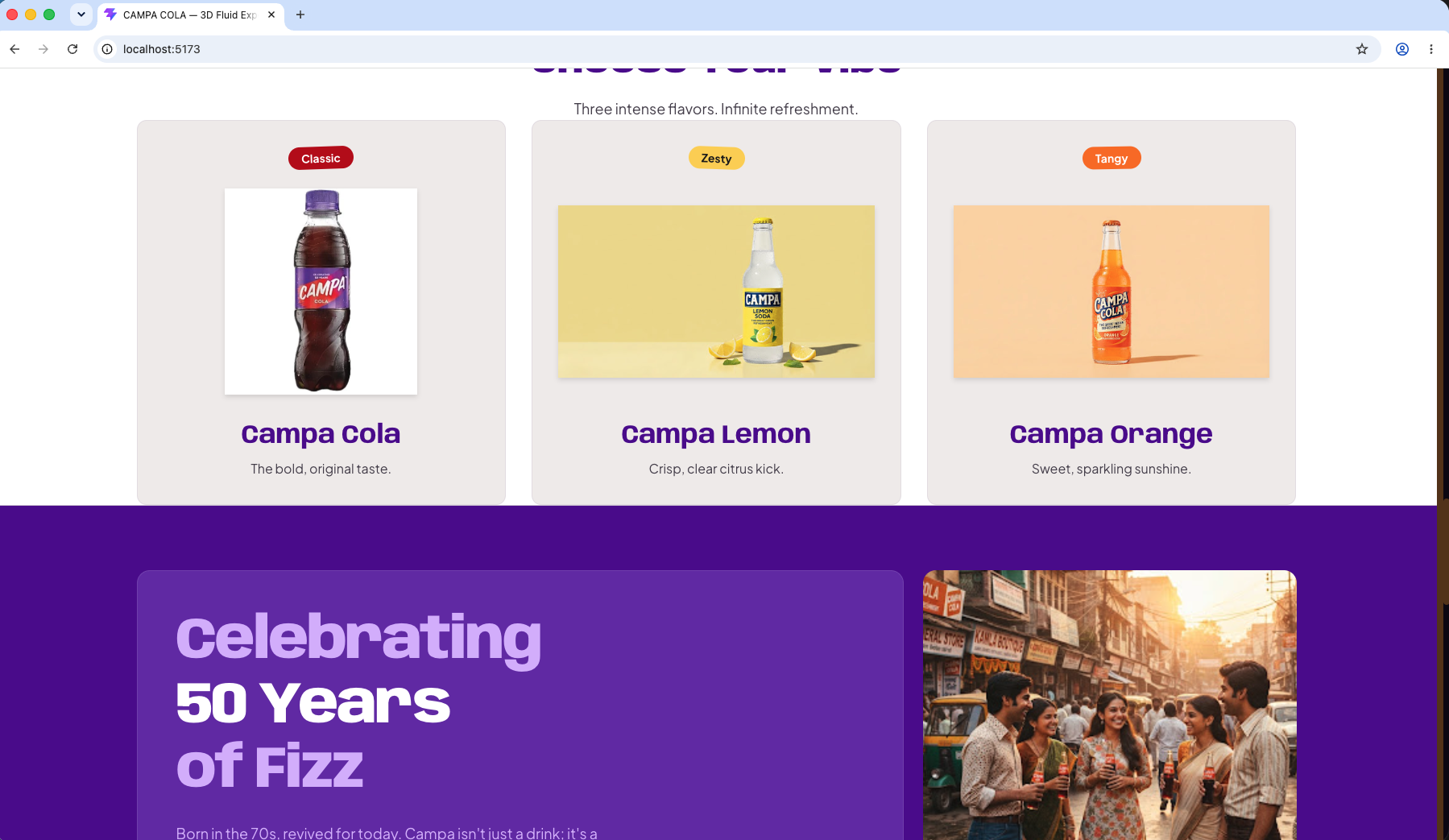
Refresh http://localhost:5173 to see the flavor cards ("Choose Your Vibe") and brand heritage section integrated below the 3D scroll animation.
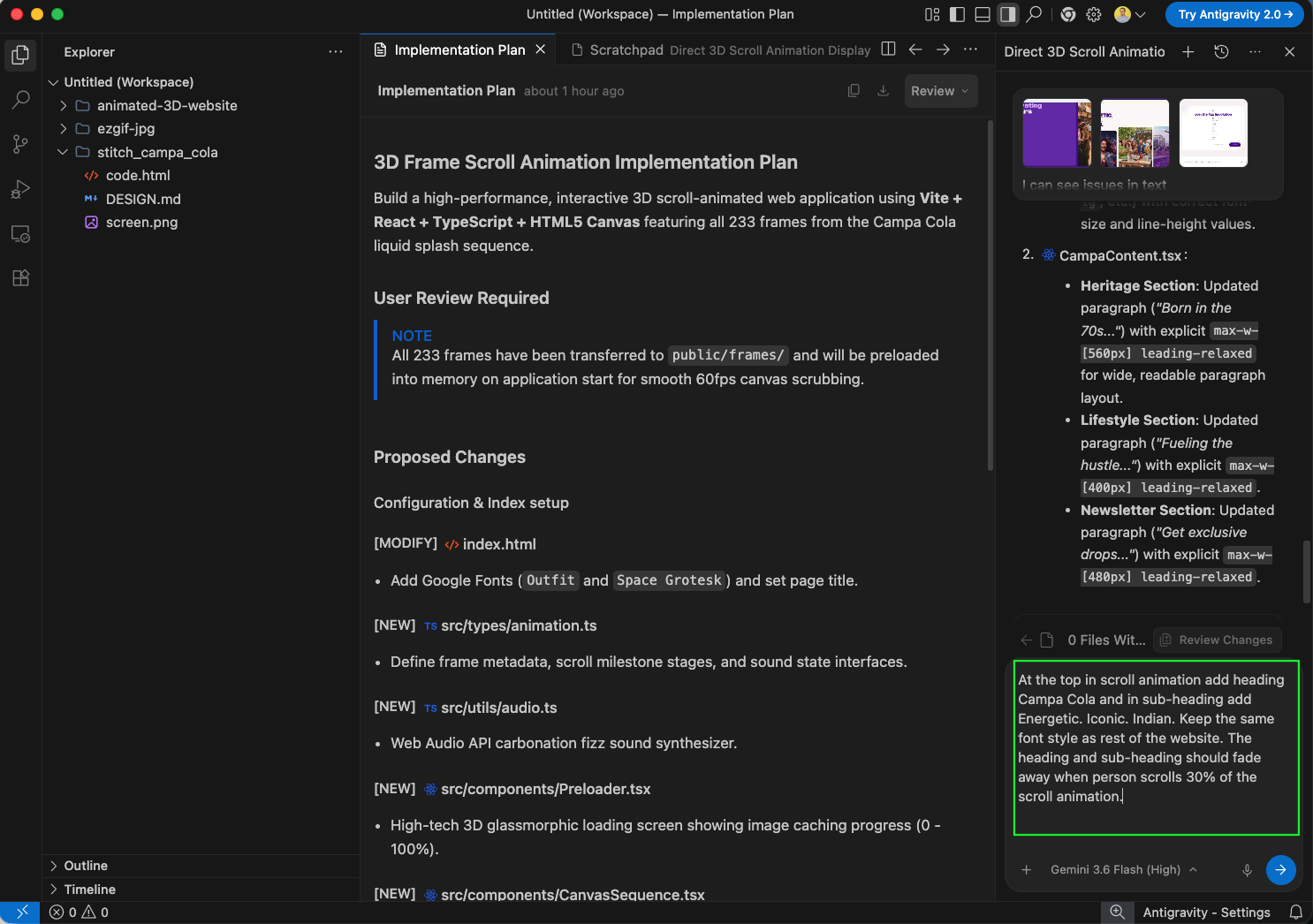
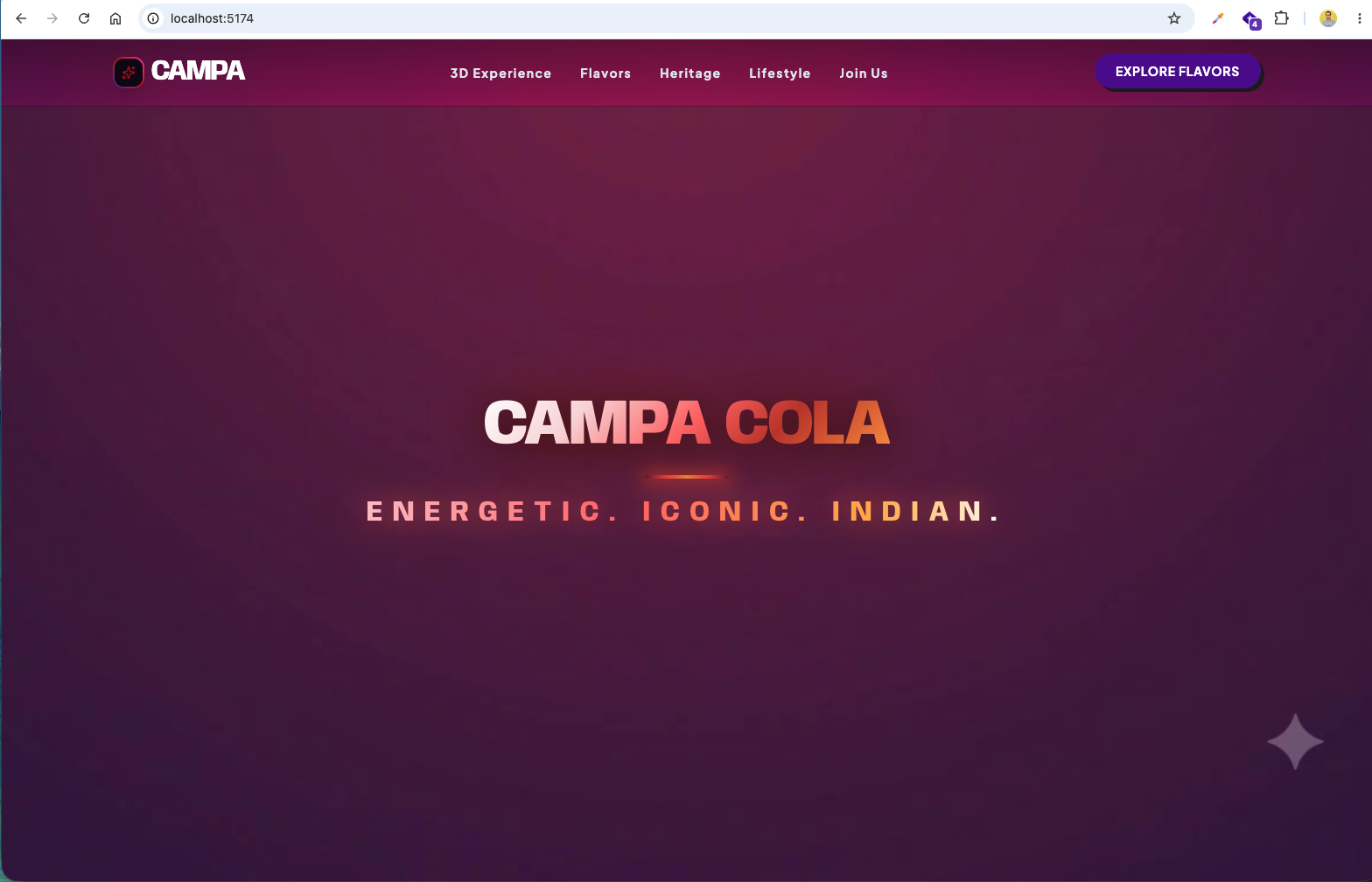
Enhance the hero section by prompting the agent: 'At the top in scroll animation add heading Campa Cola and in sub-heading add Energetic. Iconic. Indian... The heading and sub-heading should fade away when person scrolls 30% of the scroll animation.'
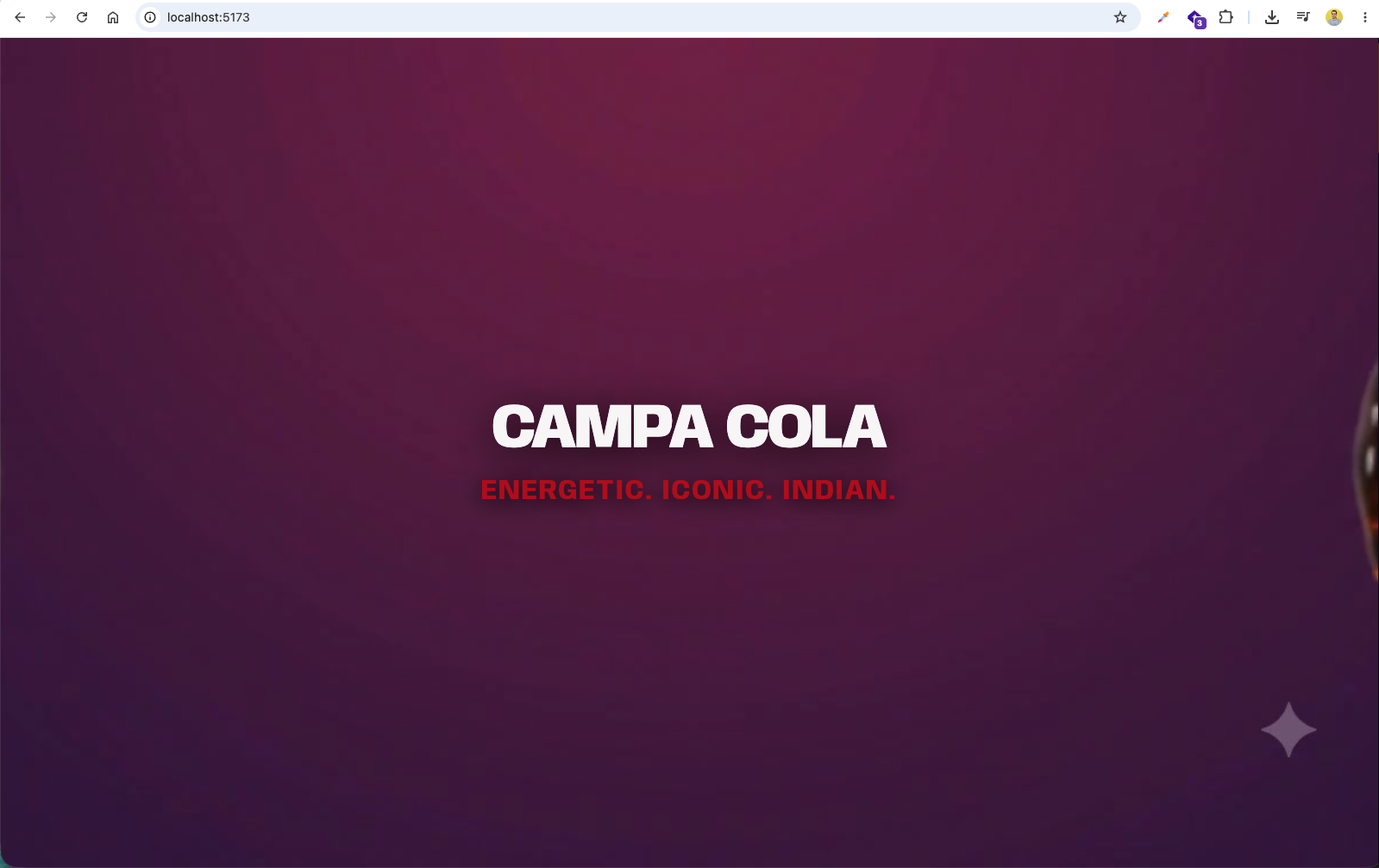
The browser now displays the bold CAMPA COLA title and tagline over the 3D canvas hero background.
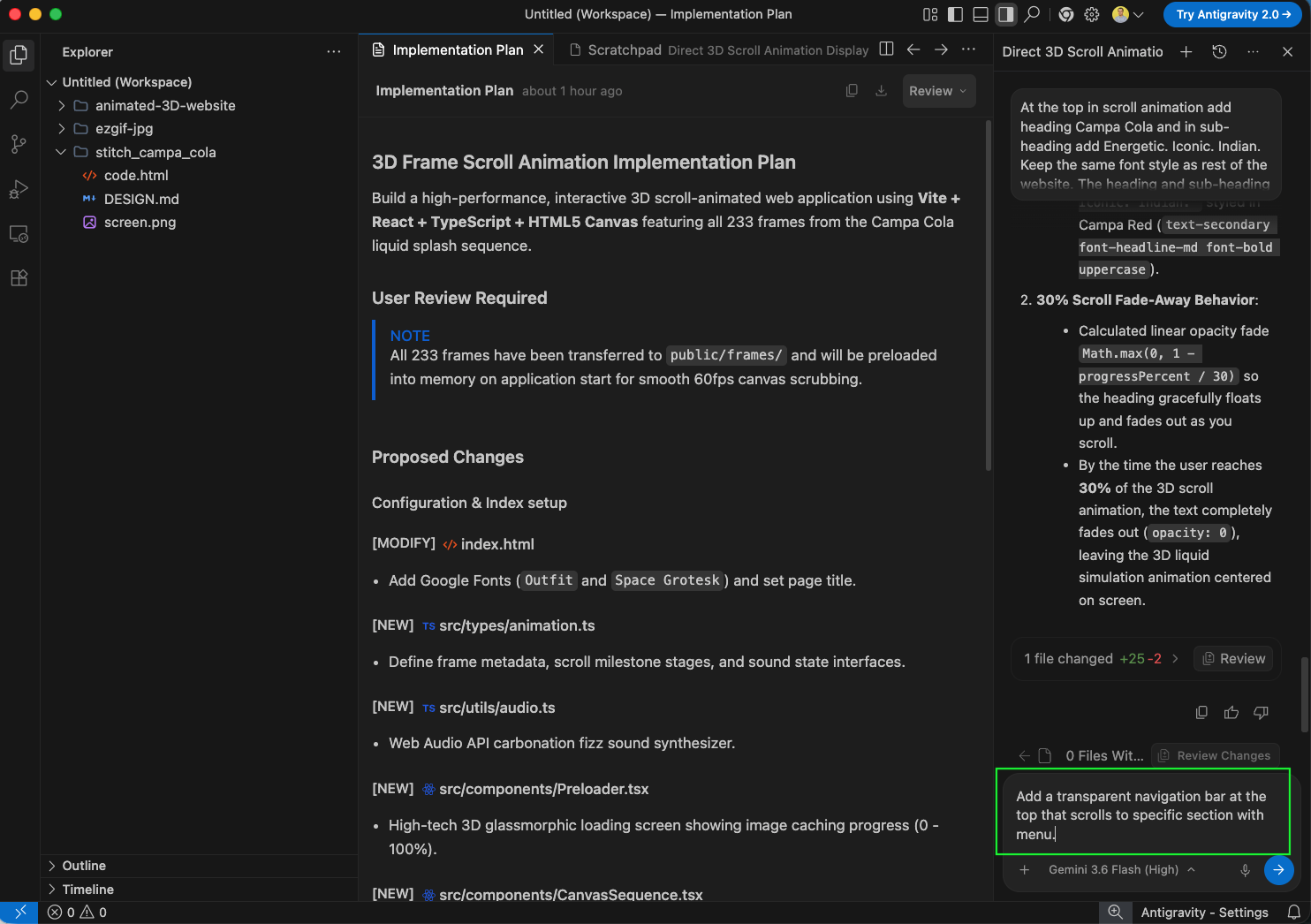
Finally, prompt the agent: 'Add a transparent navigation bar at the top that scrolls to specific section with menu.' to complete the website navigation experience.
Our site is now looking awesome and is complete.
Google docs containing the prompt can be found here.
And the code can be found here