NextJS 16 crash Course
Build a notes app with Next.js 16 — Turbopack, Cache Components, proxy.ts, updateTag, and the React Compiler
In this post we are going to learn Next.js 16 by building a small Notes app. You will use Turbopack (now the default), Cache Components with "use cache", proxy.ts (the replacement for middleware.ts), updateTag in Server Actions, and the stable React Compiler.
If you want Auth.js + Sanity CMS, see my earlier Next.js 15 crash course. This post focuses on what is new in Next 16.
Project setup
Open a terminal and create the app with create-next-app. Next.js 16 ships Turbopack by default:
npx create-next-app@latest next16-demo --typescript --tailwind --eslint --app --src-dir --turbopack --yes
cd next16-demo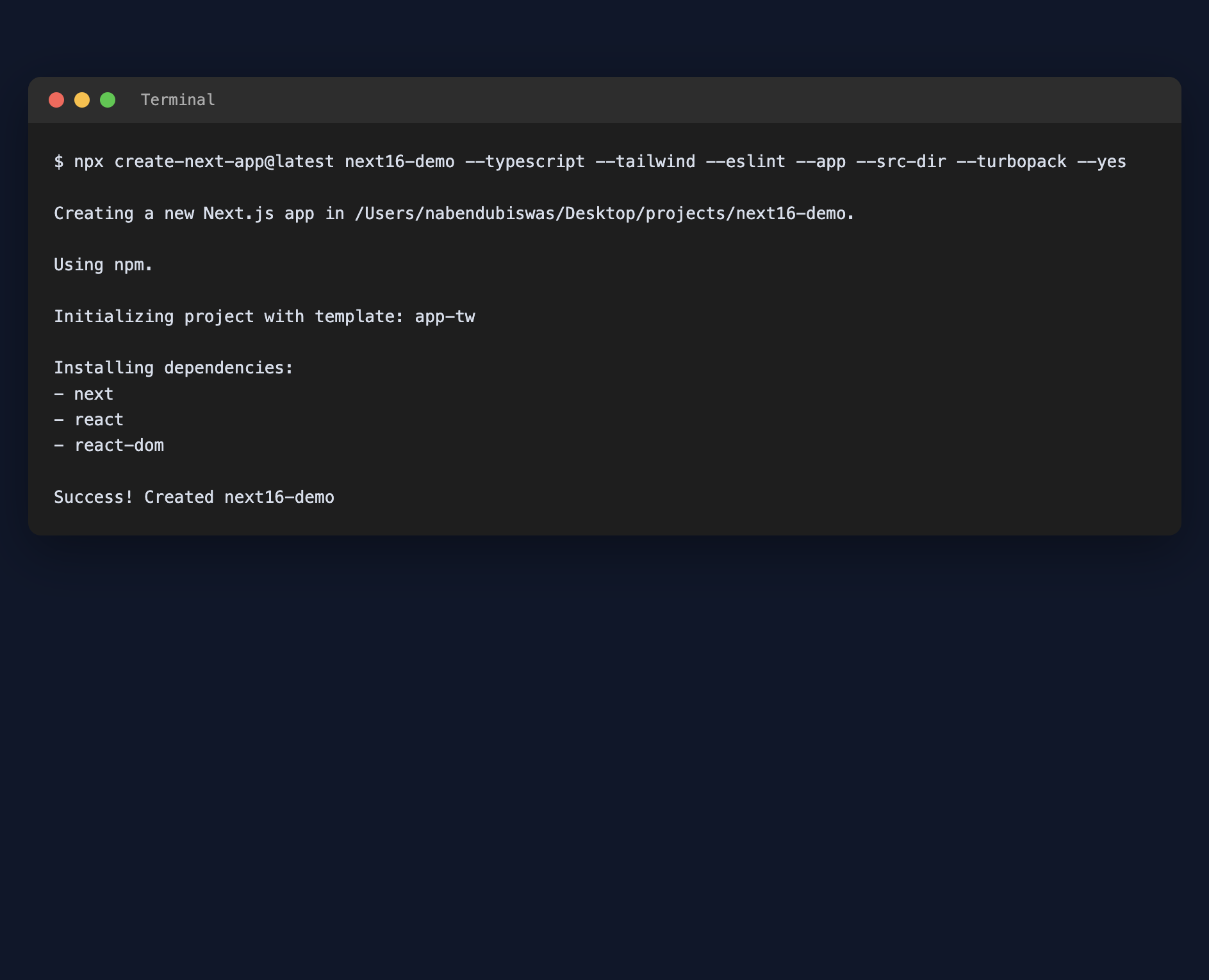
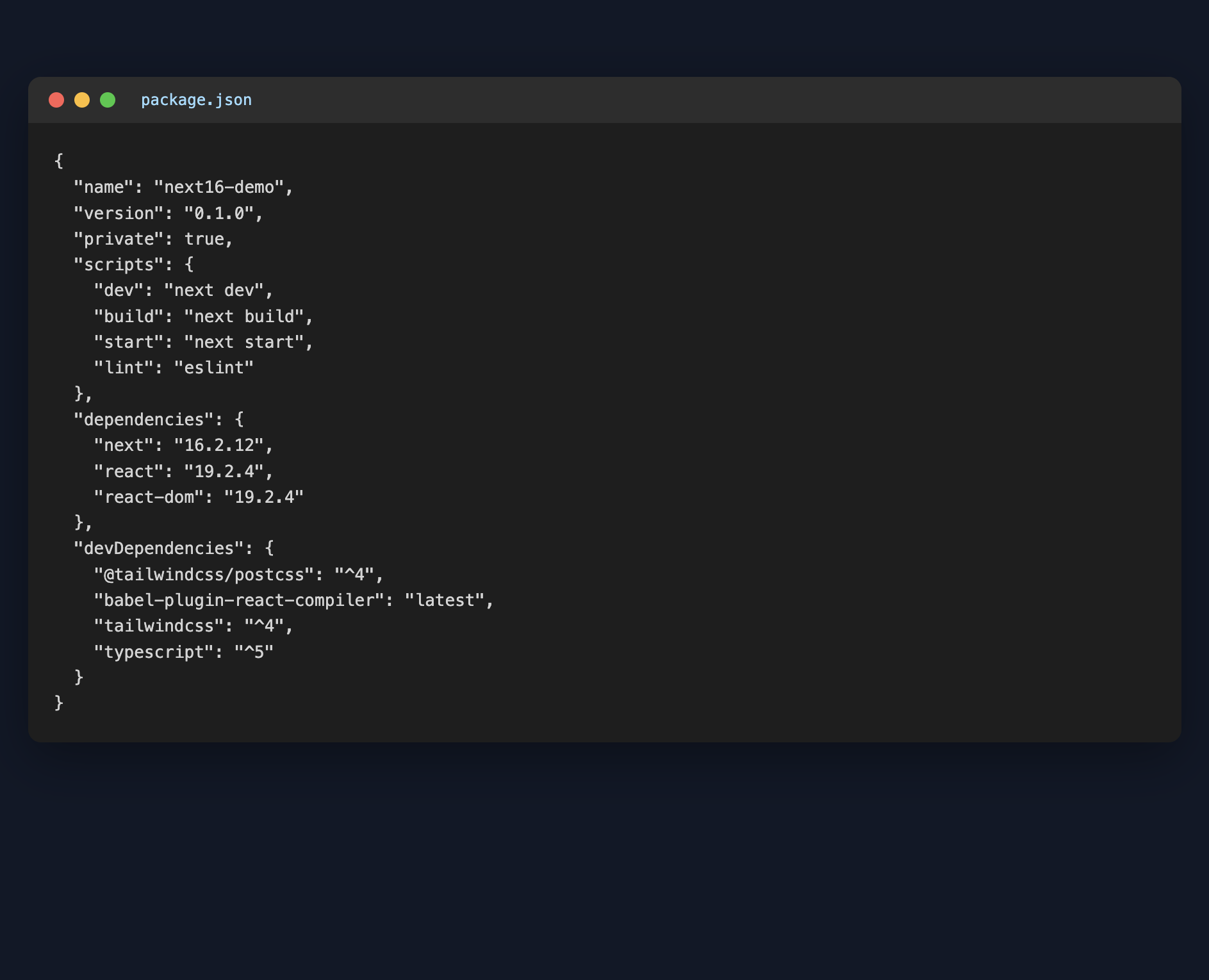
After creating the app, open package.json. You should see next at version 16.x along with React 19:
Start the development server:
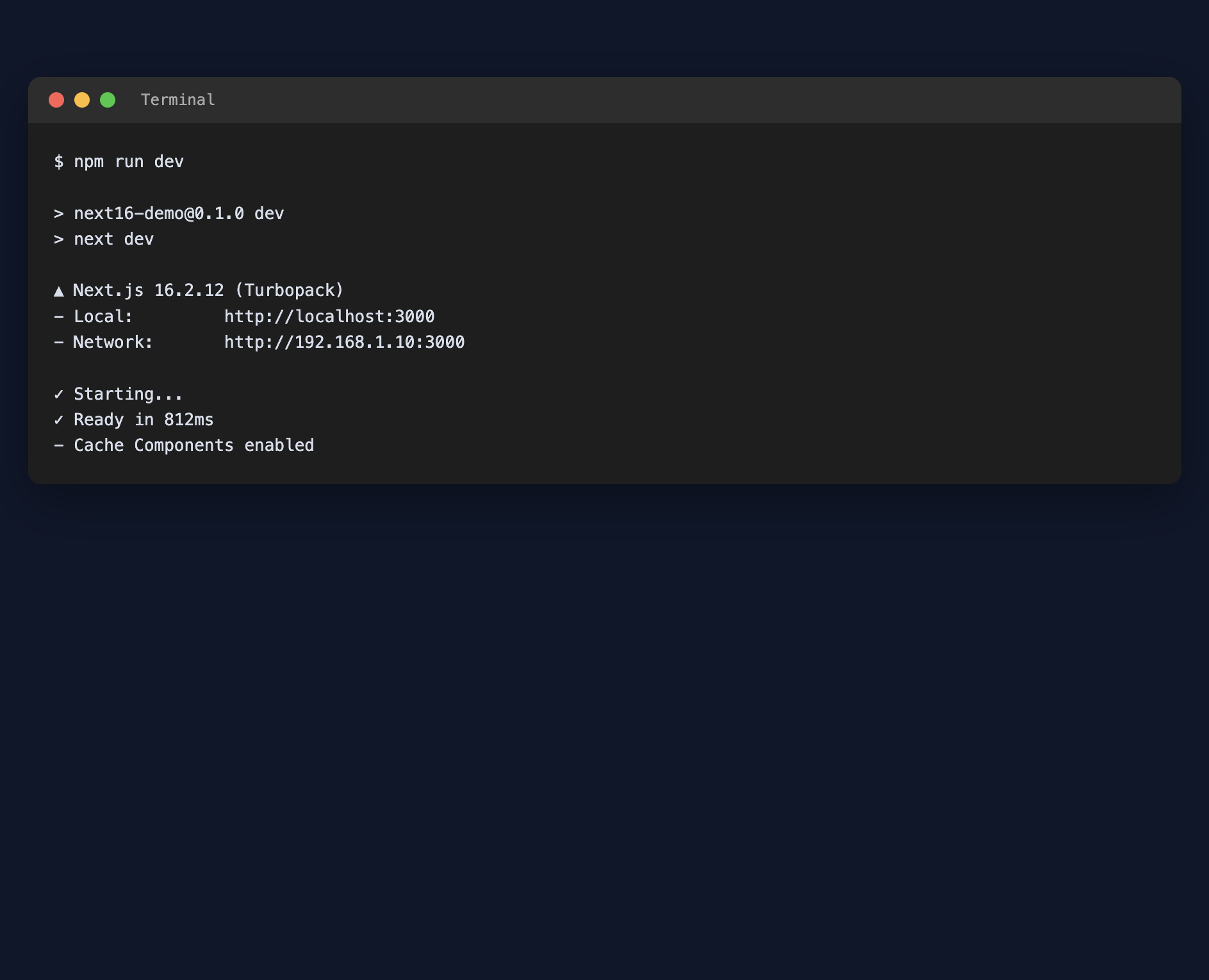
npm run devThe terminal should show Next.js 16 with (Turbopack) and, once we enable it later, Cache Components:
Open http://localhost:3000/ and you will see the default starter page:

Shell UI and notes layout
We will replace the starter with a Notes app shell: navbar, home list, search, detail pages, and a create form.
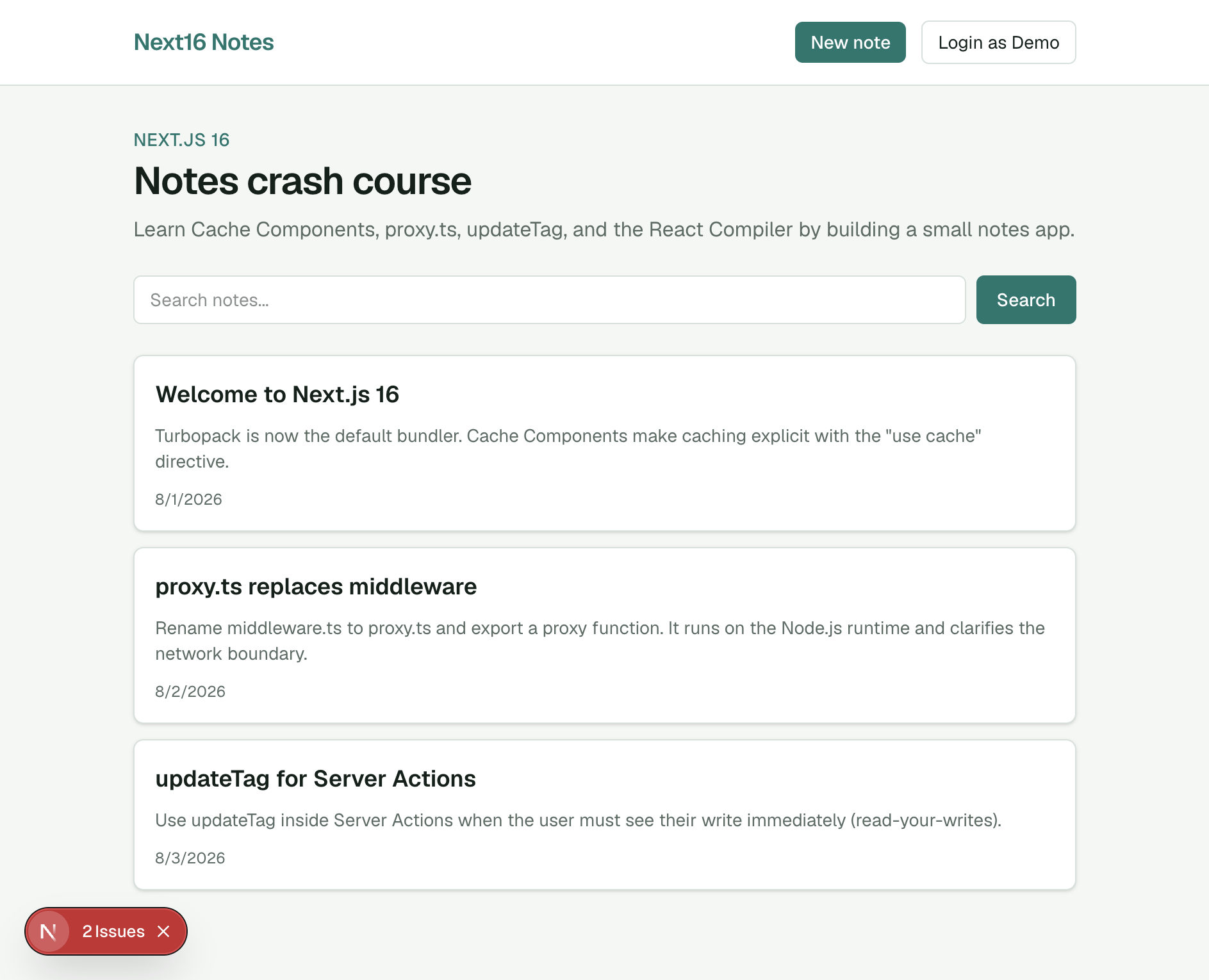
Update src/app/globals.css with a simple theme, then build a Navbar and home page. After wiring the layout you should see a branded header with New note and Login as Demo:
Enable Cache Components and the React Compiler
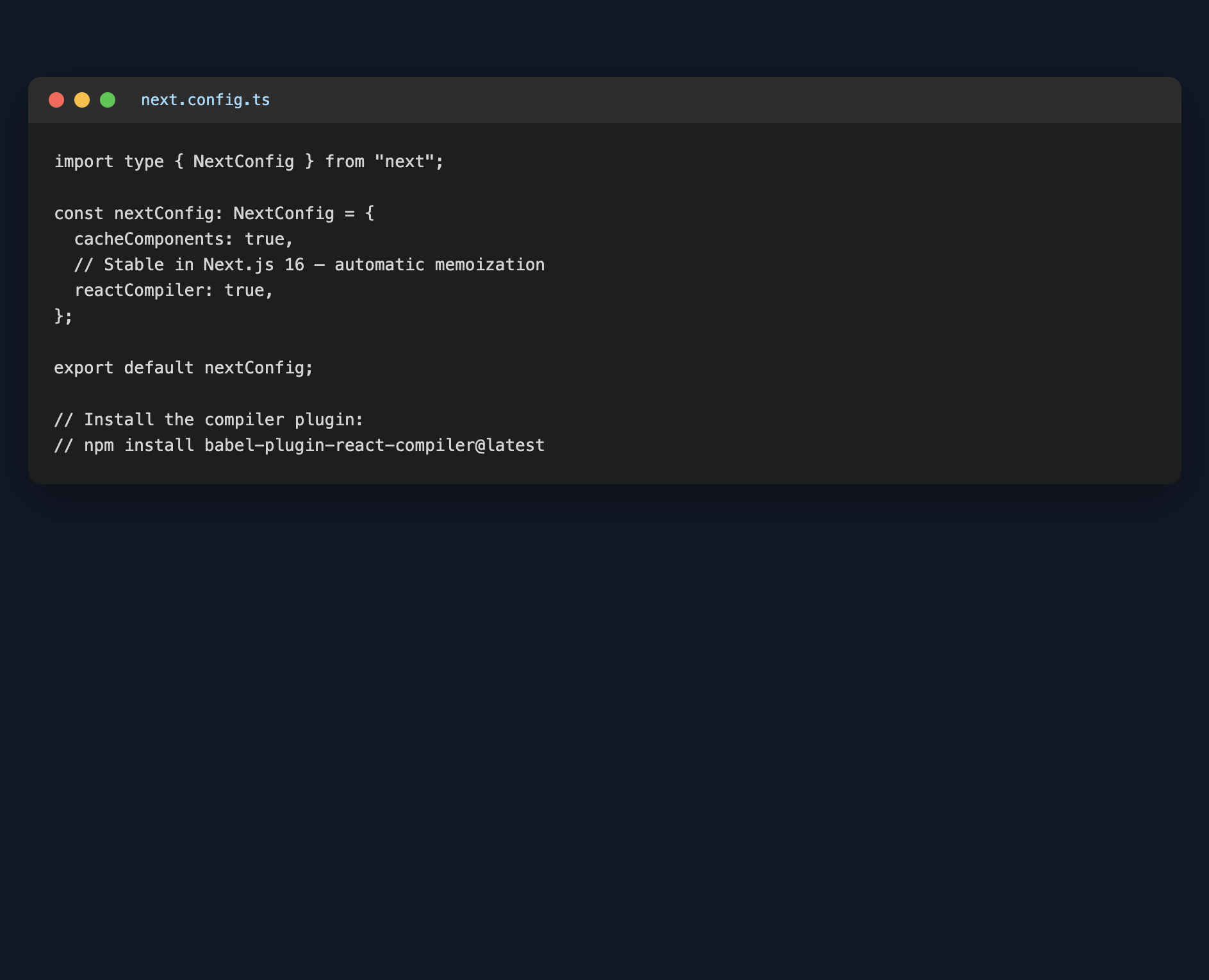
In Next.js 16, caching is opt-in. Enable Cache Components (and we will also turn on the React Compiler) in next.config.ts:
import type { NextConfig } from "next";

const nextConfig: NextConfig = {
  cacheComponents: true,
  reactCompiler: true,
};

export default nextConfig;
Install the React Compiler plugin:
npm install babel-plugin-react-compiler@latest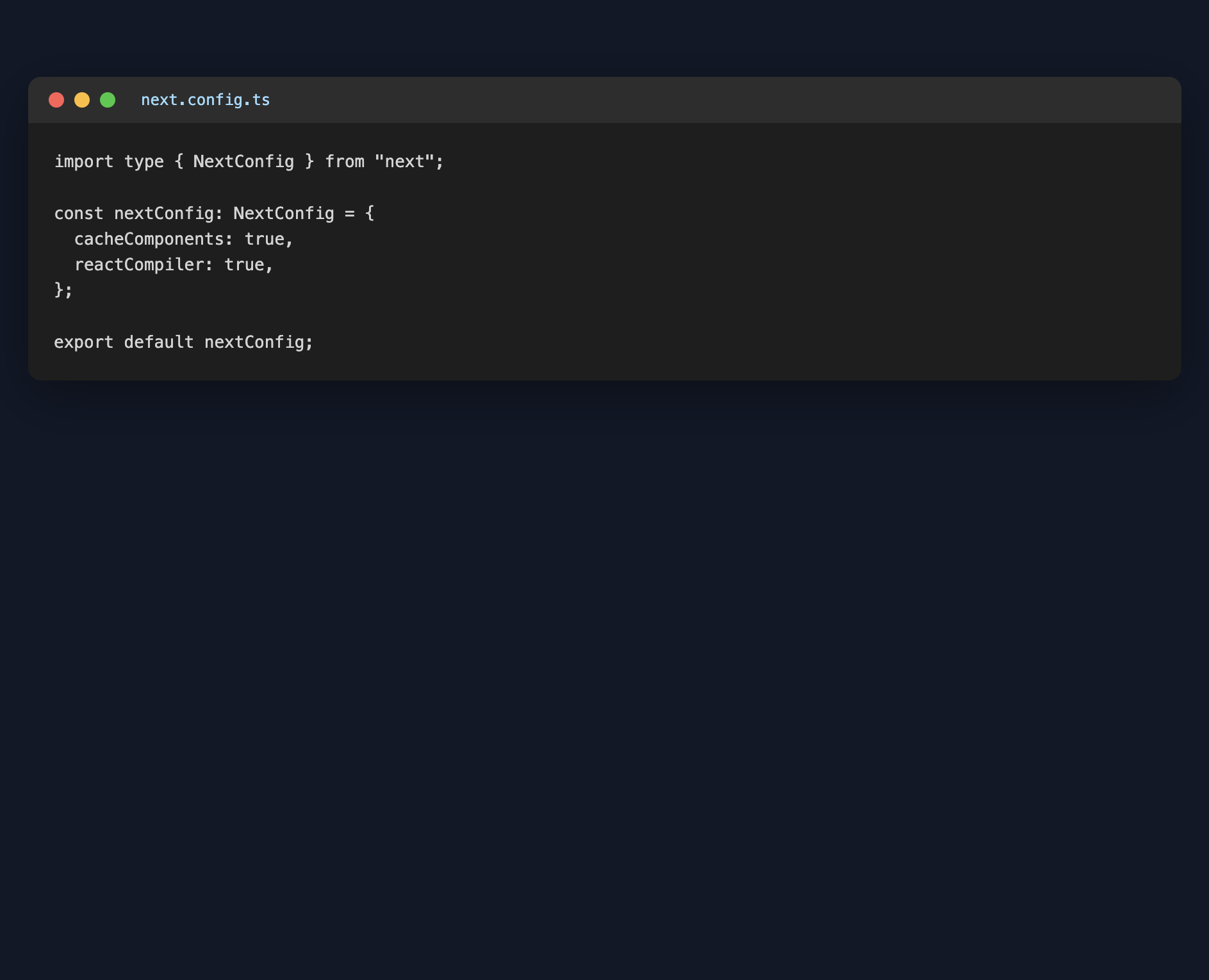
Data layer with "use cache"
Create data/notes.json with a few seed notes, then src/lib/notes.ts. Cached reads use the "use cache" directive plus cacheTag and cacheLife:
import { cacheLife, cacheTag } from "next/cache";
import { promises as fs } from "fs";
import path from "path";

export type Note = {
  id: string;
  title: string;
  body: string;
  createdAt: string;
};

const DATA_PATH = path.join(process.cwd(), "data", "notes.json");

async function readNotesFile(): Promise<Note[]> {
  const raw = await fs.readFile(DATA_PATH, "utf-8");
  return JSON.parse(raw) as Note[];
}

export async function getNotes(): Promise<Note[]> {
  "use cache";
  cacheTag("notes");
  cacheLife("hours");
  return readNotesFile();
}

export async function getNote(id: string): Promise<Note | undefined> {
  "use cache";
  cacheTag("notes", `note-${id}`);
  cacheLife("hours");
  const notes = await readNotesFile();
  return notes.find((note) => note.id === id);
}
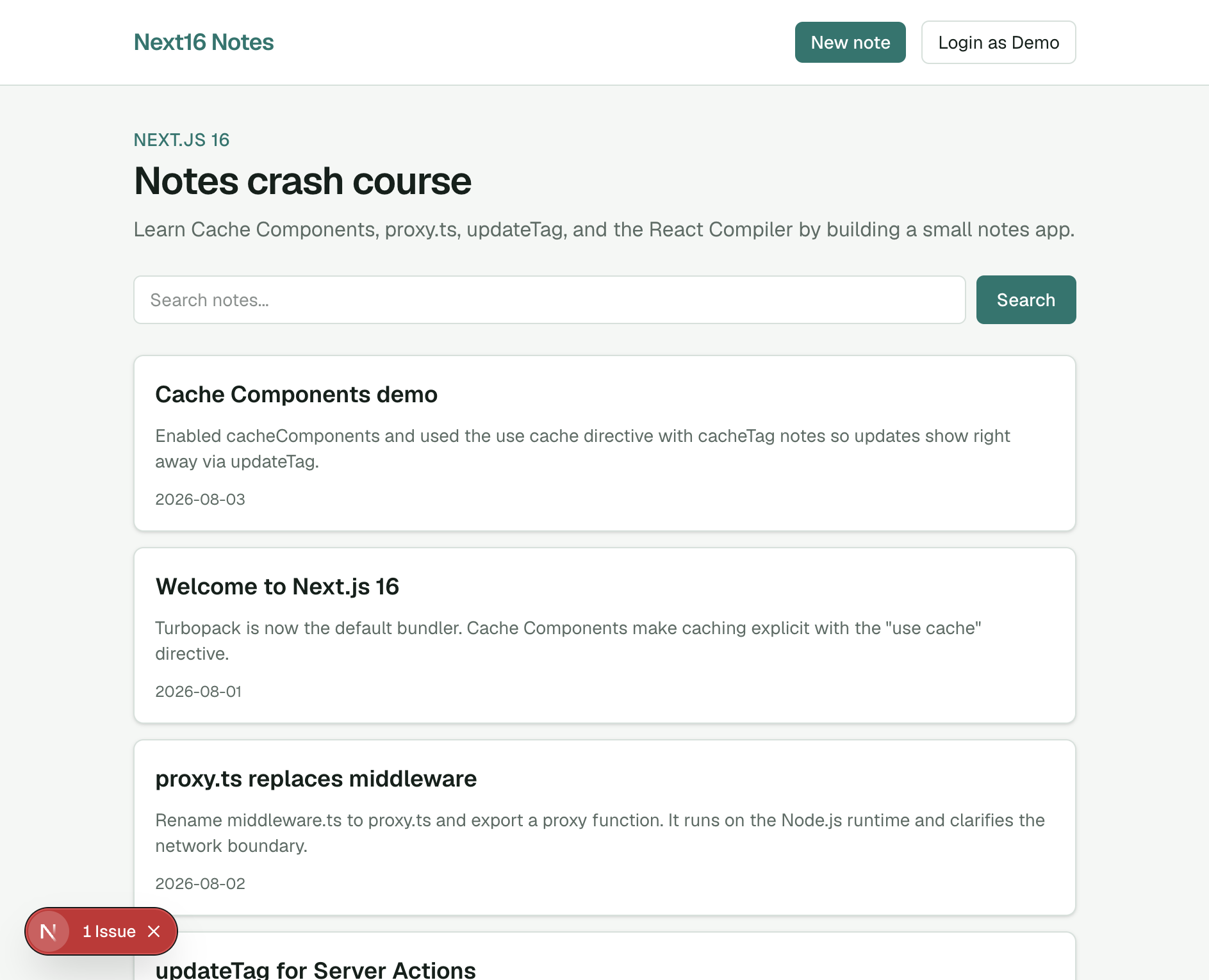
On the home page, list the notes. With Cache Components enabled, wrap anything that awaits searchParams (or cookies) in <Suspense> so the route does not block:
Async searchParams (Next 16)
In Next.js 16, searchParams and params are Promises — you must await them. Add a search form that submits ?q=...:
type HomeProps = {
  searchParams: Promise<{ q?: string; error?: string }>;
};

async function HomeContent({ searchParams }: HomeProps) {
  const params = await searchParams;
  const query = params.q ?? "";
  const notes = await searchNotes(query);
  // ...
}
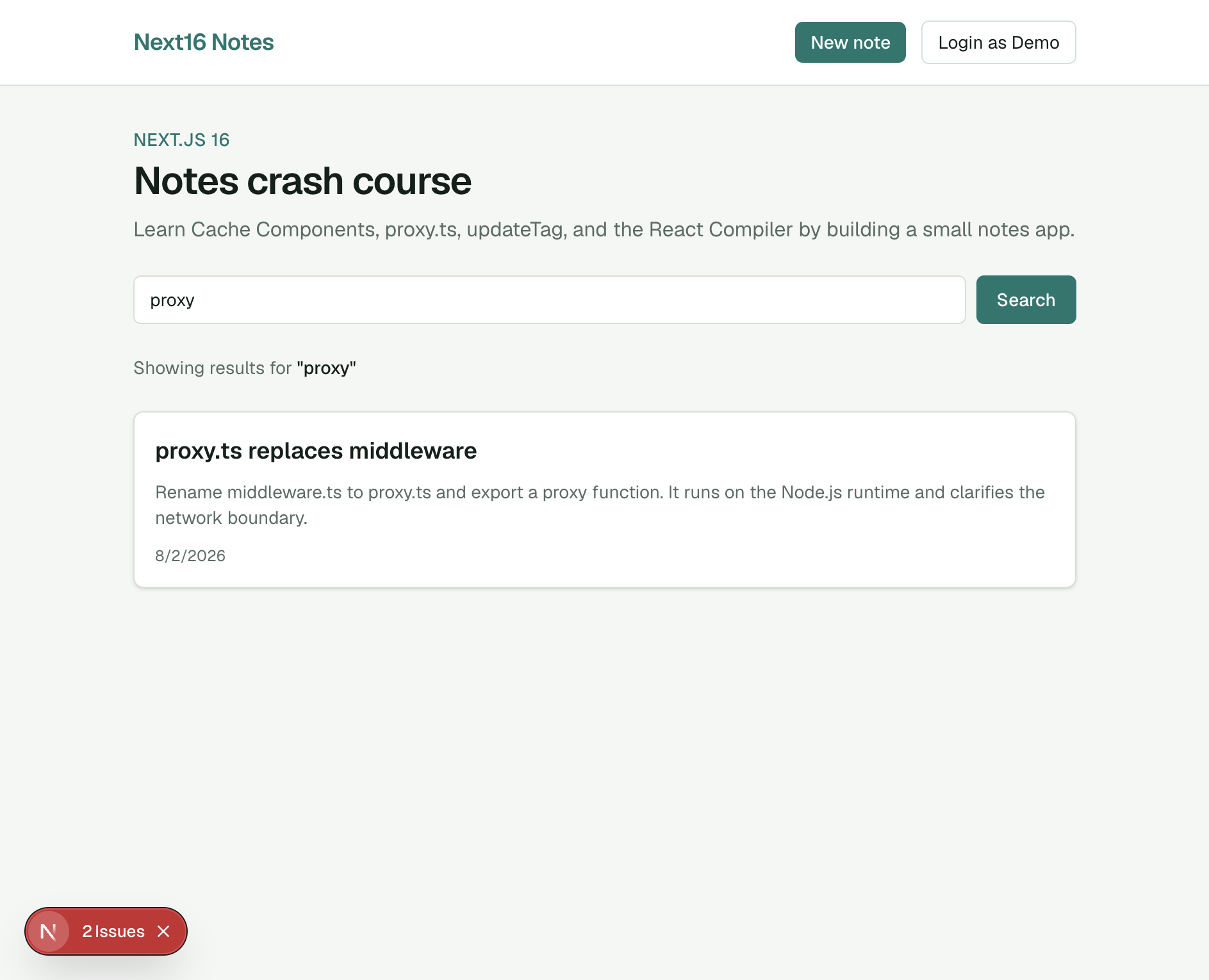
Search for proxy and only the matching note should remain:
Note detail with async params
Create src/app/notes/[id]/page.tsx. Await params inside a Suspense boundary:
type NotePageProps = {
  params: Promise<{ id: string }>;
};

async function NoteContent({ params }: NotePageProps) {
  const { id } = await params;
  const note = await getNote(id);
  // ...
}
Demo auth and proxy.ts
Next.js 16 renames middleware.ts to proxy.ts and the exported function to proxy. Create a simple demo cookie login and protect /notes/new.
src/app/actions/auth.ts:
"use server";

import { cookies } from "next/headers";
import { redirect } from "next/navigation";
import { DEMO_COOKIE } from "@/lib/auth";

export async function loginDemo() {
  const store = await cookies();
  store.set(DEMO_COOKIE, "demo", {
    httpOnly: true,
    path: "/",
    sameSite: "lax",
  });
  redirect("/");
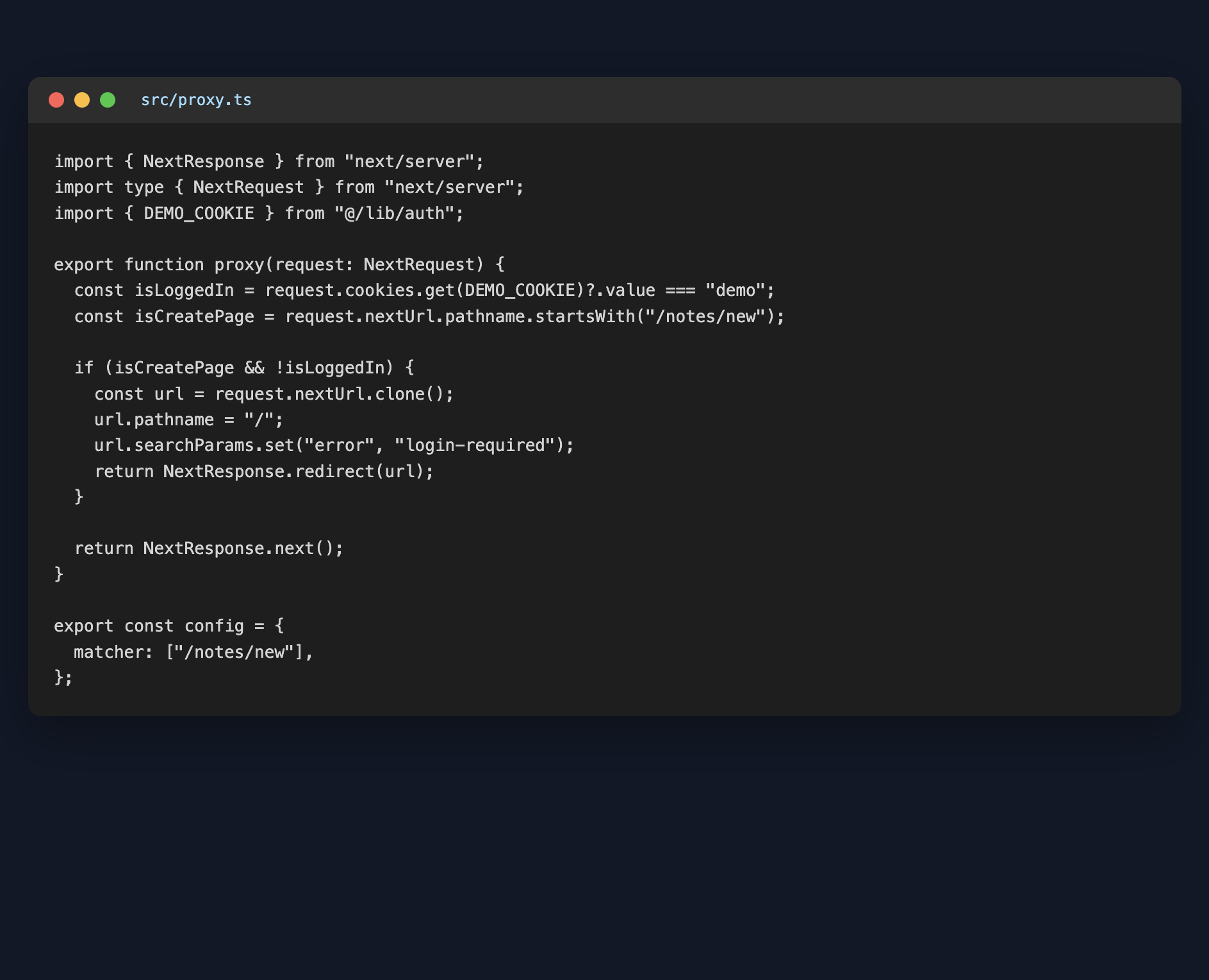
}src/proxy.ts:
import { NextResponse } from "next/server";
import type { NextRequest } from "next/server";
import { DEMO_COOKIE } from "@/lib/auth";

export function proxy(request: NextRequest) {
  const isLoggedIn = request.cookies.get(DEMO_COOKIE)?.value === "demo";
  const isCreatePage = request.nextUrl.pathname.startsWith("/notes/new");

  if (isCreatePage && !isLoggedIn) {
    const url = request.nextUrl.clone();
    url.pathname = "/";
    url.searchParams.set("error", "login-required");
    return NextResponse.redirect(url);
  }

  return NextResponse.next();
}

export const config = {
  matcher: ["/notes/new"],
};
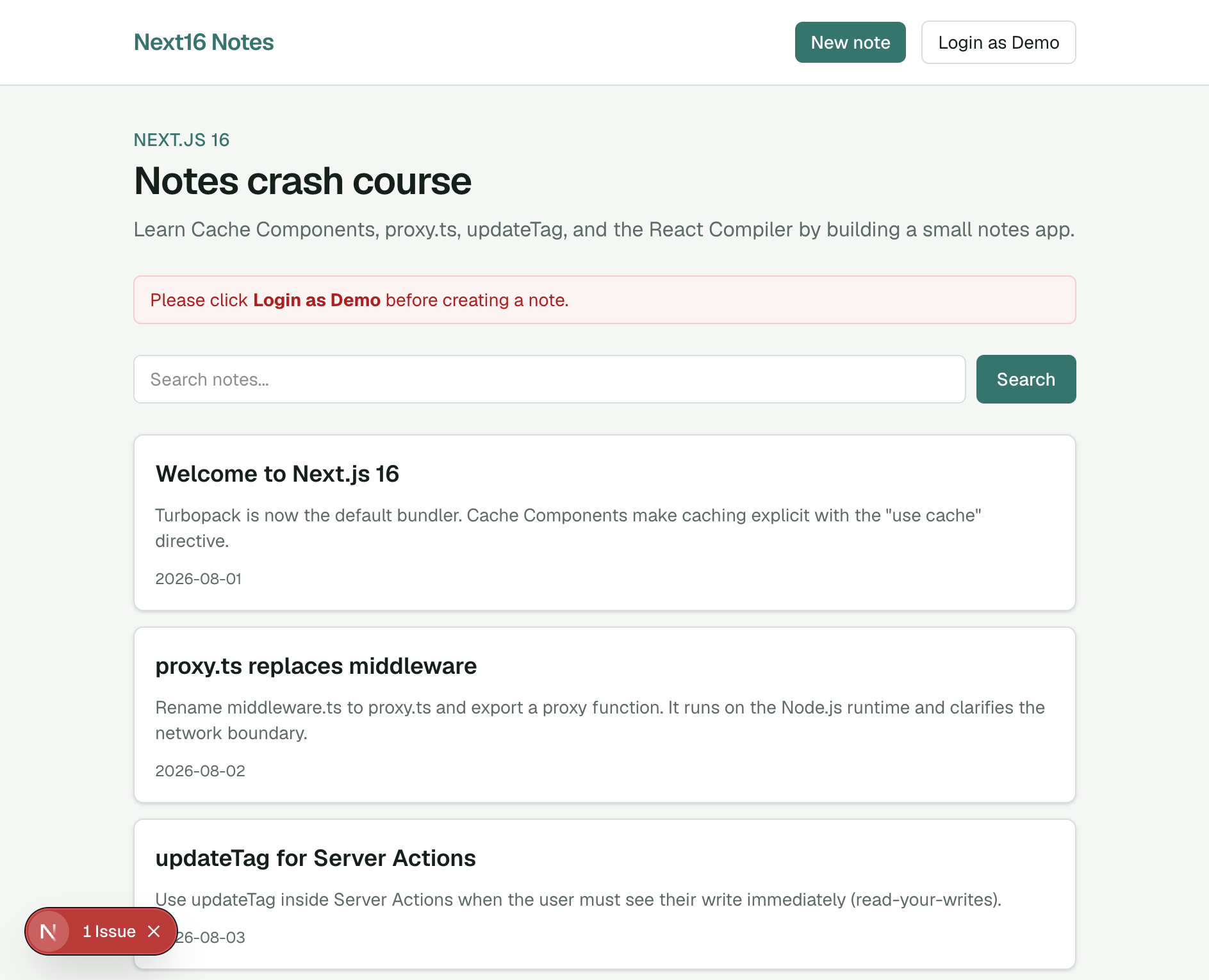
Visit /notes/new while logged out — proxy.ts redirects home with an error:
Click Login as Demo. The navbar should show Logout:
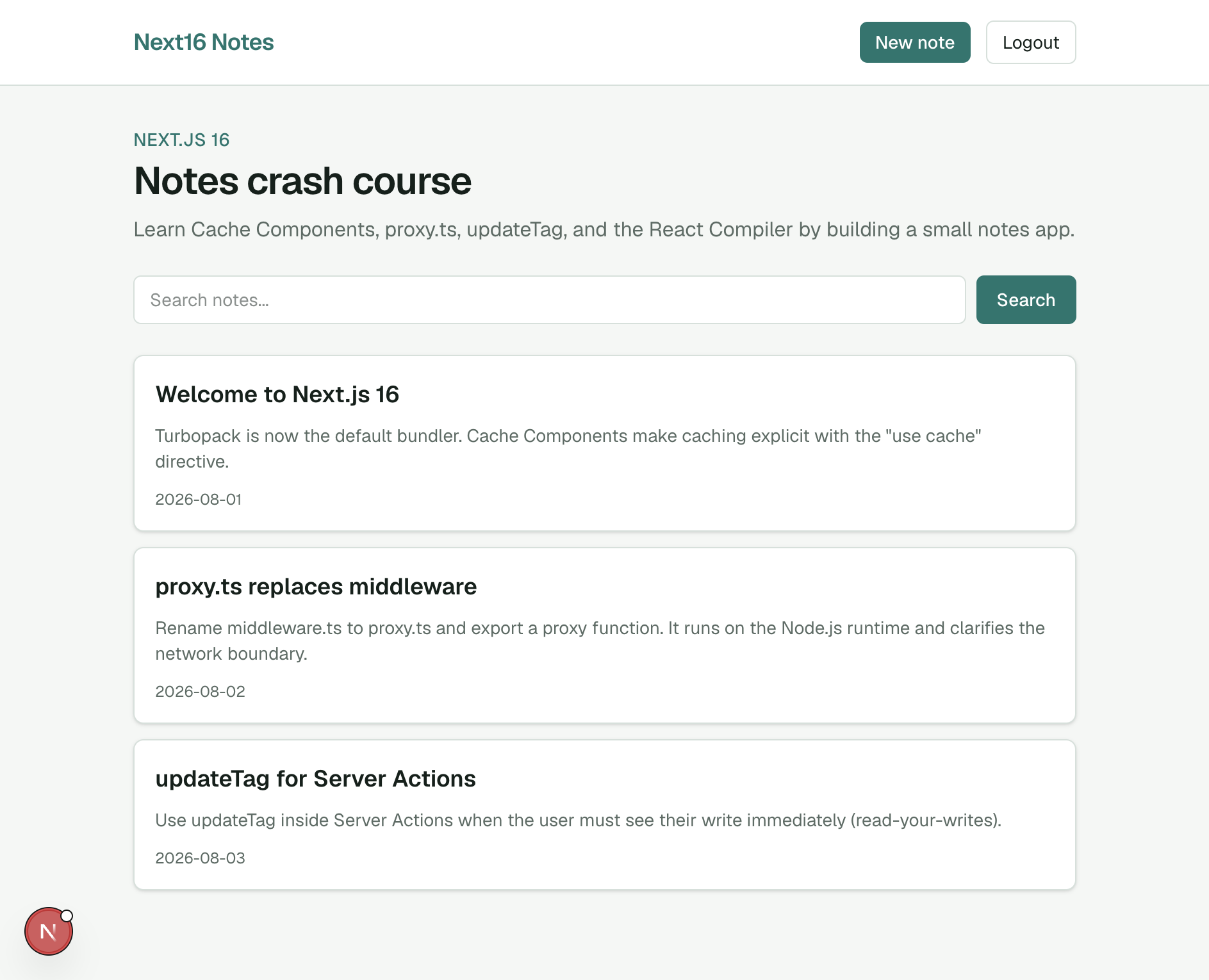
Create note with updateTag
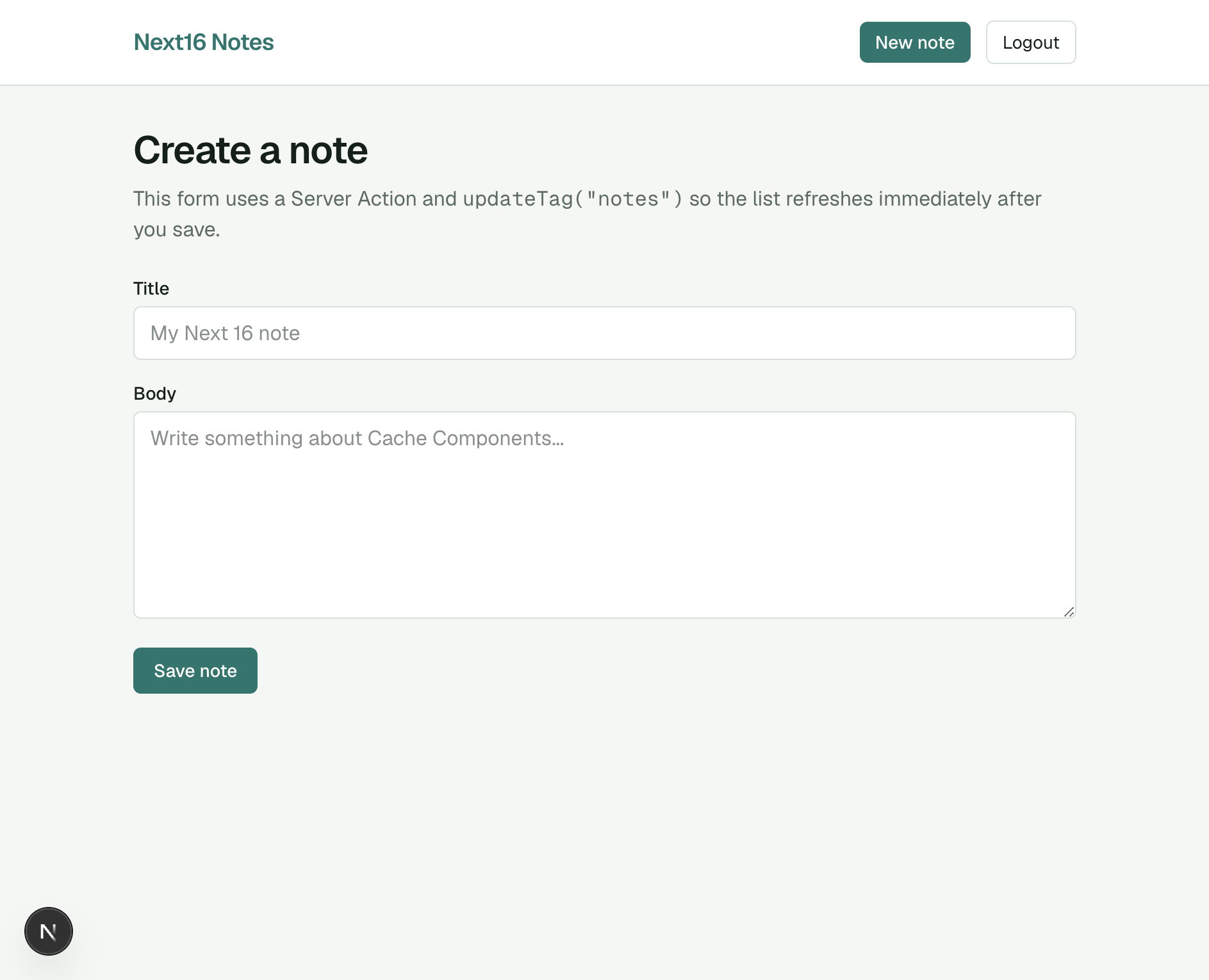
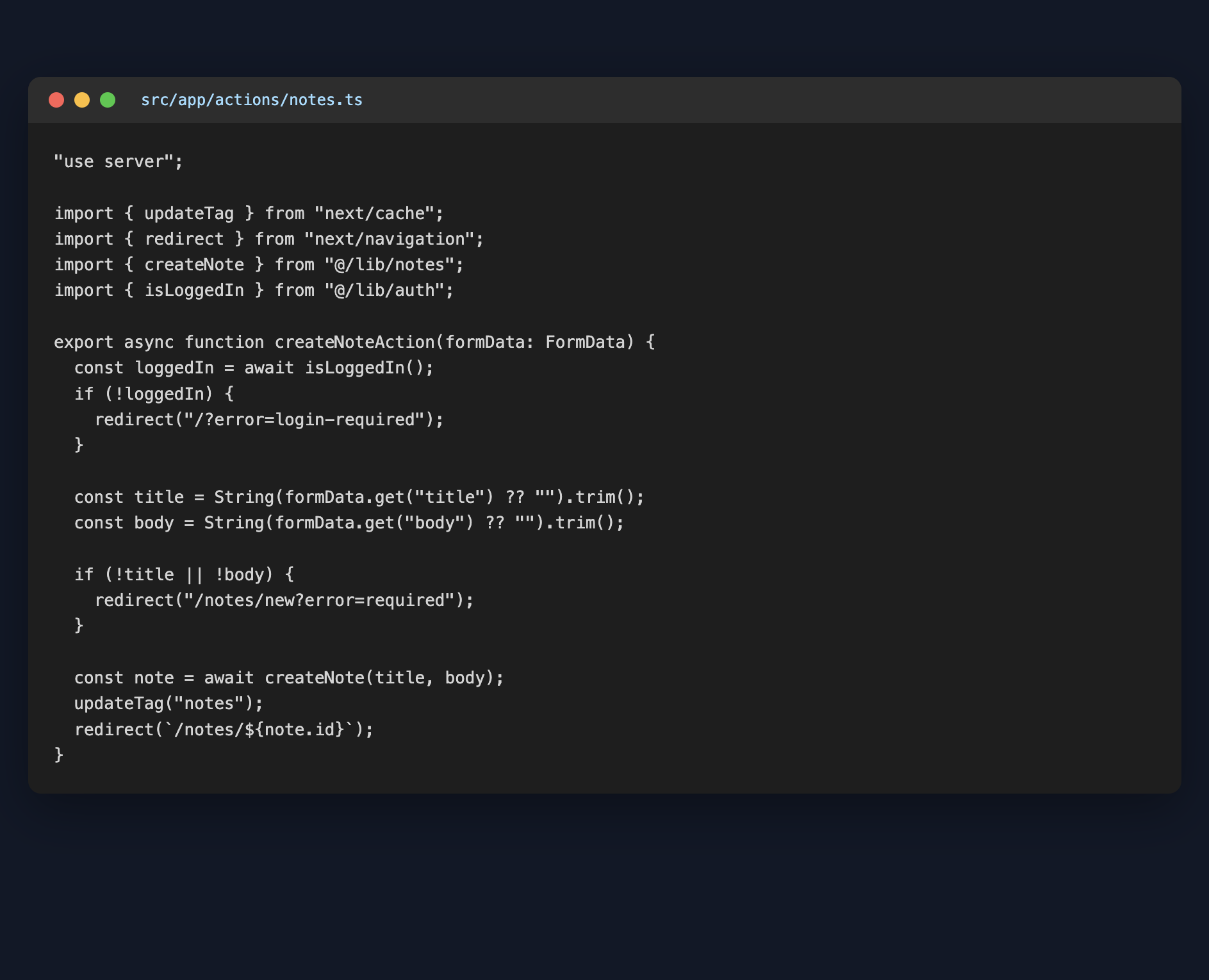
Build /notes/new with a Server Action. After writing to disk, call updateTag("notes") so the list refreshes immediately (read-your-writes). This is the Server Actions API Next 16 recommends when the user must see their change right away.
src/app/actions/notes.ts:
"use server";

import { updateTag } from "next/cache";
import { redirect } from "next/navigation";
import { createNote } from "@/lib/notes";
import { isLoggedIn } from "@/lib/auth";

export async function createNoteAction(formData: FormData) {
  const loggedIn = await isLoggedIn();
  if (!loggedIn) {
    redirect("/?error=login-required");
  }

  const title = String(formData.get("title") ?? "").trim();
  const body = String(formData.get("body") ?? "").trim();

  if (!title || !body) {
    redirect("/notes/new?error=required");
  }

  const note = await createNote(title, body);
  updateTag("notes");
  redirect(`/notes/${note.id}`);
}
While logged in, open the create form:
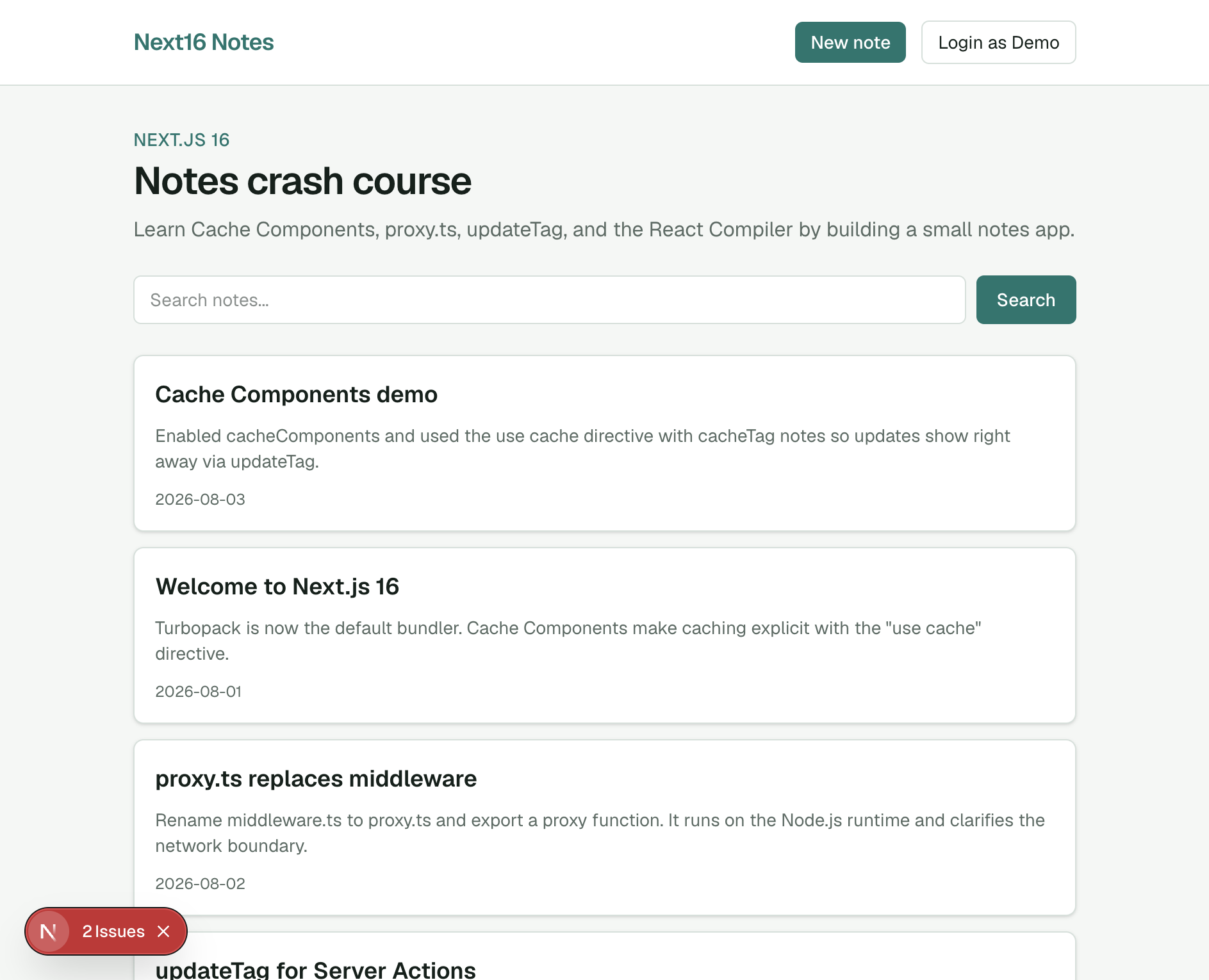
Submit a new note. You are redirected to the detail page, and the home list includes the new item:
For background stale-while-revalidate invalidation (not used in this demo), Next 16’s revalidateTag now requires a second cacheLife profile argument, for example revalidateTag("notes", "max").
React Compiler
We already set reactCompiler: true in next.config.ts. The compiler is stable in Next.js 16 and automatically memoizes components — no manual useMemo / useCallback required for most cases.
Final app
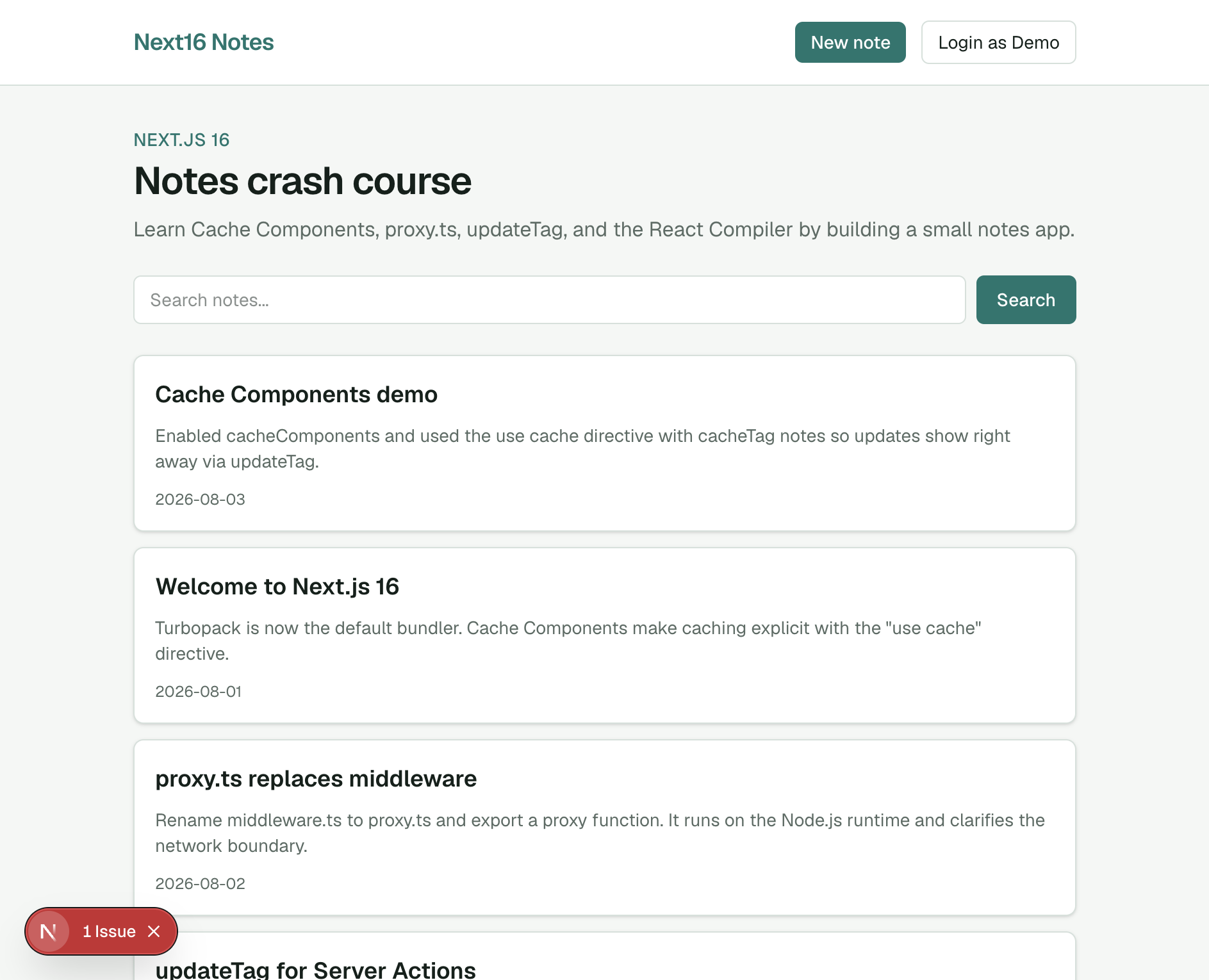
You now have a working Next.js 16 notes app: Turbopack, Cache Components, async params, proxy.ts, Server Actions with updateTag, and the React Compiler.
Wrap up
What we covered:
- Turbopack as the default bundler in Next.js 16
- Cache Components via
cacheComponents: trueand"use cache" proxy.tsinstead ofmiddleware.tsupdateTagfor immediate Server Action updates- React Compiler (
reactCompiler: true) - Async
params/searchParamswith Suspense boundaries
For a larger app with GitHub auth and Sanity CMS, continue with the Next.js 15 crash course patterns — then upgrade that stack to Next 16 using the same Cache Components and proxy.ts ideas from this post.