Angular 22 crash Course
Build a notes app with Angular 22 — Signal Forms, httpResource, @Service, and OnPush by default
In this post we are going to learn Angular 22 by building a small Notes app. You will use @Service() instead of verbose @Injectable, Signal Forms (form(), [formField], required), httpResource for HTTP, and the new default OnPush change detection.
Angular 22 needs Node.js 22+ and TypeScript 6. The CLI now generates app.ts / app.html — not app.component.ts.
If you want the older NgModule / Angular 12 walkthrough, see my Angular Basics series. This post is the 2026 stack.
Project setup
Open a terminal and create the app with the Angular 22 CLI. Skip tests and SSR so we can focus on the new APIs:
npx @angular/cli@22 new angular22-demo --defaults --skip-git --style=css --ssr=false --skip-tests
cd angular22-demo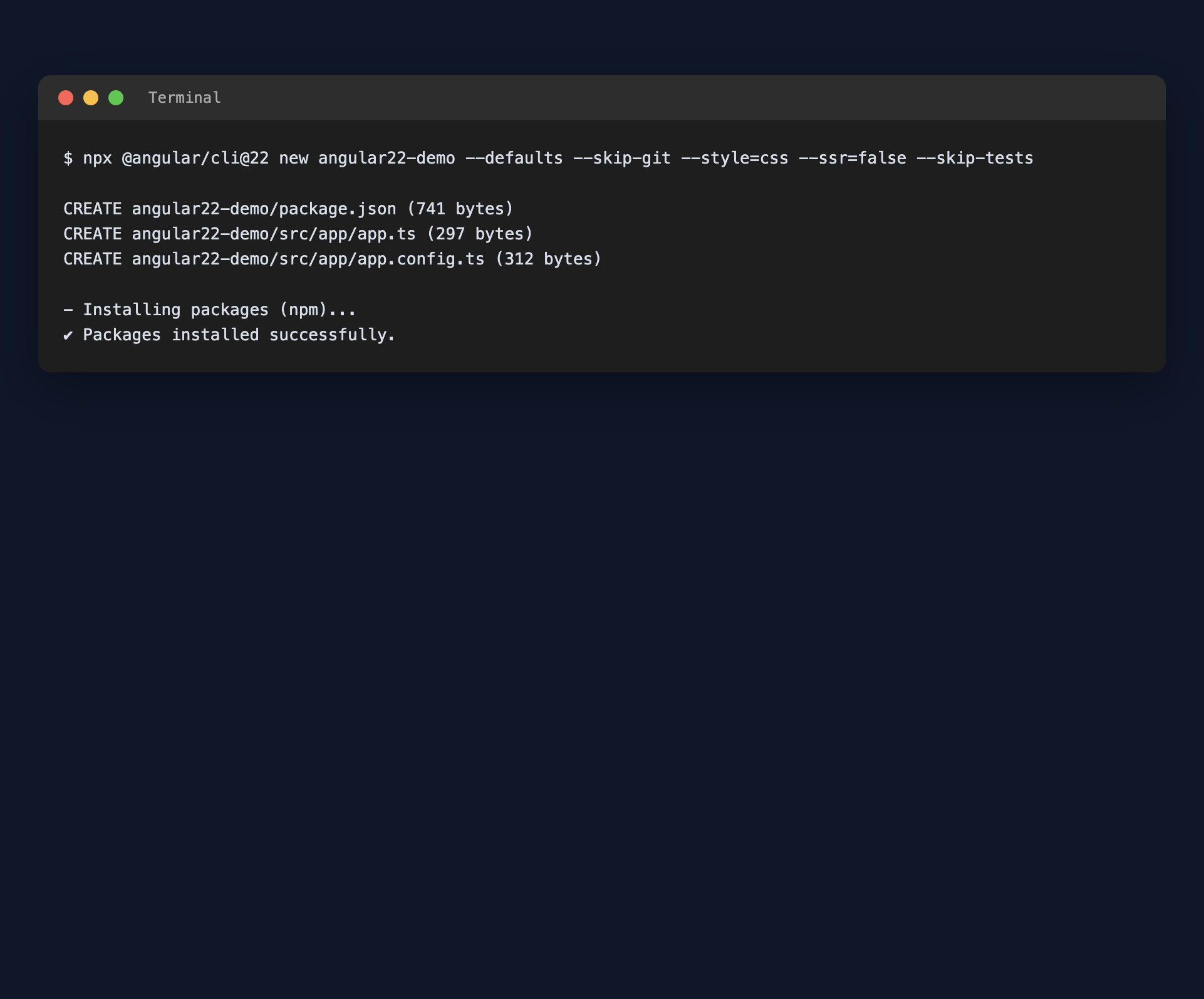
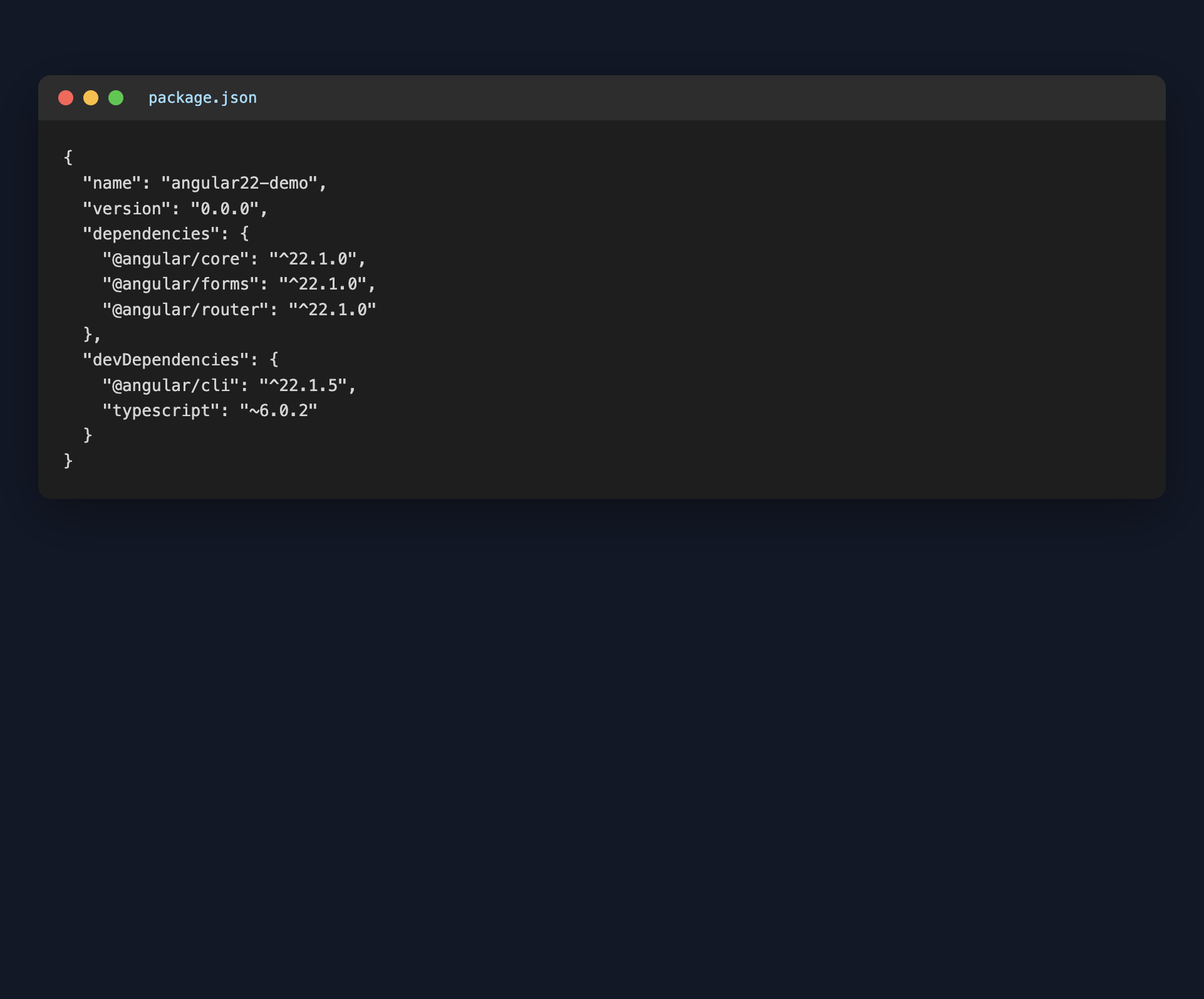
After creating the app, open package.json. You should see @angular/core at version 22.x along with TypeScript 6:
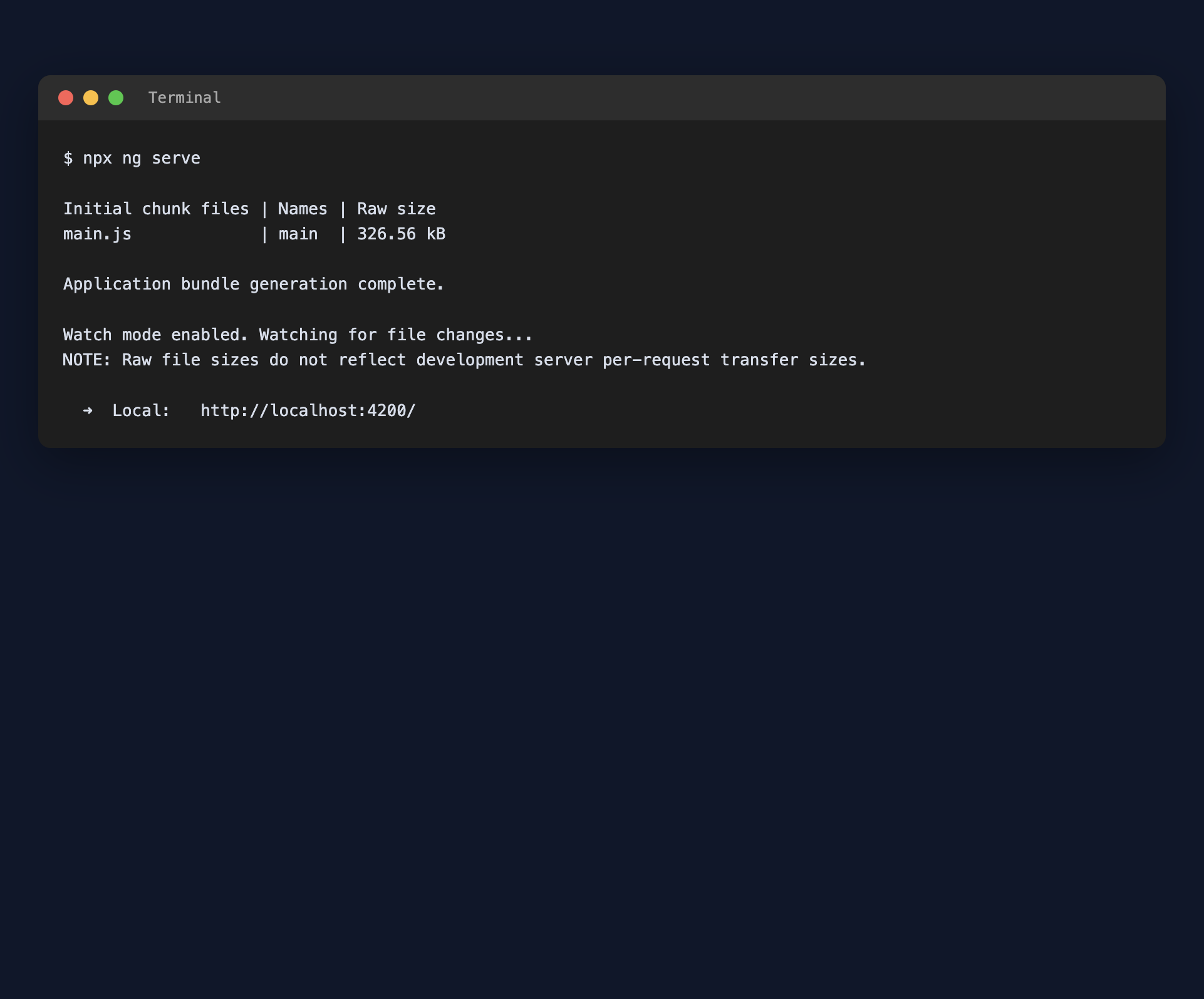
Start the development server:
npx ng serve --port 4200The terminal should show Angular 22 and a local URL:
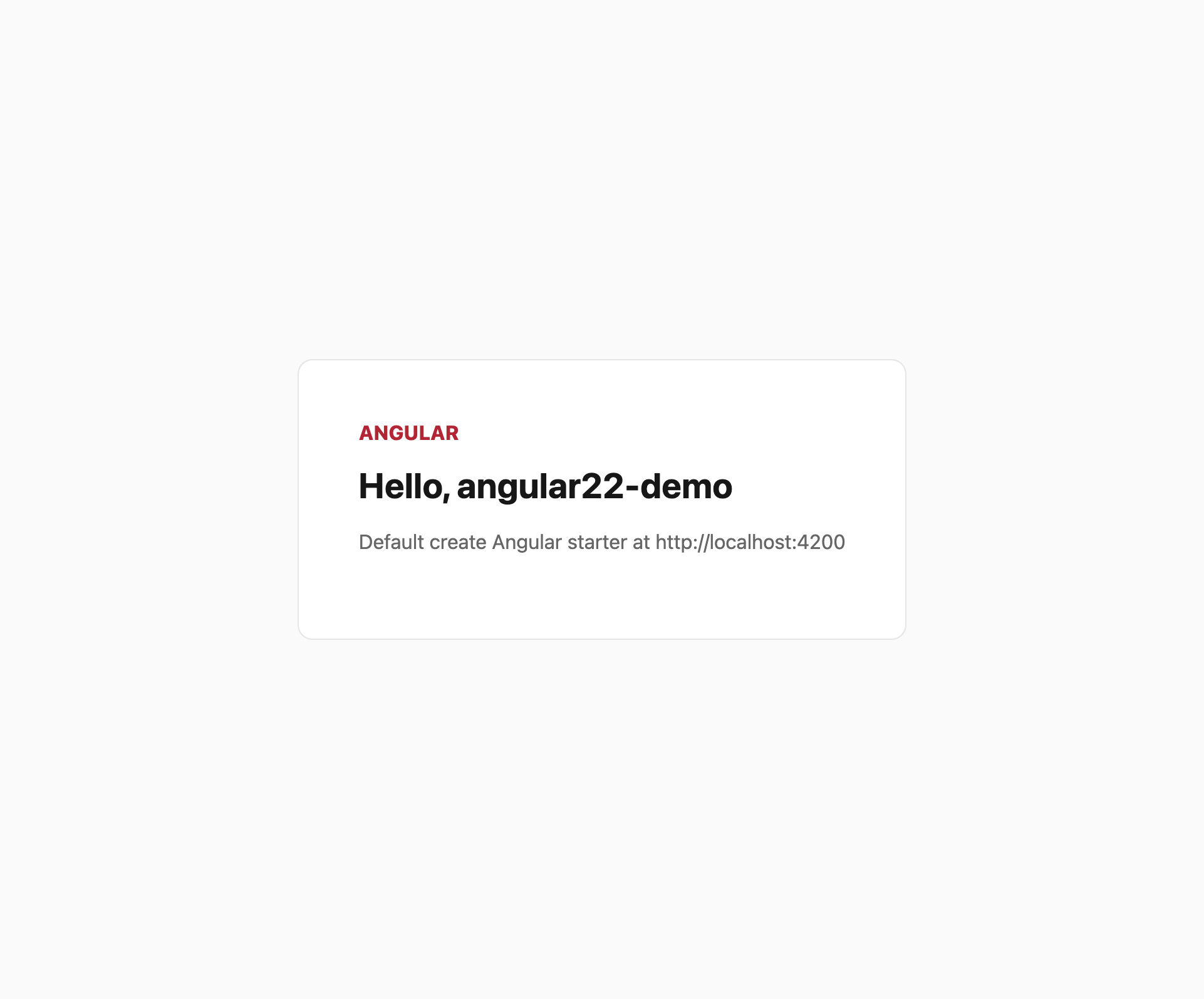
Open http://localhost:4200/ and you will see the default starter page:
Shell UI and notes layout
We will replace the starter with a Notes app shell: navbar, home list, search, detail pages, and a create form.
First drop a simple theme in src/styles.css:
:root {
  --background: #f4f7f5;
  --foreground: #14201b;
  --accent: #c3002f;
  --card: #ffffff;
  --muted: #5b6b64;
  --border: #d5e0db;
}

html,
body {
  margin: 0;
  min-height: 100%;
  background: var(--background);
  color: var(--foreground);
  font-family: system-ui, -apple-system, sans-serif;
}
The root component is already src/app/app.ts (not app.component.ts). Wire a header and a router outlet in app.html:
<header>
  <nav>
    <a routerLink="/" class="brand">Angular 22 Notes</a>
    <div class="actions">
      <a routerLink="/notes/new" class="btn btn-primary">New note</a>
    </div>
  </nav>
</header>
<main>
  <router-outlet />
</main>
And import the router in app.ts:
import { Component } from '@angular/core';
import { RouterLink, RouterOutlet } from '@angular/router';

@Component({
  imports: [RouterOutlet, RouterLink],
  selector: 'app-root',
  styleUrl: './app.css',
  templateUrl: './app.html',
})
export class App {}
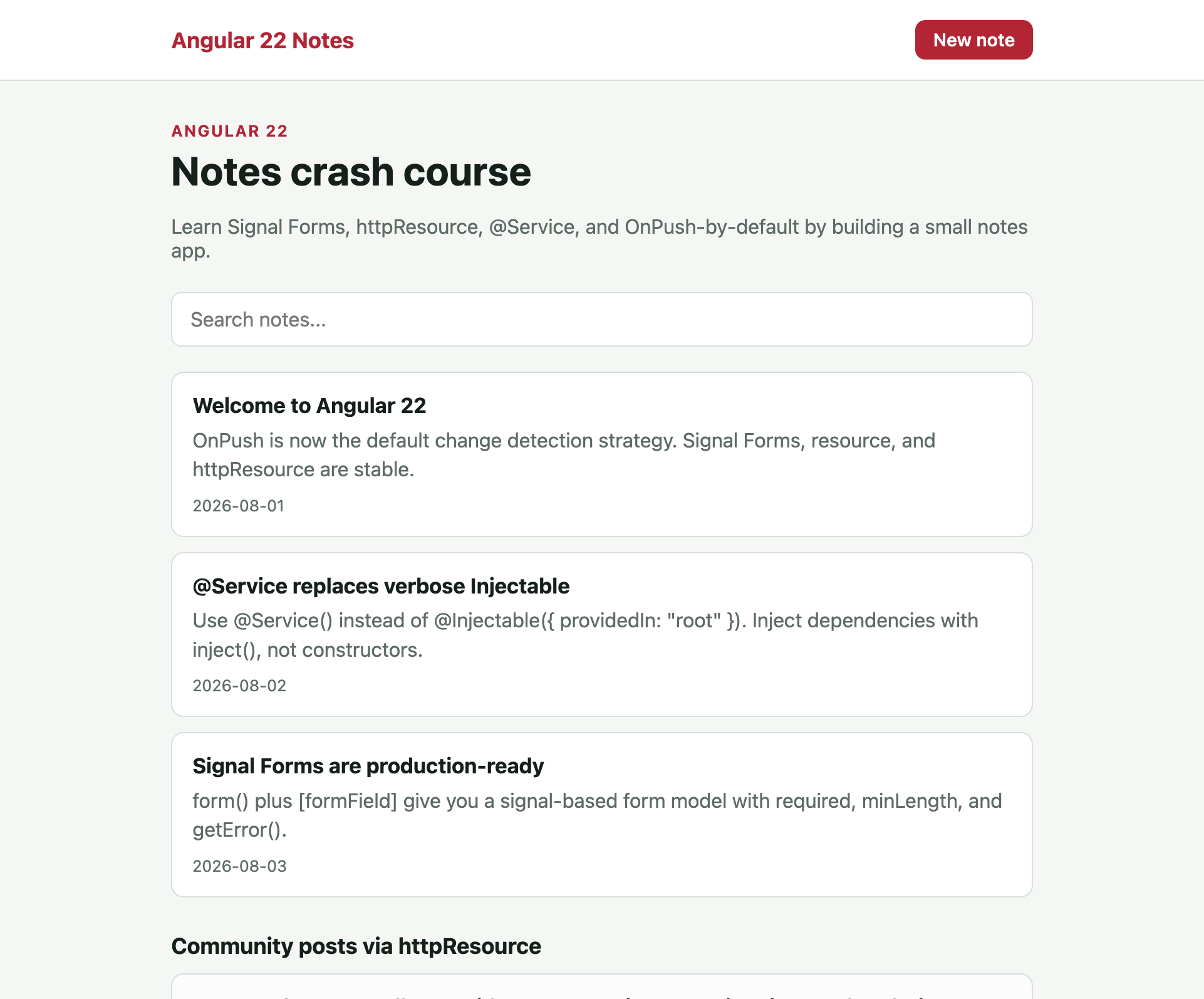
After wiring the layout you should see a branded header with New note:
@Service instead of @Injectable
Angular 22 adds @Service() as the short form of @Injectable({ providedIn: 'root' }). Inject it with inject(), not a constructor.
Create src/app/notes.ts:
import { Service, signal } from '@angular/core';

export type Note = {
  id: string;
  title: string;
  body: string;
  createdAt: string;
};

@Service()
export class Notes {
  private readonly notes = signal<Note[]>([
    {
      id: '1',
      title: 'Welcome to Angular 22',
      body: 'OnPush is now the default change detection strategy. Signal Forms, resource, and httpResource are stable.',
      createdAt: '2026-08-01',
    },
    {
      id: '2',
      title: '@Service replaces verbose Injectable',
      body: 'Use @Service() instead of @Injectable({ providedIn: "root" }). Inject dependencies with inject(), not constructors.',
      createdAt: '2026-08-02',
    },
    {
      id: '3',
      title: 'Signal Forms are production-ready',
      body: 'form() plus [formField] give you a signal-based form model with required, minLength, and getError().',
      createdAt: '2026-08-03',
    },
  ]);

  readonly all = this.notes.asReadonly();

  search(query: string): Note[] {
    const q = query.trim().toLowerCase();
    if (!q) return this.notes();
    return this.notes().filter(
      (note) =>
        note.title.toLowerCase().includes(q) ||
        note.body.toLowerCase().includes(q),
    );
  }

  getById(id: string): Note | undefined {
    return this.notes().find((note) => note.id === id);
  }

  create(title: string, body: string): Note {
    const note: Note = {
      id: String(Date.now()),
      title,
      body,
      createdAt: new Date().toISOString().slice(0, 10),
    };
    this.notes.update((notes) => [note, ...notes]);
    return note;
  }
}
Routes
Create src/app/app.routes.ts with home, create, and detail:
import { Routes } from '@angular/router';
import { Home } from './home/home';
import { NoteCreate } from './note-create/note-create';
import { NoteDetail } from './note-detail/note-detail';

export const routes: Routes = [
  { path: '', component: Home },
  { path: 'notes/new', component: NoteCreate },
  { path: 'notes/:id', component: NoteDetail },
];
Home list, search, and httpResource
httpResource is stable in Angular 22. It is a signal-based HTTP wrapper: pass a URL function, then read isLoading(), error(), hasValue(), and value().
Create src/app/home/home.ts:
import { Component, computed, inject, signal } from '@angular/core';
import { RouterLink } from '@angular/router';
import { httpResource } from '@angular/common/http';
import { Notes } from '../notes';

type CommunityPost = {
  id: number;
  title: string;
  body: string;
};

@Component({
  imports: [RouterLink],
  selector: 'app-home',
  styleUrl: './home.css',
  templateUrl: './home.html',
})
export class Home {
  private readonly notes = inject(Notes);

  protected readonly query = signal('');
  protected readonly filtered = computed(() => this.notes.search(this.query()));

  protected readonly community = httpResource<CommunityPost[]>(
    () => 'https://jsonplaceholder.typicode.com/posts?_limit=3',
  );

  search(event: Event) {
    const input = event.target as HTMLInputElement;
    this.query.set(input.value);
  }
}
The template uses Angular control flow (@if, @for) plus a live search input. Local notes come from the service; community posts come from httpResource:
<section class="hero">
  <p class="eyebrow">Angular 22</p>
  <h1>Notes crash course</h1>
  <p class="lede">
    Learn Signal Forms, httpResource, @Service, and OnPush-by-default by building a small notes app.
  </p>
</section>

<form class="search" (submit)="$event.preventDefault()">
  <input
    type="search"
    placeholder="Search notes..."
    [value]="query()"
    (input)="search($event)"
  />
</form>

@if (query()) {
  <p class="hint">Showing results for "{{ query() }}"</p>
}

<section class="list">
  @for (note of filtered(); track note.id) {
    <a class="card" [routerLink]="['/notes', note.id]">
      <h2>{{ note.title }}</h2>
      <p>{{ note.body }}</p>
      <span>{{ note.createdAt }}</span>
    </a>
  } @empty {
    <p class="hint">No notes found.</p>
  }
</section>

<section class="community">
  <h2>Community posts via httpResource</h2>
  @if (community.isLoading()) {
    <p class="hint">Loading posts...</p>
  }
  @if (community.error()) {
    <p class="error">Could not load community posts.</p>
  }
  @if (community.hasValue()) {
    @for (post of community.value(); track post.id) {
      <article class="card muted">
        <h3>{{ post.title }}</h3>
        <p>{{ post.body }}</p>
      </article>
    }
  }
</section>
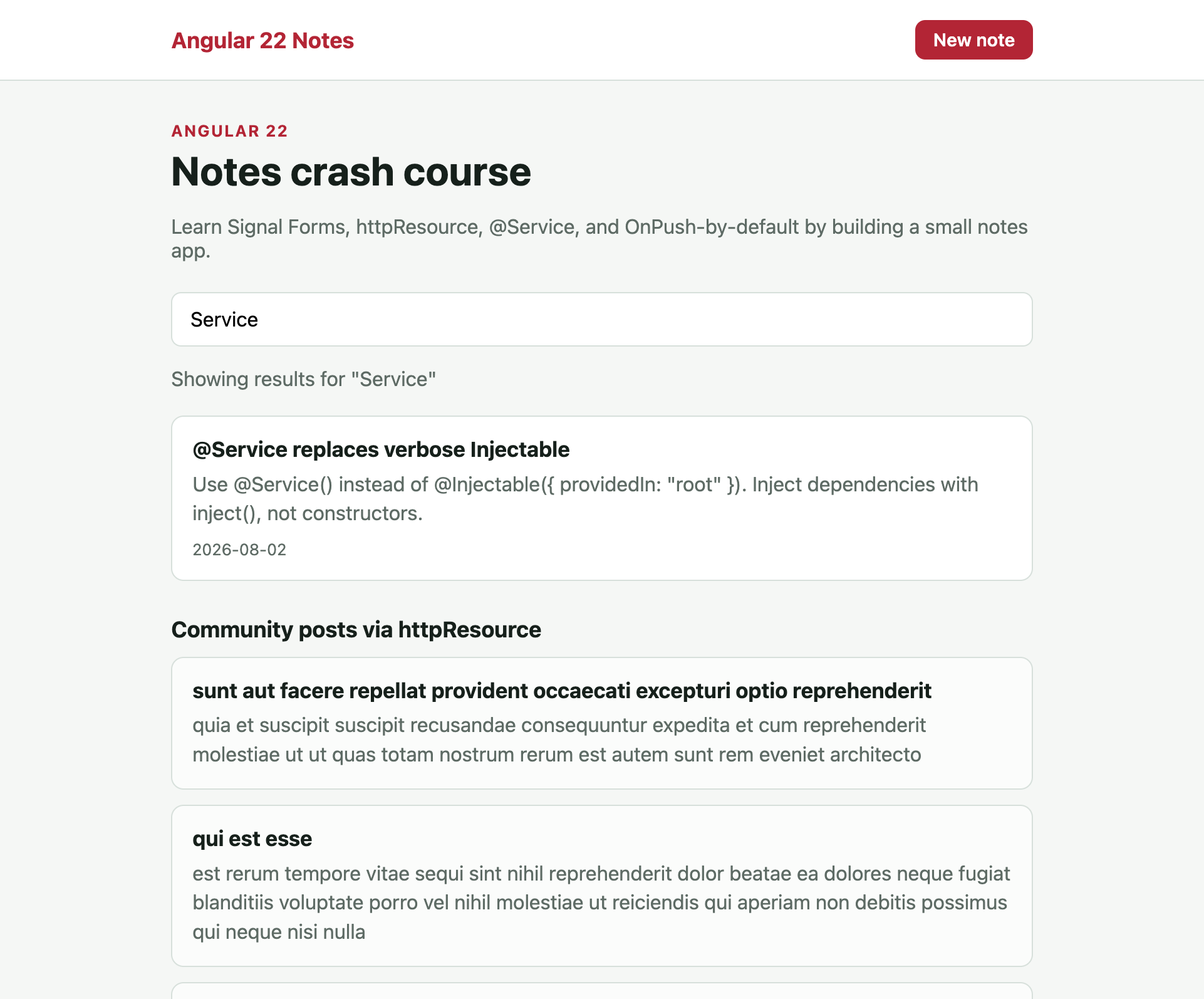
Type Service in the search box. The local list filters, while the JSONPlaceholder posts stay below:
Note detail
Create src/app/note-detail/note-detail.ts. Read the route id with toSignal and look the note up from the service:
import { Component, inject } from '@angular/core';
import { ActivatedRoute, RouterLink } from '@angular/router';
import { toSignal } from '@angular/core/rxjs-interop';
import { map } from 'rxjs';
import { Notes } from '../notes';

@Component({
  imports: [RouterLink],
  selector: 'app-note-detail',
  styleUrl: './note-detail.css',
  templateUrl: './note-detail.html',
})
export class NoteDetail {
  private readonly notes = inject(Notes);
  private readonly route = inject(ActivatedRoute);

  protected readonly note = toSignal(
    this.route.paramMap.pipe(map((params) => this.notes.getById(params.get('id') ?? ''))),
  );
}<a routerLink="/" class="back">← Back to notes</a>
@if (note(); as current) {
<article>
<h1>{{ current.title }}</h1>
<p class="date">{{ current.createdAt }}</p>
<p class="body">{{ current.body }}</p>
</article>
} @else {
<p>Note not found.</p>
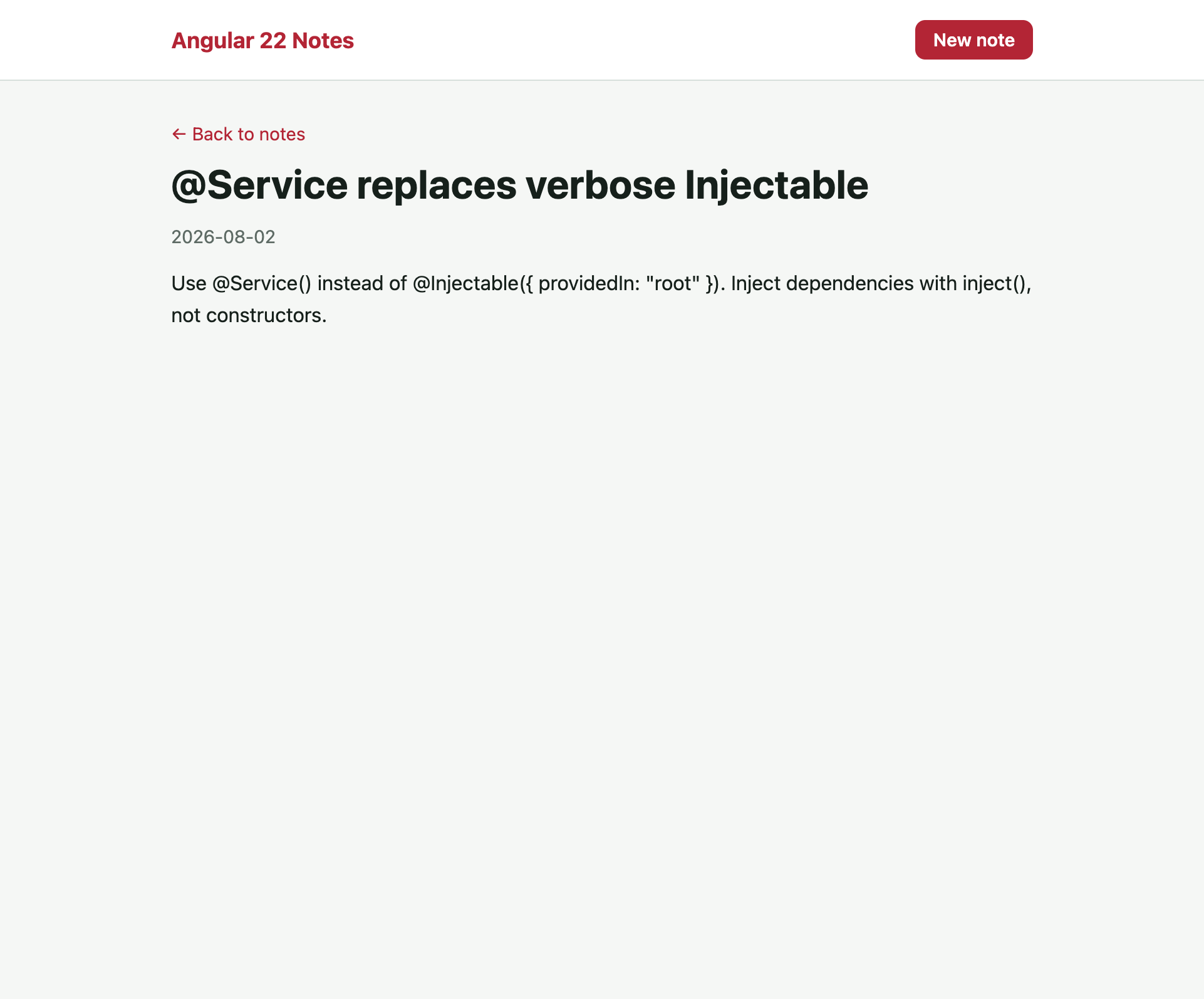
}Open /notes/2 and you should see the @Service seed note:
Signal Forms
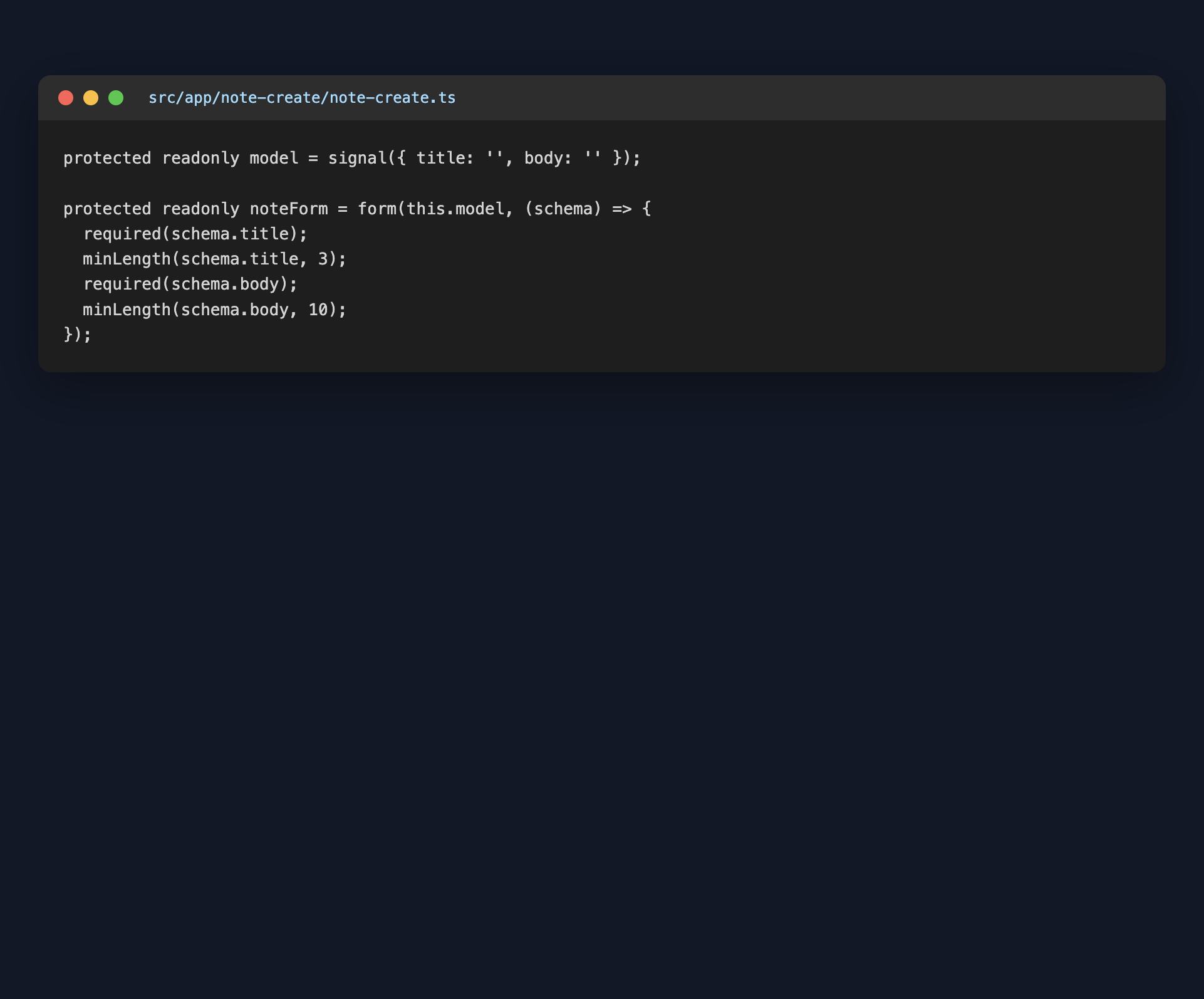
Signal Forms are stable in Angular 22. The model is a signal. form() adds a schema with required and minLength. Bind inputs with [formField], then call submit() on save.
Create src/app/note-create/note-create.ts:
import { Component, inject, signal } from '@angular/core';
import { Router } from '@angular/router';
import { FormField, form, minLength, required, submit } from '@angular/forms/signals';
import { Notes } from '../notes';

@Component({
  imports: [FormField],
  selector: 'app-note-create',
  styleUrl: './note-create.css',
  templateUrl: './note-create.html',
})
export class NoteCreate {
  private readonly notes = inject(Notes);
  private readonly router = inject(Router);

  protected readonly model = signal({
    title: '',
    body: '',
  });

  protected readonly noteForm = form(this.model, (schema) => {
    required(schema.title);
    minLength(schema.title, 3);
    required(schema.body);
    minLength(schema.body, 10);
  });

  protected save() {
    submit(this.noteForm, async () => {
      const value = this.model();
      const note = this.notes.create(value.title, value.body);
      await this.router.navigate(['/notes', note.id]);
    });
  }
}
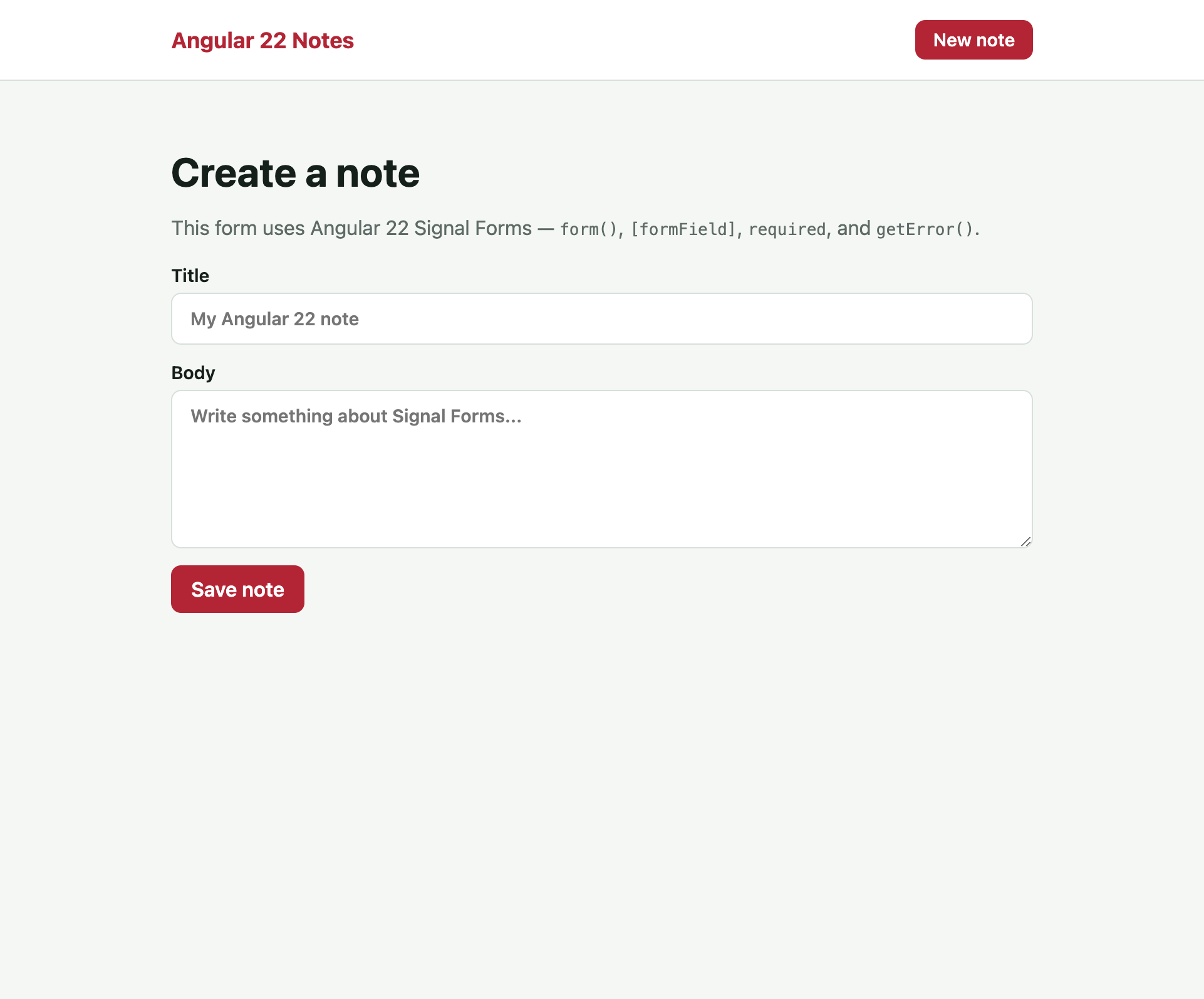
The template uses [formField] and getError() after the field is touched:
<h1>Create a note</h1>
<p class="lede">
  This form uses Angular 22 Signal Forms — <code>form()</code>,
  <code>[formField]</code>, <code>required</code>, and <code>getError()</code>.
</p>

<form (submit)="$event.preventDefault(); save()">
  <label>
    Title
    <input type="text" placeholder="My Angular 22 note" [formField]="noteForm.title" />
  </label>
  @let title = noteForm.title();
  @if (title.touched() && title.invalid()) {
    @if (title.getError('required')) {
      <p class="error">Title is required.</p>
    }
    @if (title.getError('minLength'); as minLengthError) {
      <p class="error">Title should be at least {{ minLengthError.minLength }} characters.</p>
    }
  }

  <label>
    Body
    <textarea rows="6" placeholder="Write something about Signal Forms..." [formField]="noteForm.body"></textarea>
  </label>
  @let body = noteForm.body();
  @if (body.touched() && body.invalid()) {
    @if (body.getError('required')) {
      <p class="error">Body is required.</p>
    }
    @if (body.getError('minLength'); as minLengthError) {
      <p class="error">Body should be at least {{ minLengthError.minLength }} characters.</p>
    }
  }

  <button type="submit">Save note</button>
</form>
Open /notes/new and you get a Signal Form:
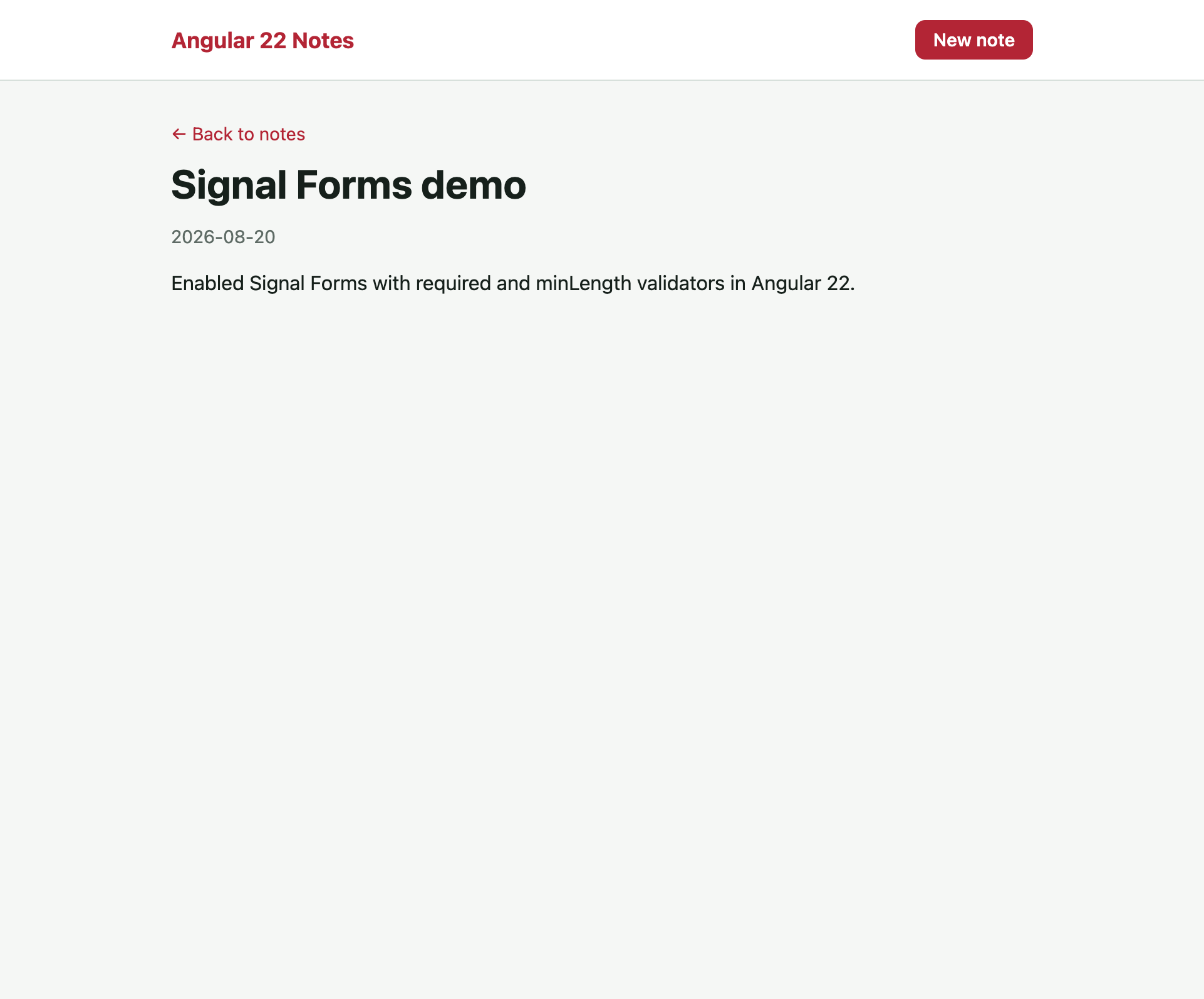
Submit a new note. You are redirected to the detail page:
provideHttpClient(withFetch())
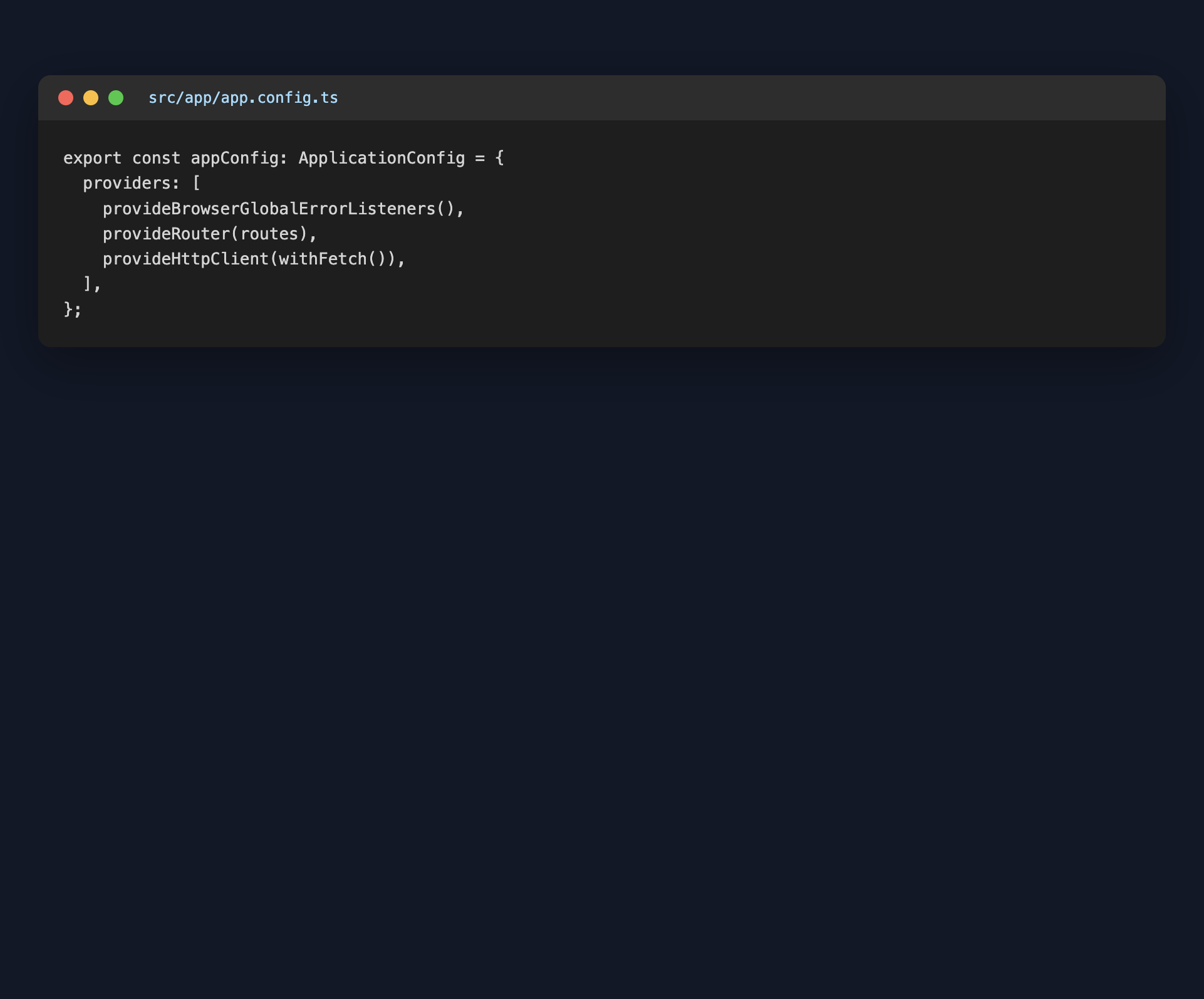
httpResource needs the HTTP client. Add it next to the router in src/app/app.config.ts:
import { ApplicationConfig, provideBrowserGlobalErrorListeners } from '@angular/core';
import { provideHttpClient, withFetch } from '@angular/common/http';
import { provideRouter } from '@angular/router';
import { routes } from './app.routes';

export const appConfig: ApplicationConfig = {
  providers: [
    provideBrowserGlobalErrorListeners(),
    provideRouter(routes),
    provideHttpClient(withFetch()),
  ],
};
main.ts still bootstraps the standalone App with that config — no NgModule:
import { bootstrapApplication } from '@angular/platform-browser';
import { appConfig } from './app/app.config';
import { App } from './app/app';

bootstrapApplication(App, appConfig)
  .catch((err) => console.error(err));
OnPush by default
In Angular 22, OnPush is the default change detection strategy. The old Default strategy is now called Eager. You do not need changeDetection: ChangeDetectionStrategy.OnPush on every component anymore — signals plus OnPush is the path the framework expects.
That is why the notes list, search computed(), and httpResource all update from signals without extra markForCheck() calls.
Final app
You now have a working Angular 22 notes app: @Service(), Signal Forms, httpResource, inject(), and OnPush by default.
Wrap up
What we covered:
- Angular 22 CLI generating
app.ts/app.html(Node 22+, TypeScript 6) @Service()instead of@Injectable({ providedIn: 'root' })inject()instead of constructor injection- Signal Forms —
form(),[formField],required,minLength,getError(),submit() httpResourcefor signal-based HTTPprovideHttpClient(withFetch())- OnPush as the default change detection strategy
For the older NgModule / Angular 12 mental model, continue with the Angular Basics series — then come back here for the 22 APIs.
You can find the project created in this blog here